Core
Core features
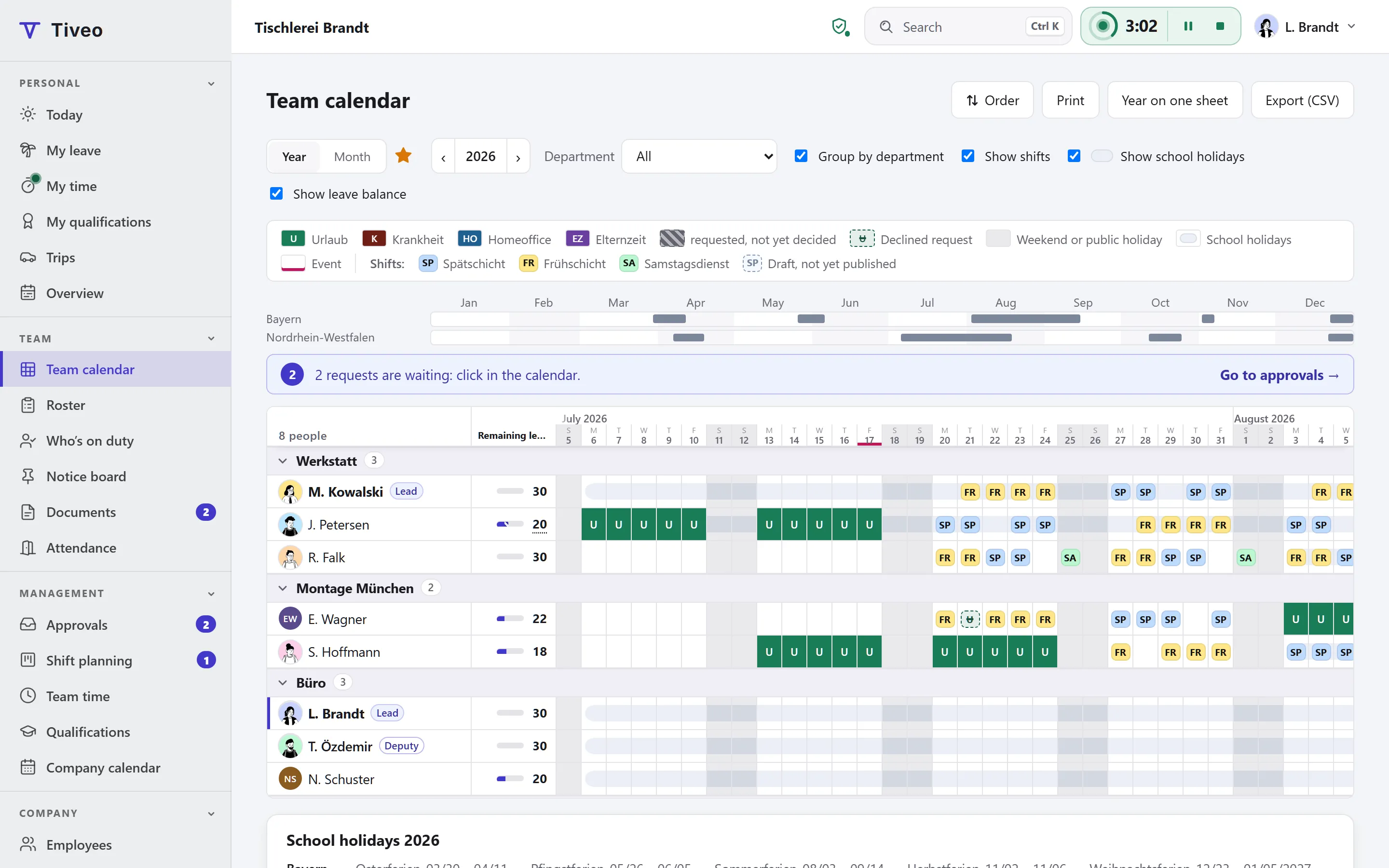
What every company needs: people with and without accounts, structure and roles, public holidays, notice board, documents, data protection and export.
Learn moreFeatures
Tiveo is made up of a core every business needs and five modules: absences, time recording, shift planning, qualifications and the vehicle logbook. Absences are always on; add the others when you need them. From Team, every module is in the price.
The core carries what every module needs: people, structure, roles and calendars. The five modules sit on top of it, and each has its own page built the same way.
Core
What every company needs: people with and without accounts, structure and roles, public holidays, notice board, documents, data protection and export.
Learn moreModule
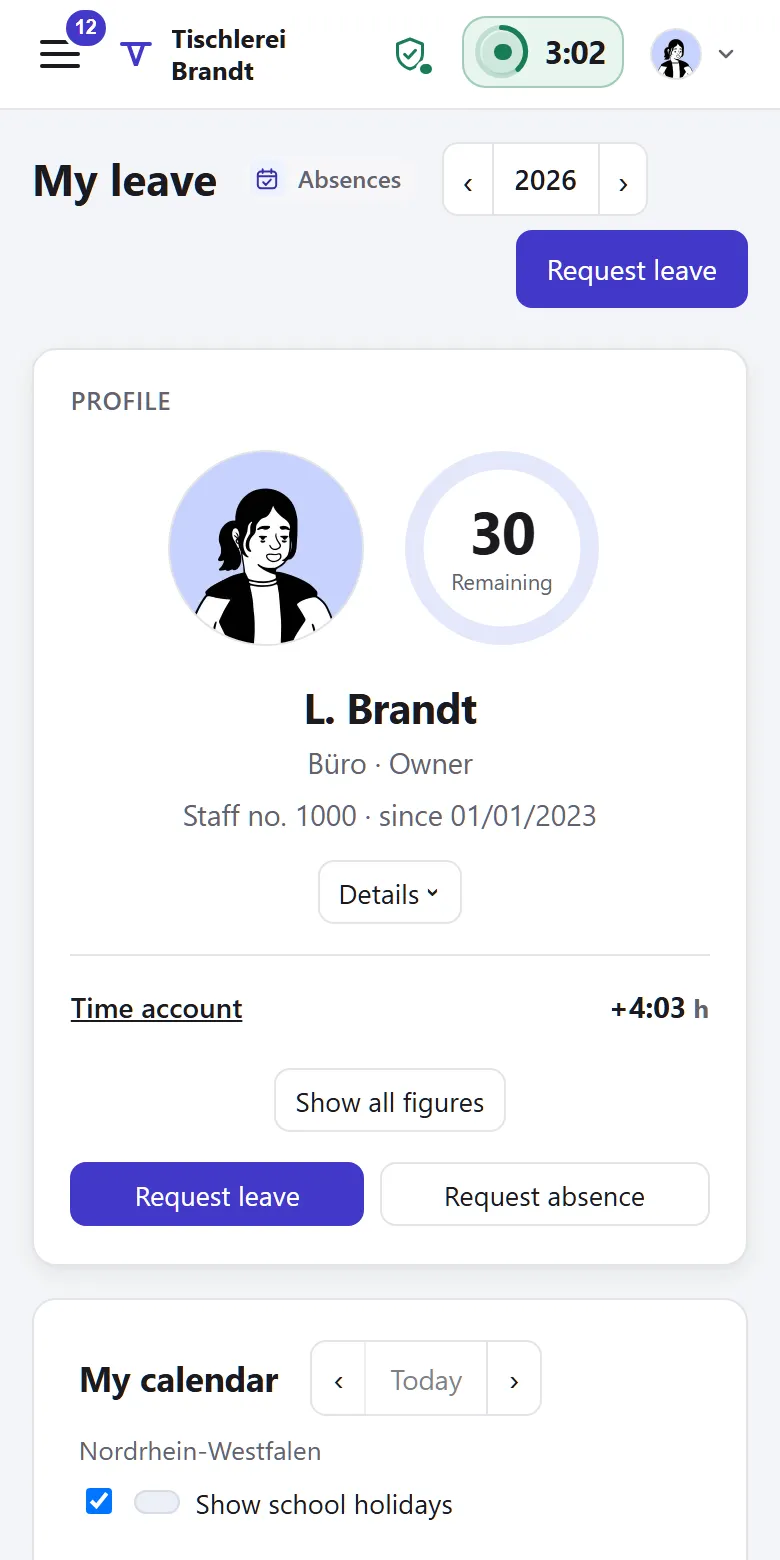
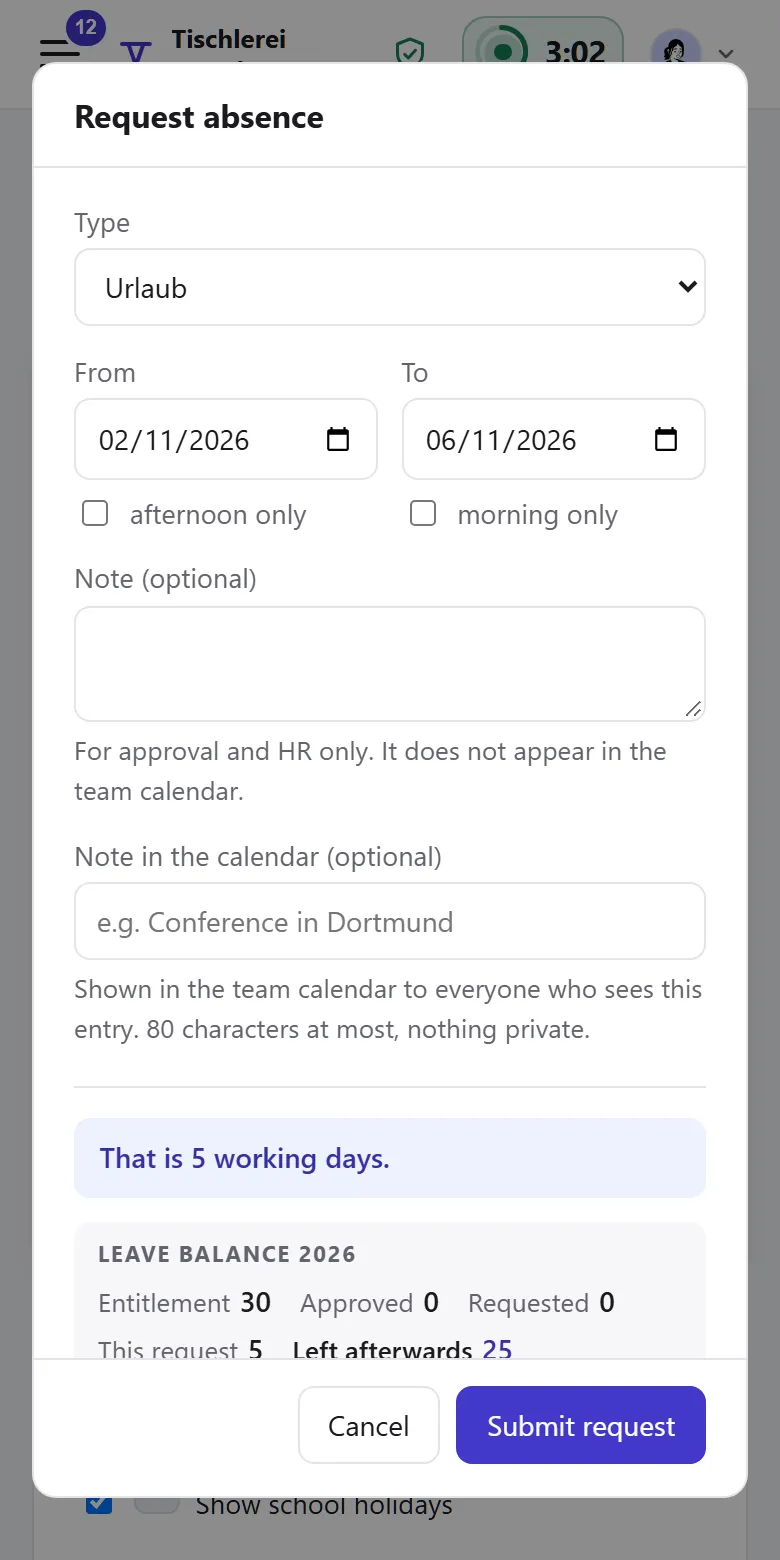
Request and approve leave, calculate remaining leave and part-time, with sick leave and every other absence in one calendar.
Learn moreModule
Record working time in the browser, on the phone or at a terminal, with a time account, Working Time Act checks, a payroll export and project hours if you wish.
Learn moreModule
Rosters with demand, a check before publishing, open shifts, swaps and checklists, linked to leave and hours.
Learn moreModule
Safety briefings, first aiders and training points: who has what, and what runs out soon.
Learn moreModule
In beta: start trips the way you clock in, with an unbroken odometer chain and every change visible, plus costs and mileage allowance.
Learn moreIntegrations with calendars and Excel, in beta with Personio, DATEV and via API →
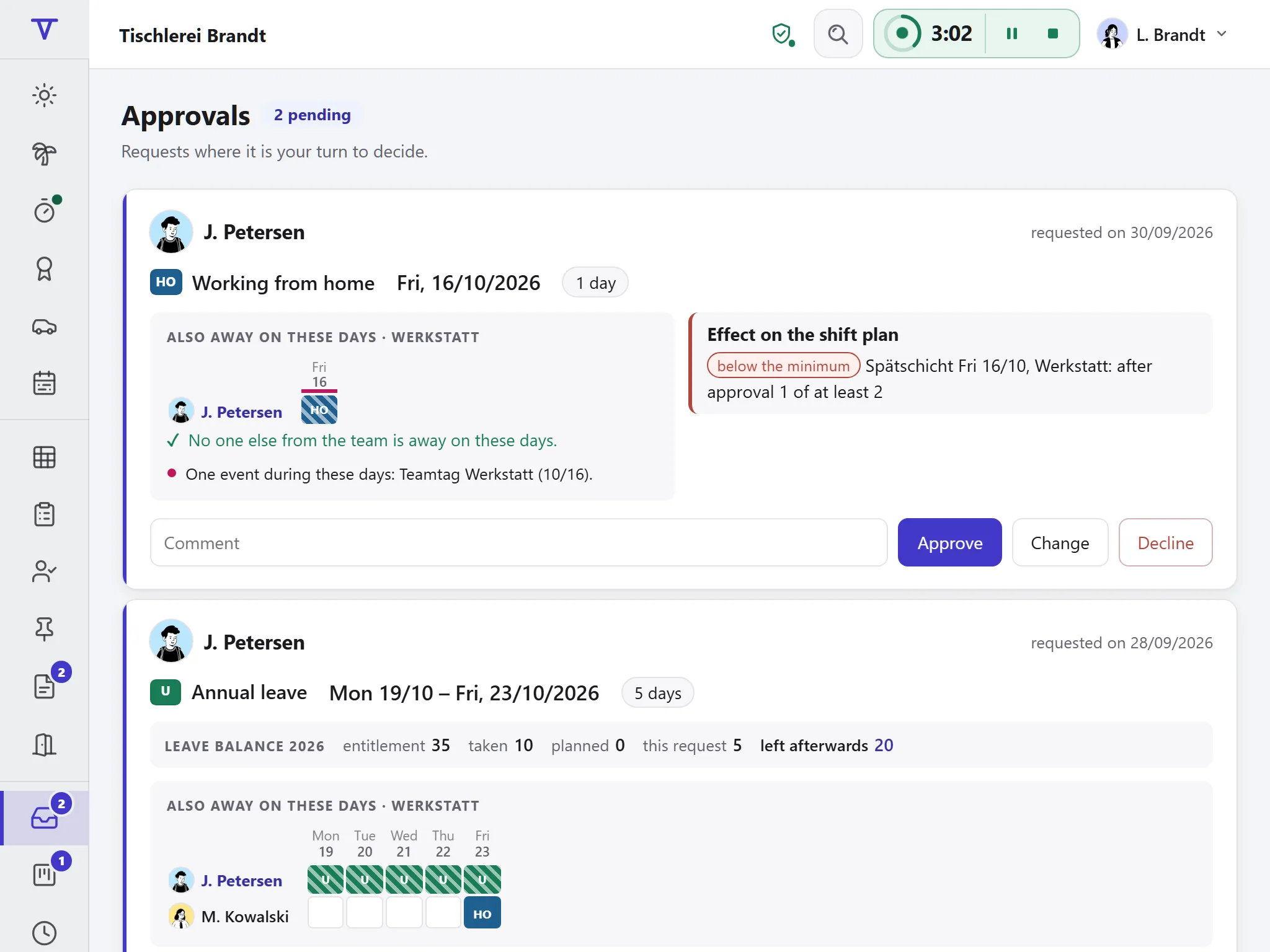
When several modules are on, they share one database. Here is what one event sets off in absences, time recording and shift planning.
The links between the modules have no switch of their own. They come into being as soon as two modules apply to the same person on the same day. Qualifications and the vehicle logbook sit alongside, drawing on the same people and departments; a trip can clock you in.
You switch on time recording, shift planning, qualifications and the vehicle logbook in Settings from a date you choose, first for set-up and then for everyone. Absences are always on.
A medical practice plans differently from a plant running three shifts. The industry pages show which planning method fits and which rules apply, and point to the features you will need.
Core, absences and shift planning are included in every plan, time recording, qualifications and the vehicle logbook from Team, at no extra cost. What sets the plans apart is in the price table.
| Plan | Free | Team | Business | Company |
|---|---|---|---|---|
| Employees | up to 5 | up to 15 | up to 50 | up to 100 |
| Price per month | €0 | €19 | €59 | €119 |
| All modules | ✓ | ✓ | ✓ |
If your question isn’t here, ask the developers directly.
No. Absences are always included. You switch time recording, shift planning, qualifications and the vehicle logbook on when you need them, and off again when you don’t, each from a date you choose.
No. The paid plans include every module, the free plan absences and shift planning. What sets the plans apart is in the price table.
No. Switching off takes effect from a date: after it, nothing new is recorded, and nothing is deleted. Everyone still sees their data and can download it, and the full export includes it.
No. There is one login and one menu, and a module’s items appear in it as soon as the module applies to someone. For everyone else the menu stays as it was.
For businesses, the self-employed and freelancers with staff, from a small trade business to a mid-sized company with several sites in Germany, Austria and Switzerland. It is not meant for private use.
Tiveo is developed continuously. Every change is listed with its date under What’s new.
The demo shows a joinery with eight people at two sites and every module. You don’t need to sign up and can switch modules on and off there.