Skip to content
DE

The core of every module

The core features every module is built on

Who works where, with which rights and on which public holidays is entered once in the core and applies to every module. No module keeps its own staff list.

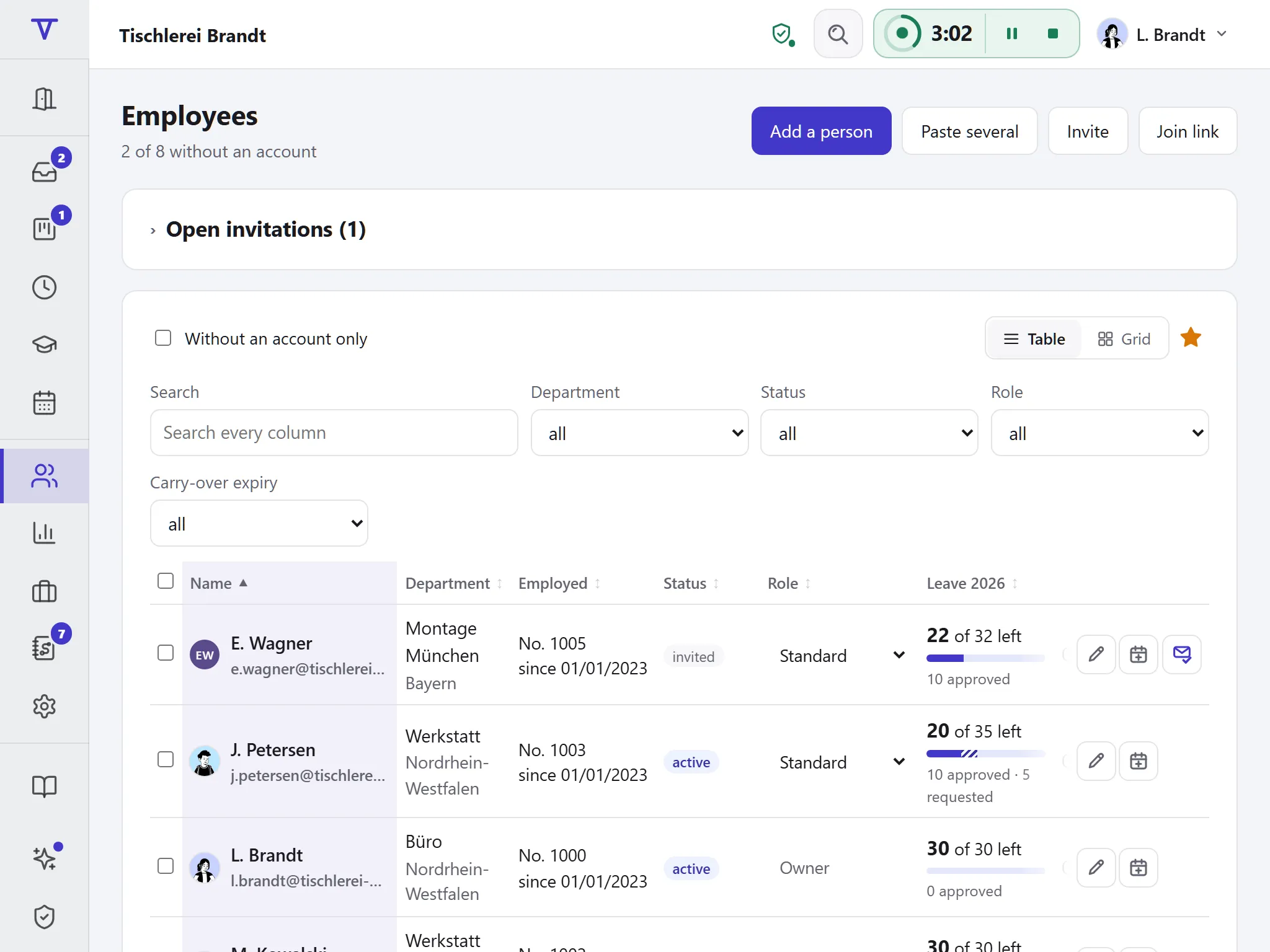
  • People without an account of their own
  • Public holidays for 51 states and cantons
  • Servers in Germany, data processing agreement to download
6 ways to bring people into the company
51 states and cantons with their own public holidays
Included in the price in every plan, at no extra cost

What each role asks

Employees

“Where do I see what concerns me?”

One sign-in shows your own leave, hours and shifts, at the desk or on your phone.

Managers

“Who is on my team?”

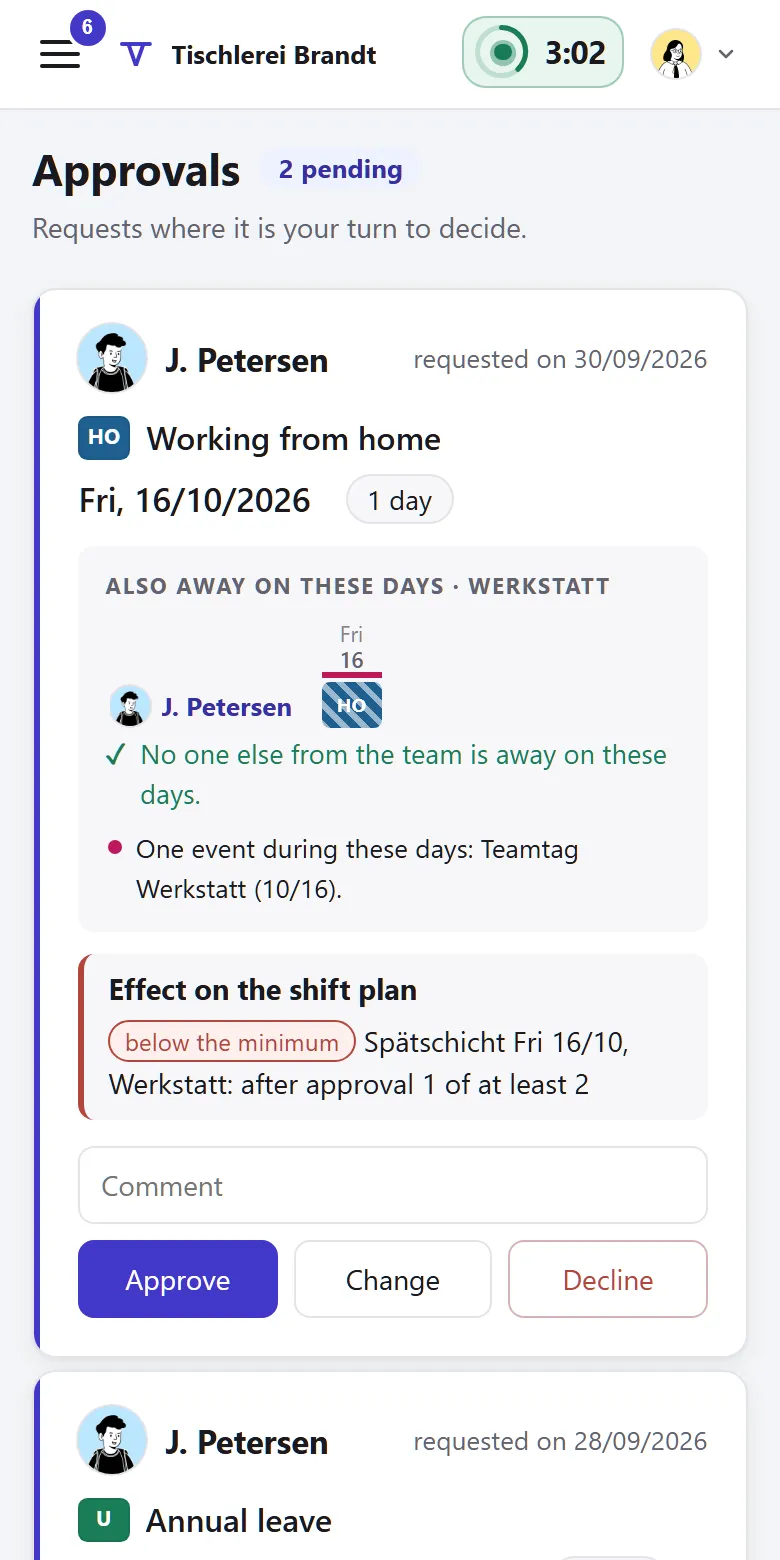
Heads see their unit and everything below it. Leading and administering are separate rights.

HR and administration

“Are records and rights correct?”

Add, invite or import people and keep the structure current. Every change is logged.

How you set up Tiveo

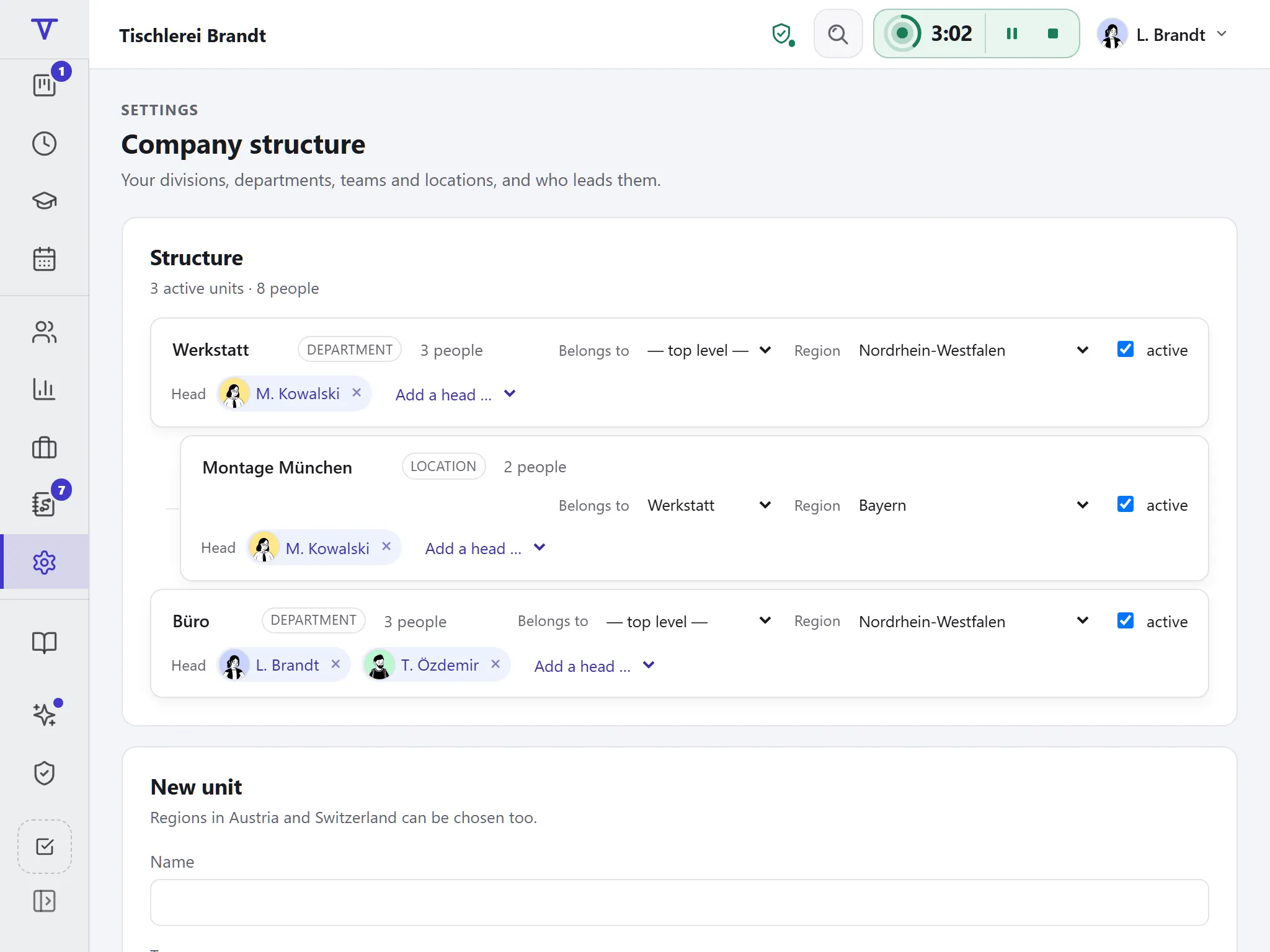
  1. Map the structure

    Departments, teams and sites with their heads. The site decides the public holidays.

  2. Bring in people

    Add, invite or import them from a CSV or the Excel leave planner’s workbook.

  3. Choose modules

    Switch on time recording, shift planning, qualifications or the vehicle logbook from a date. A list shows what is still missing; switching off deletes nothing.

What the core contains

These belong to no single module; every business gets them.

Managing people

There are six ways to bring people in, and you can plan for everyone without anyone signing up.

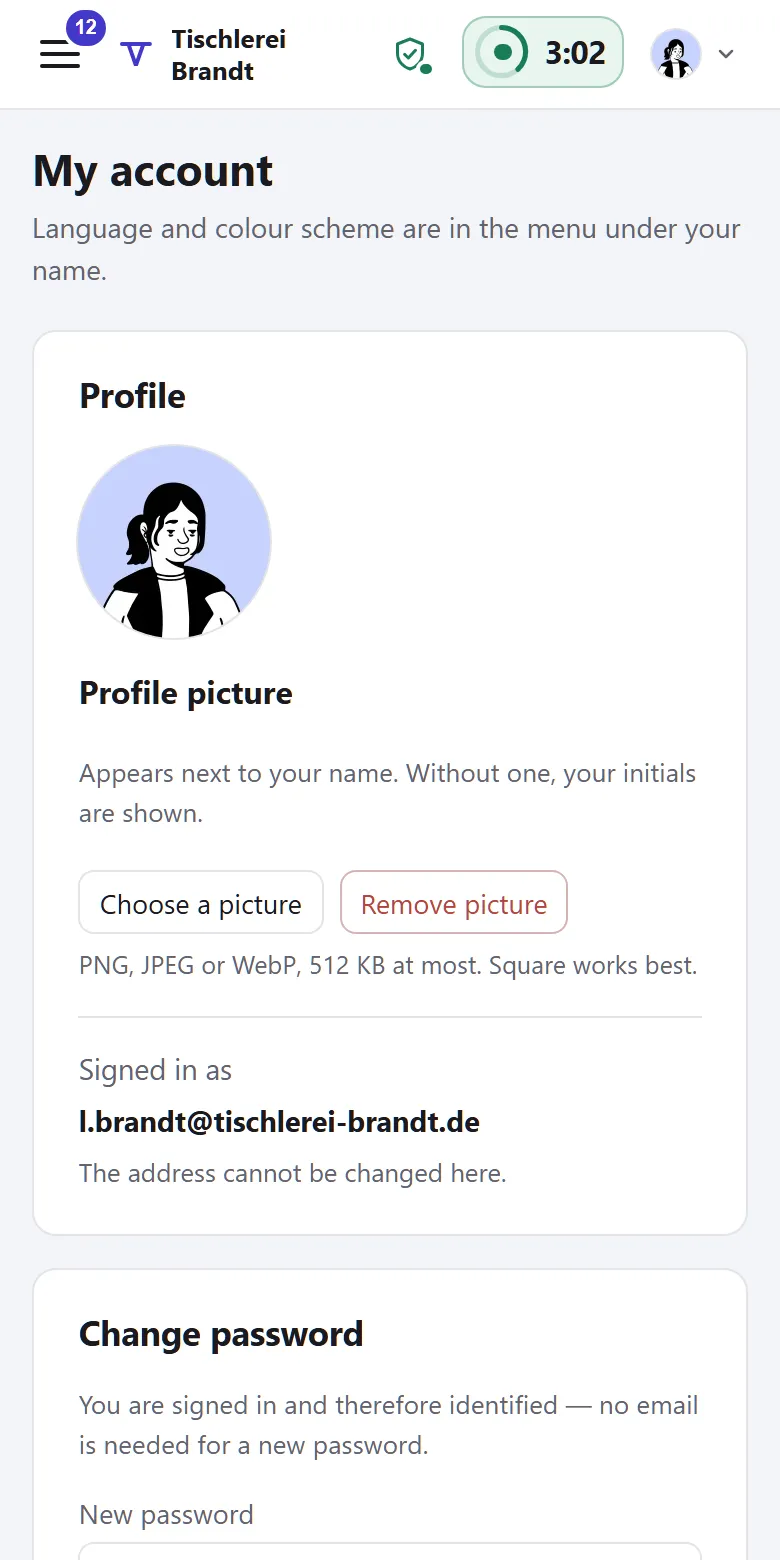
  • Add people without an account or email address
  • Invitation by email, join link or QR code
  • Import from CSV or your Excel file
  • Self sign-up through your email domain
  • Sync with Personio, as a beta in the paid plans
Structure, roles and rights

Departments, teams and sites form a tree, and role and unit decide what each person can see and do.

  • Heads and deputies per unit
  • Managers see their own branch, not the whole company
  • An account just for administration, with no leave of its own
  • A handbook for everyone: who leads what and may do what, who approves requests and which rules apply, live from the settings and ready to print
  • Support access only after your approval, logged

Holidays, calendars, notice board, documents

Public and school holidays for Germany, Austria and Switzerland, per person by place of work. Plus your company calendar, notice board and documents.

  • Statutory holidays of all 51 states and cantons
  • School holidays, kept up to date automatically
  • Days off and events for everyone or selected teams
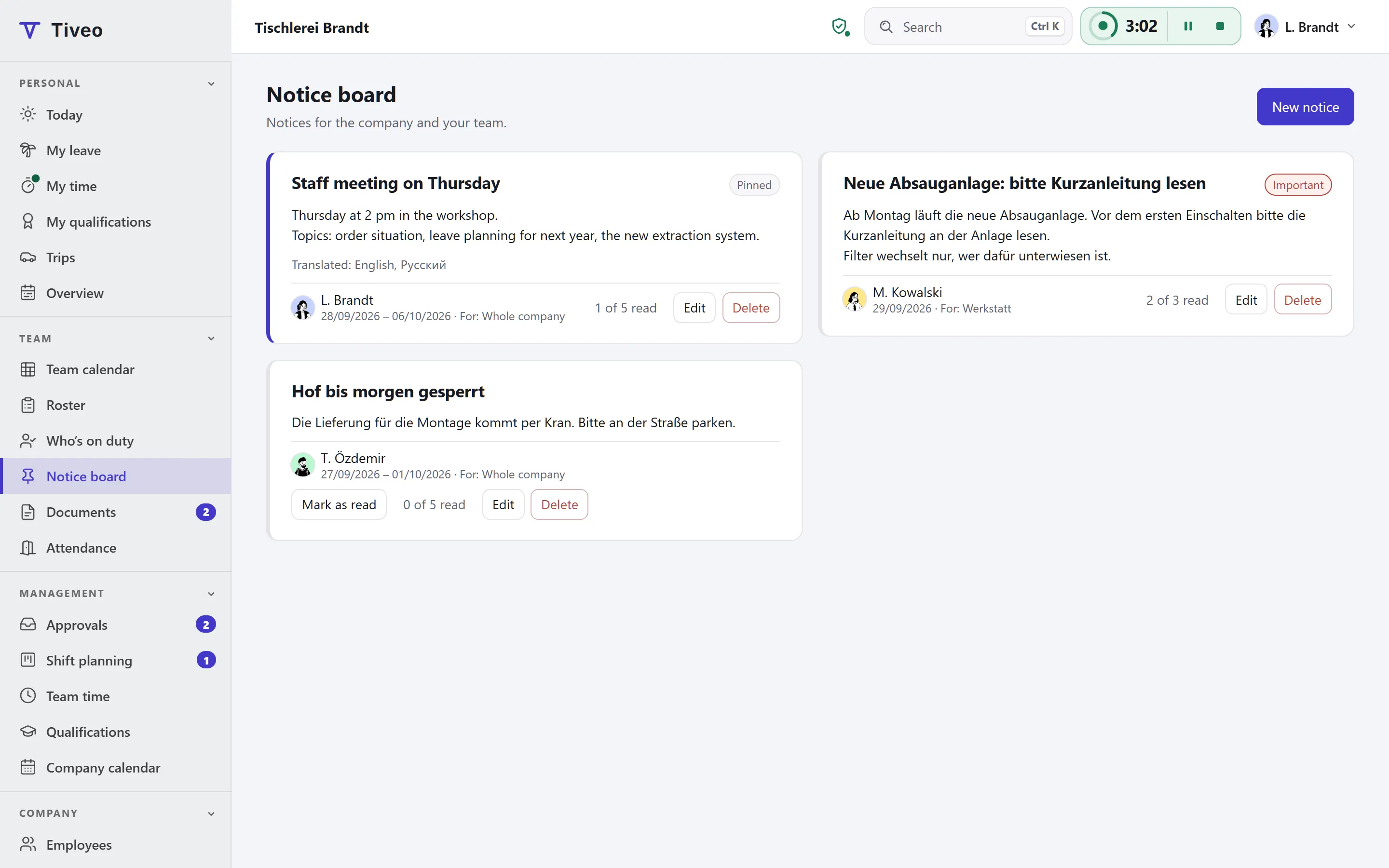
  • Notices for everyone or selected teams, translatable, read receipts if you want them
  • Instructions and rules as text or PDF, read-only for employees and ready to download

Data protection and export

For each absence type you decide who sees the reason. You can download all your data at any time, on the free plan too.

  • Sickness reasons never even reach colleagues’ browsers
  • Complete audit log
  • CSV, calendar feed and full export
  • Encrypted automatic backup (beta, paid plans)
  • File for DATEV, as a beta in the paid plans
  • No location or fingerprints when clocking in; attendance only if you switch it on

Personio, DATEV and other integrations →

Your look

Your company’s logo and brand colour in your people’s view. The calendar colours stay the same, so leave looks like leave everywhere.

  • Separate logos for light and dark mode
  • One brand colour is enough, contrast is checked
Nordbau GmbH
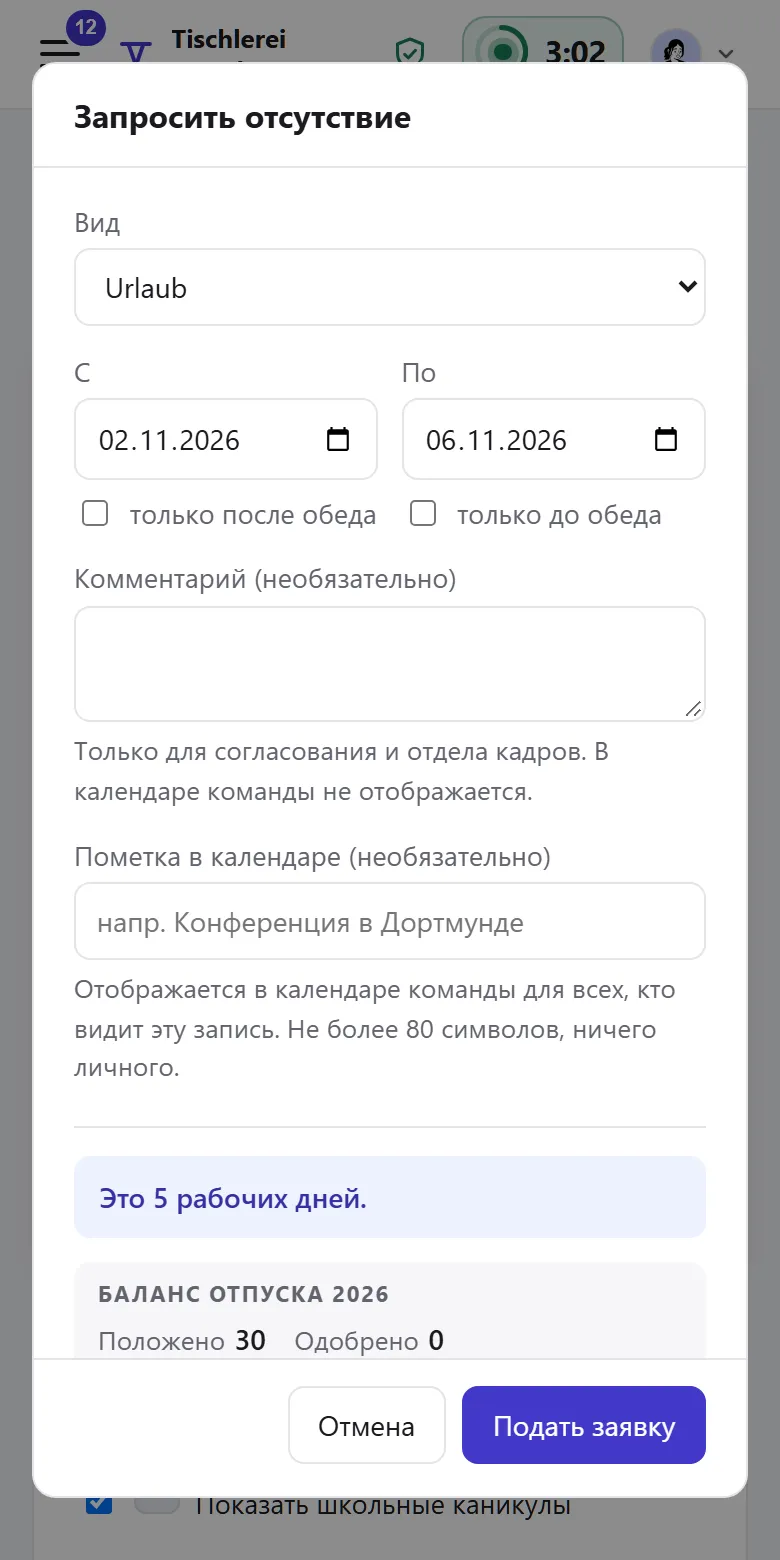
Request leave
Wagner Logistik
Request leave
Kellerei Brandt
Request leave
Three companies in the same application. Typeface and calendar colours stay the same, and leave is green everywhere. The middle button has black text because white on that yellow would only reach a contrast of 1.3 to 1. Tiveo works this out itself.

How the core carries the modules

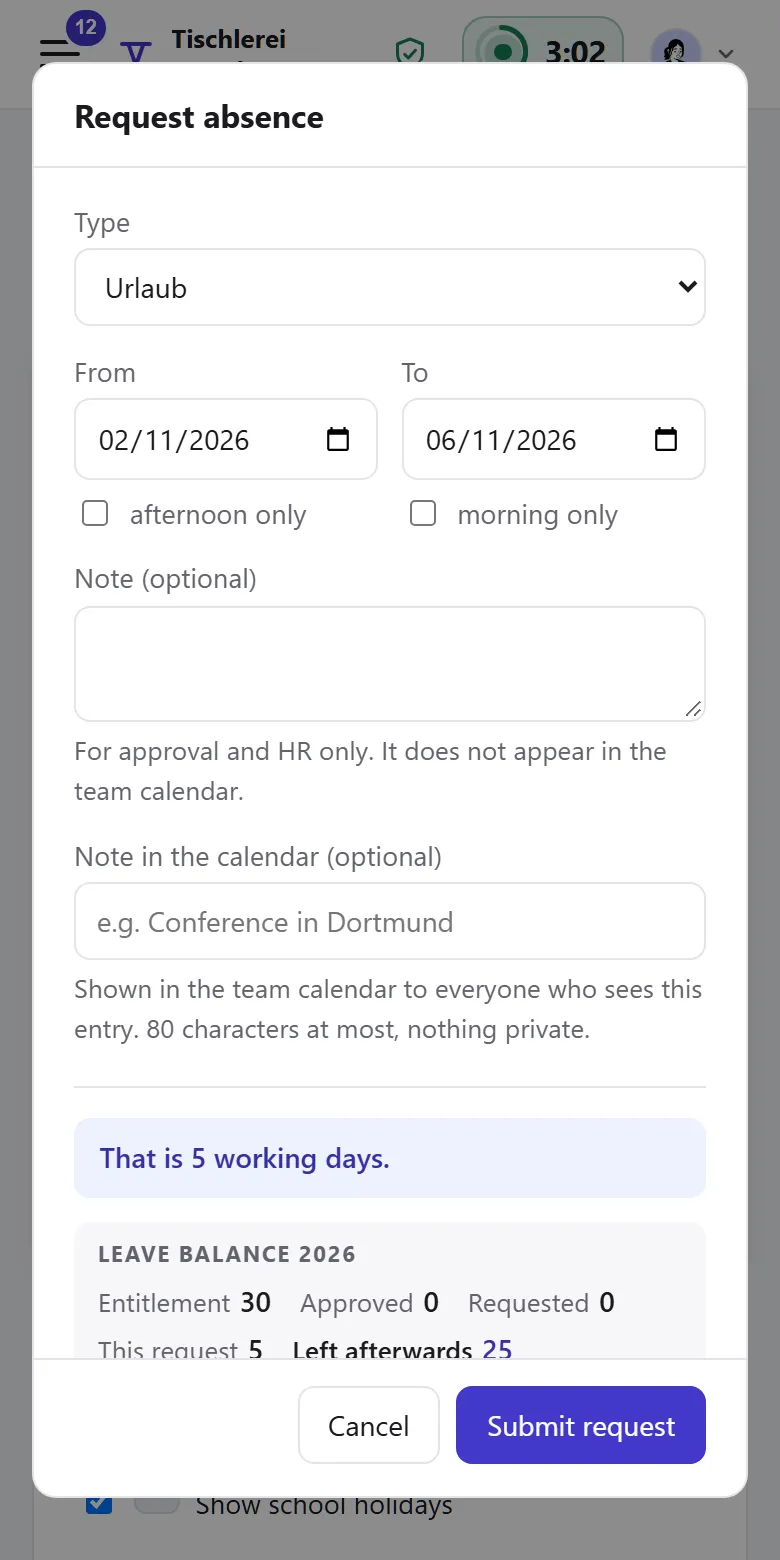
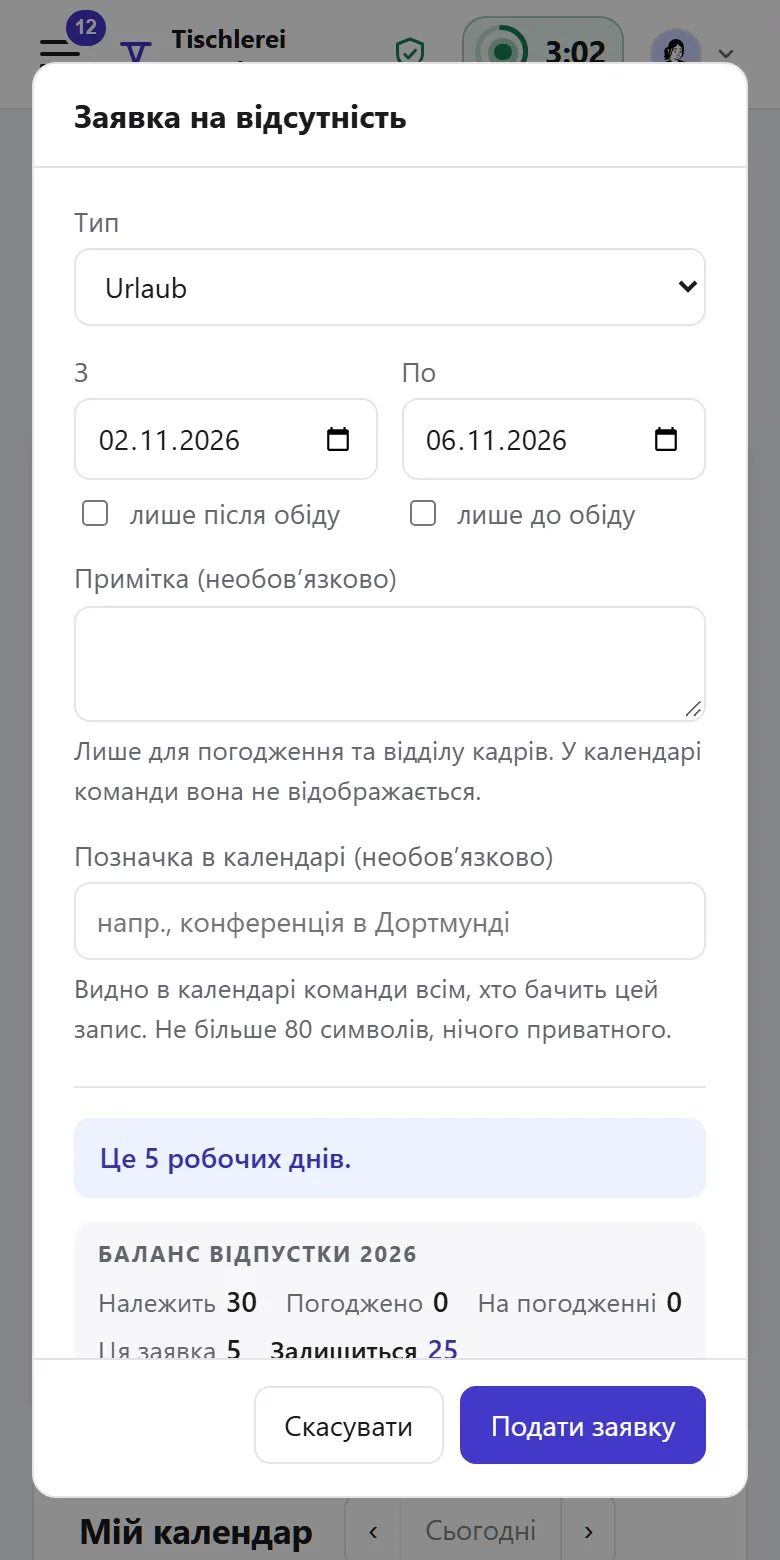
  • Absences The place of work decides the public holidays, the structure who approves a request.

  • Time recording The target comes from weekly hours; whose time is recorded you choose by units.

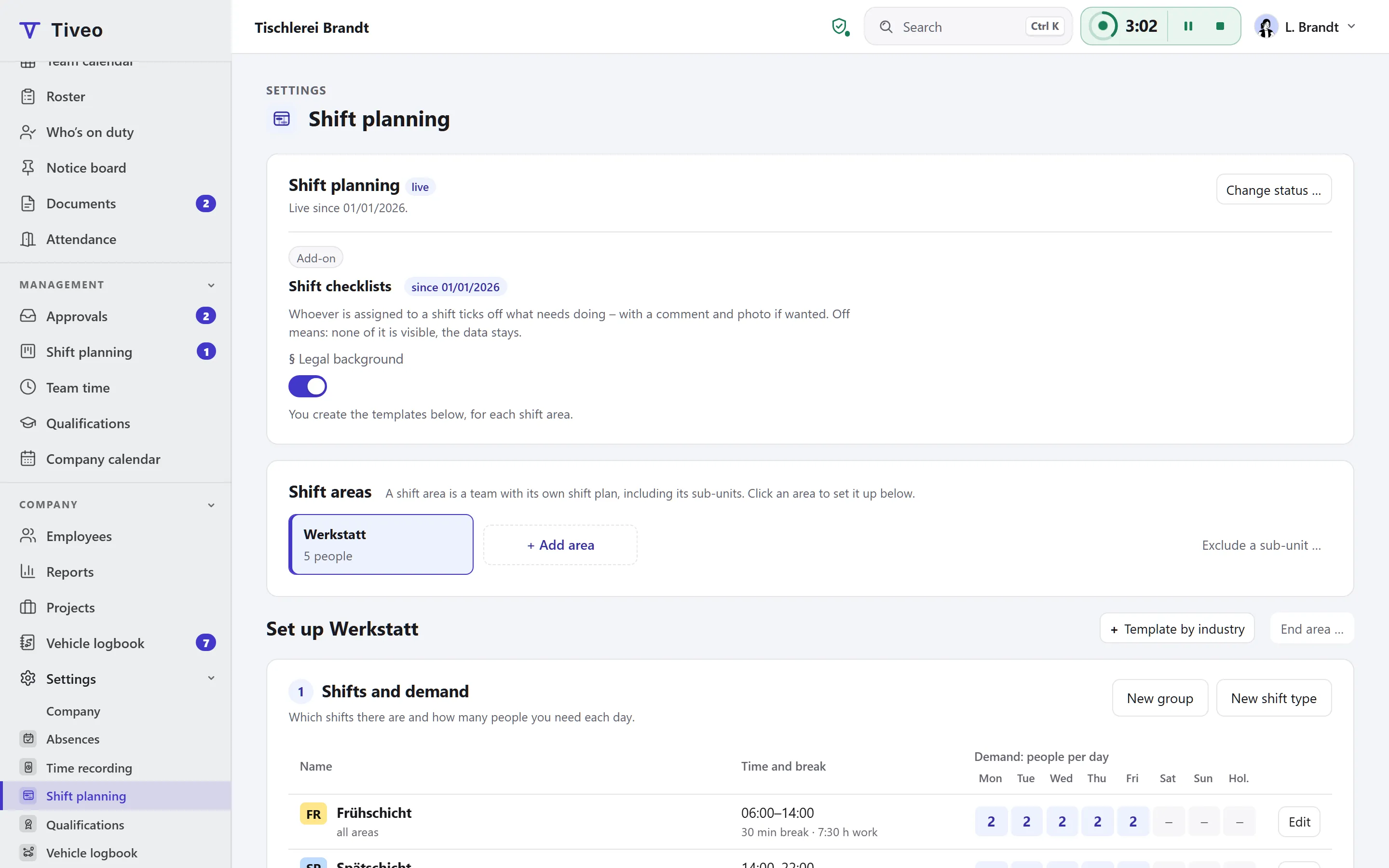
  • Shift planning A shift area is a unit. Anyone employed there can be scheduled, even without an account.

Notice board and push

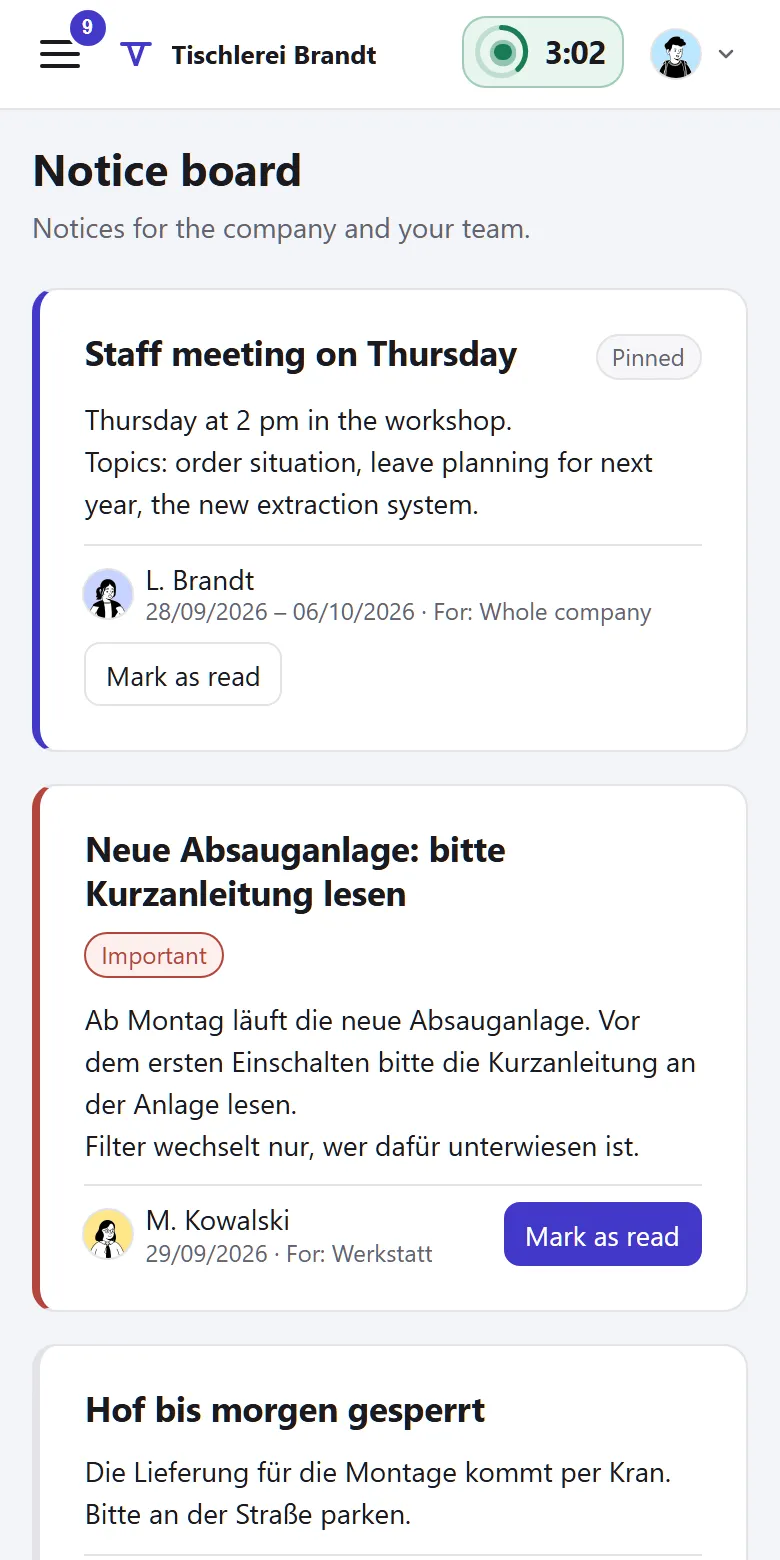
What everyone needs to know goes on the notice board

It replaces the sheet of paper by the gate. Push notifications say what is waiting but leave out names and details.

The law the core takes care of

What applies to every company that processes employee data in software.

What applies, where it is written and what Tiveo does with it
  1. Anyone who has a service provider process employee data needs a data processing agreement with them.

    Art. 28 GDPR

    In Tiveo: The data processing agreement is ready to download, pre-filled, before you sign up.

  2. Employees have a right to information about the data processed about them, and to a copy.

    Art. 15 GDPR

    In Tiveo: Everyone sees their own absences, leave accounts and recorded time and downloads their time as CSV.

  3. If a company introduces technical equipment that can monitor behaviour or performance, the works council has a say.

    § 87(1) no. 6 BetrVG

    In Tiveo: For absences there is a template works agreement, as a page, a PDF and a Word file.

  4. Providers of data processing services must let their customers switch to another provider and take their data with them.

    Art. 23 et seq. Regulation (EU) 2023/2854 (Data Act)

    In Tiveo: The full export downloads all of your company’s data; how switching works is described on the data export page.

As of 26 September 2026. These sentences summarise the legal position and are not legal advice. Collective agreements and works agreements may provide otherwise.

Included in every plan

The core is part of every plan, the free one too. What sets the plans apart is in the price table.

All plans and features compared →

Plan FreeTeamBusinessCompany
Employees up to 5up to 15up to 50up to 100
Price per month €0€19€59€119
Core features ✓ ✓ ✓ ✓

Common questions

If your question isn’t here, ask the developers directly.

Ask a question
Does everyone need an account of their own?

No. You can add people and plan for them without anyone signing up. For time recording, a person without an account needs another route: a manager or HR enters their time, or they clock in at the terminal.

How does the data from our Excel list get in?

By import: Tiveo reads people, teams, entitlements, remaining leave and existing entries from your Excel file or a CSV. Before anything is taken over, a test run shows line by line what would be created.

Which public holidays does Tiveo know?

The statutory public holidays of the 16 German and 9 Austrian states and the 26 Swiss cantons. Which ones apply depends on where someone works: in Munich they get the Assumption off, in Neuss they don’t.

Where is our data stored?

Database and files are on a server in Germany that we run ourselves; email and program files with a hosting company, also in Germany. The second backup copy is on our own storage device on our premises. Which service providers are involved is listed in Annex 3 of the data processing agreement.

Is there an app?

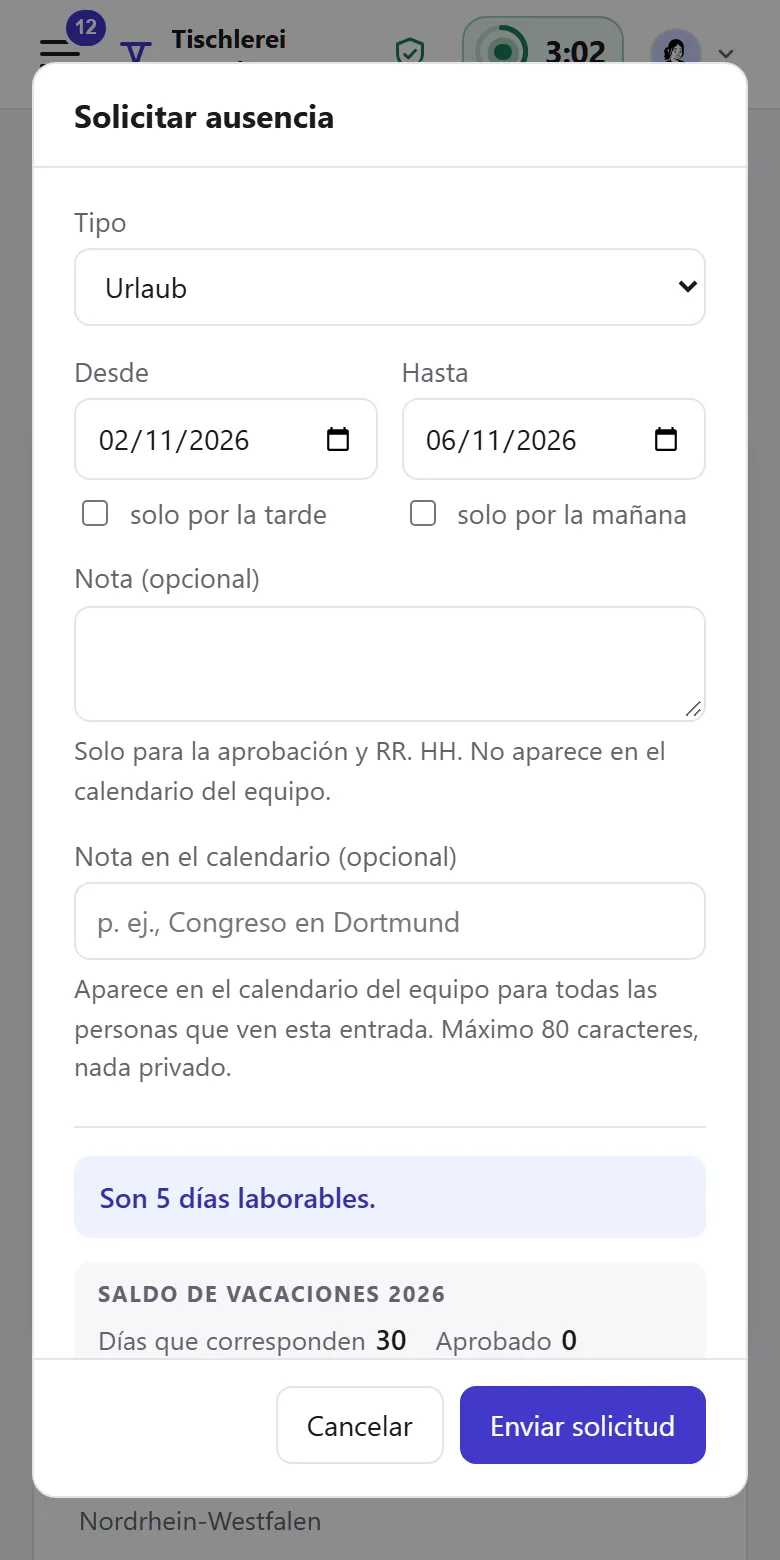
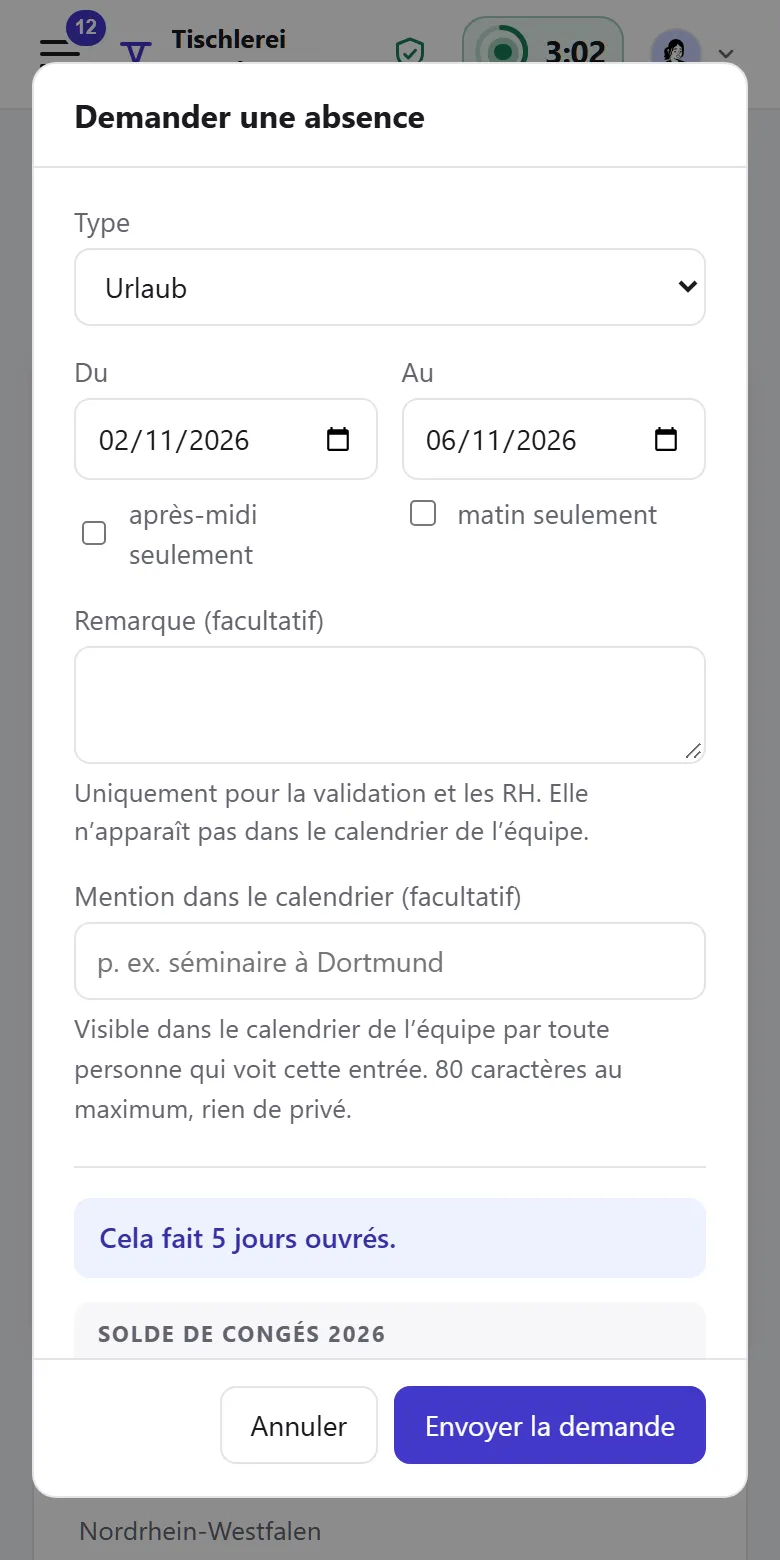
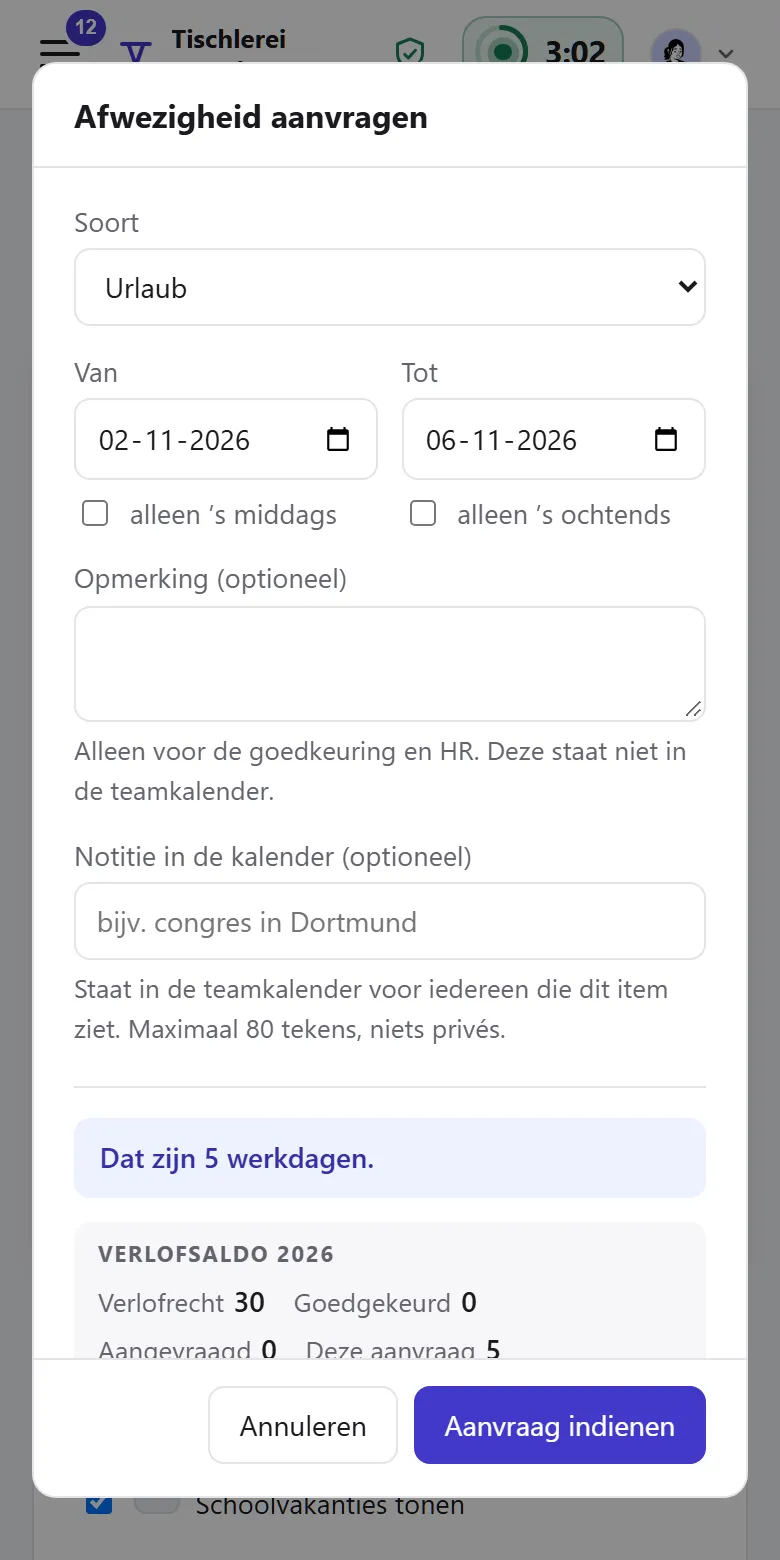
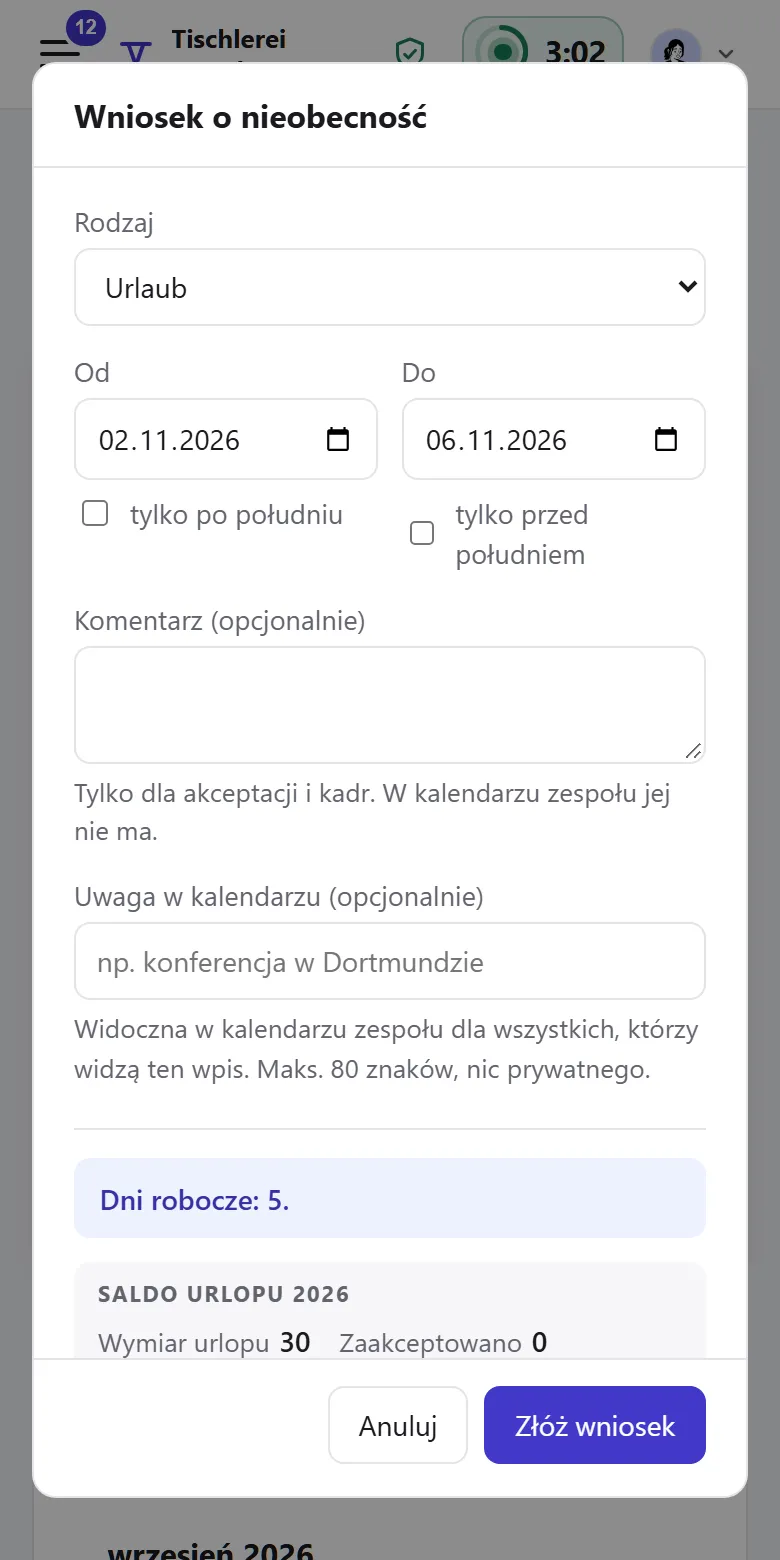
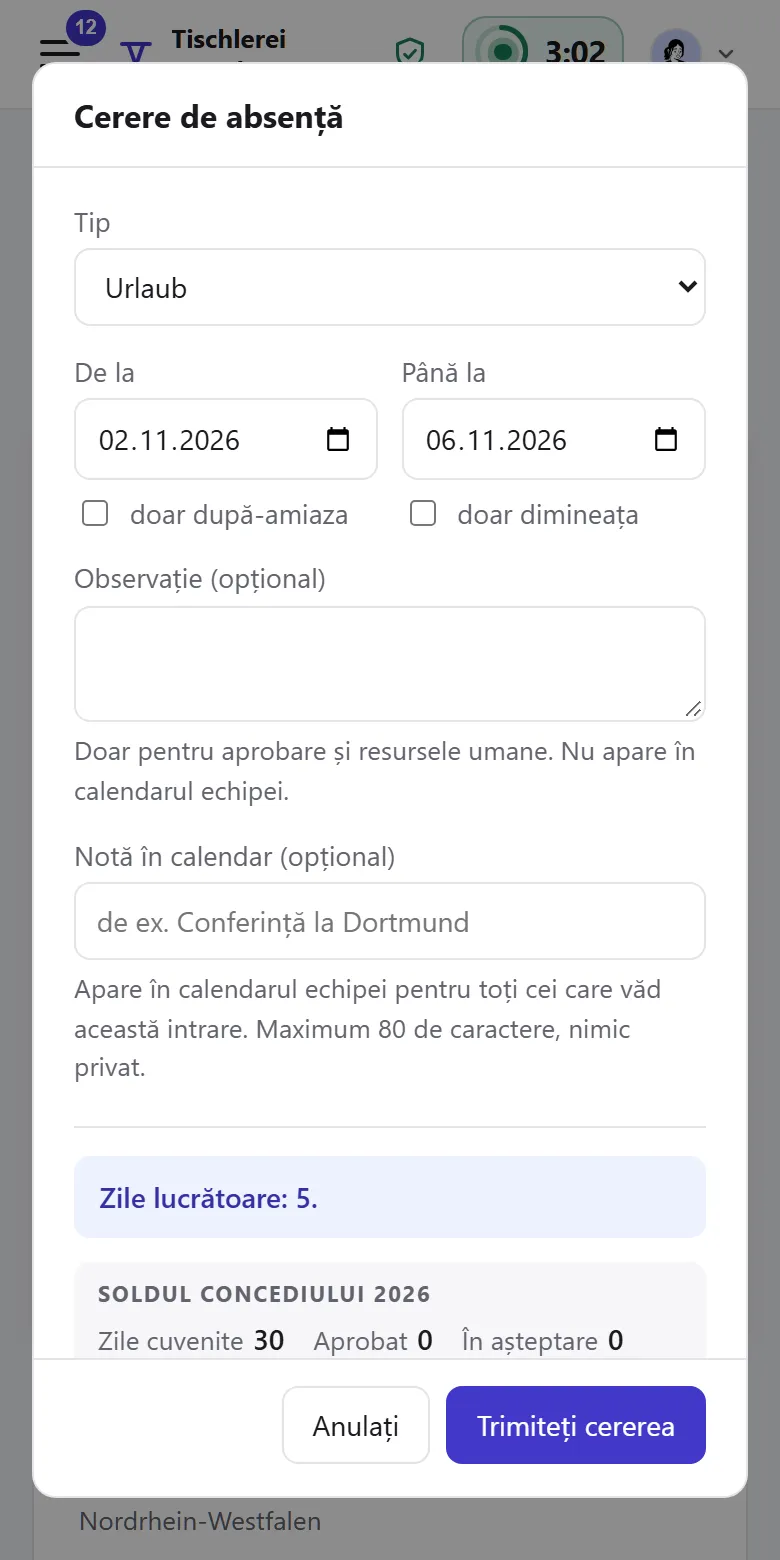
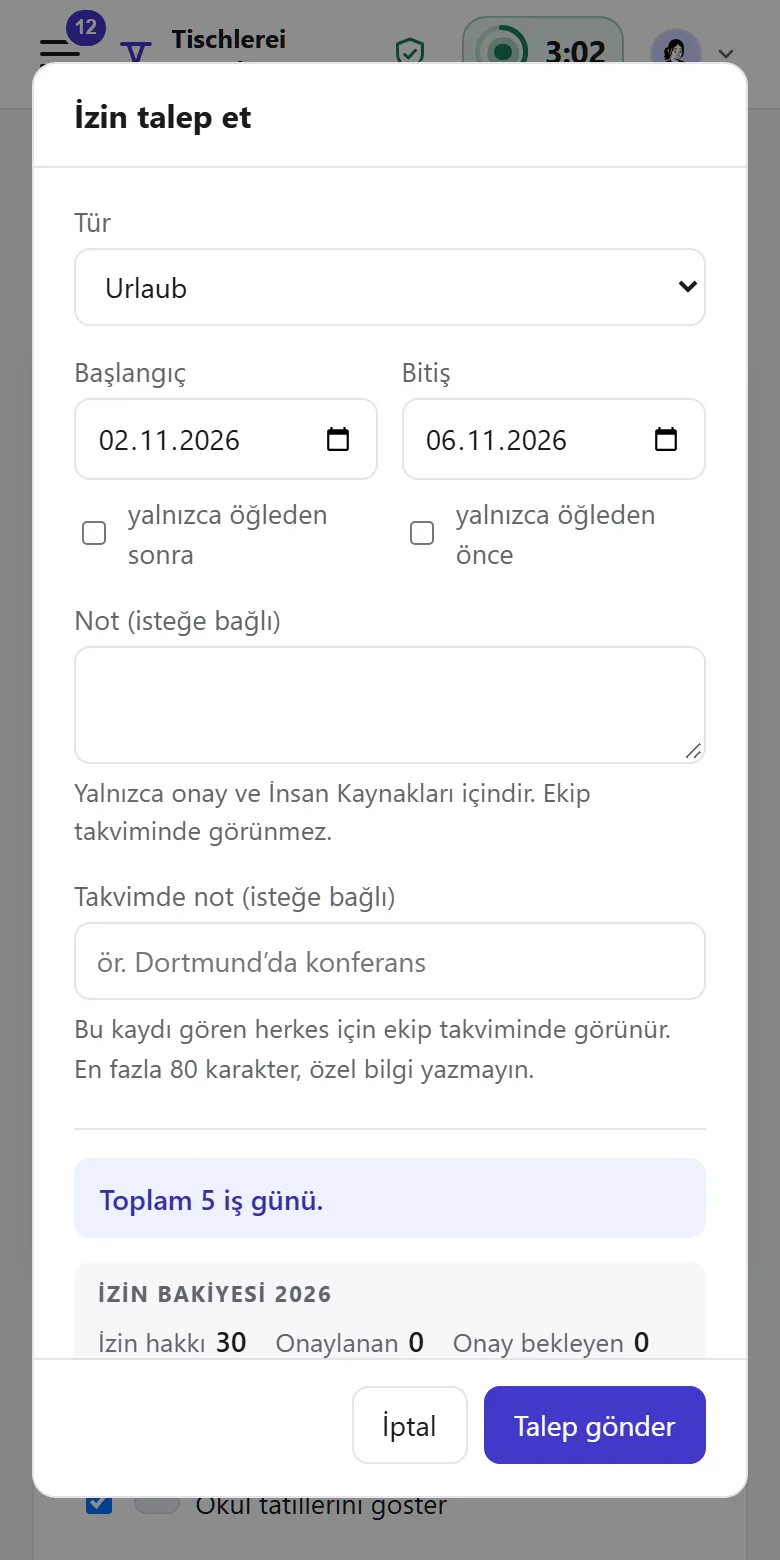
Tiveo runs in the browser, at a desk as well as on a phone. In Chrome and Edge you can also install it as an app, with its own window and icon; on an iPhone via Safari › Share › Add to Home Screen. No app store needed. Employees can read their pages in German, English, Turkish, Polish, Romanian, Russian, Ukrainian, French, Spanish or Dutch; emails and administration stay in German or English. Each person switches push notifications on per device, on iPhone and iPad in the installed app.

See for yourself

The demo shows a joinery with eight people at two sites, with structure, roles and every module, and no sign-up.