Industries Retail
Retail shift planning: covering opening hours
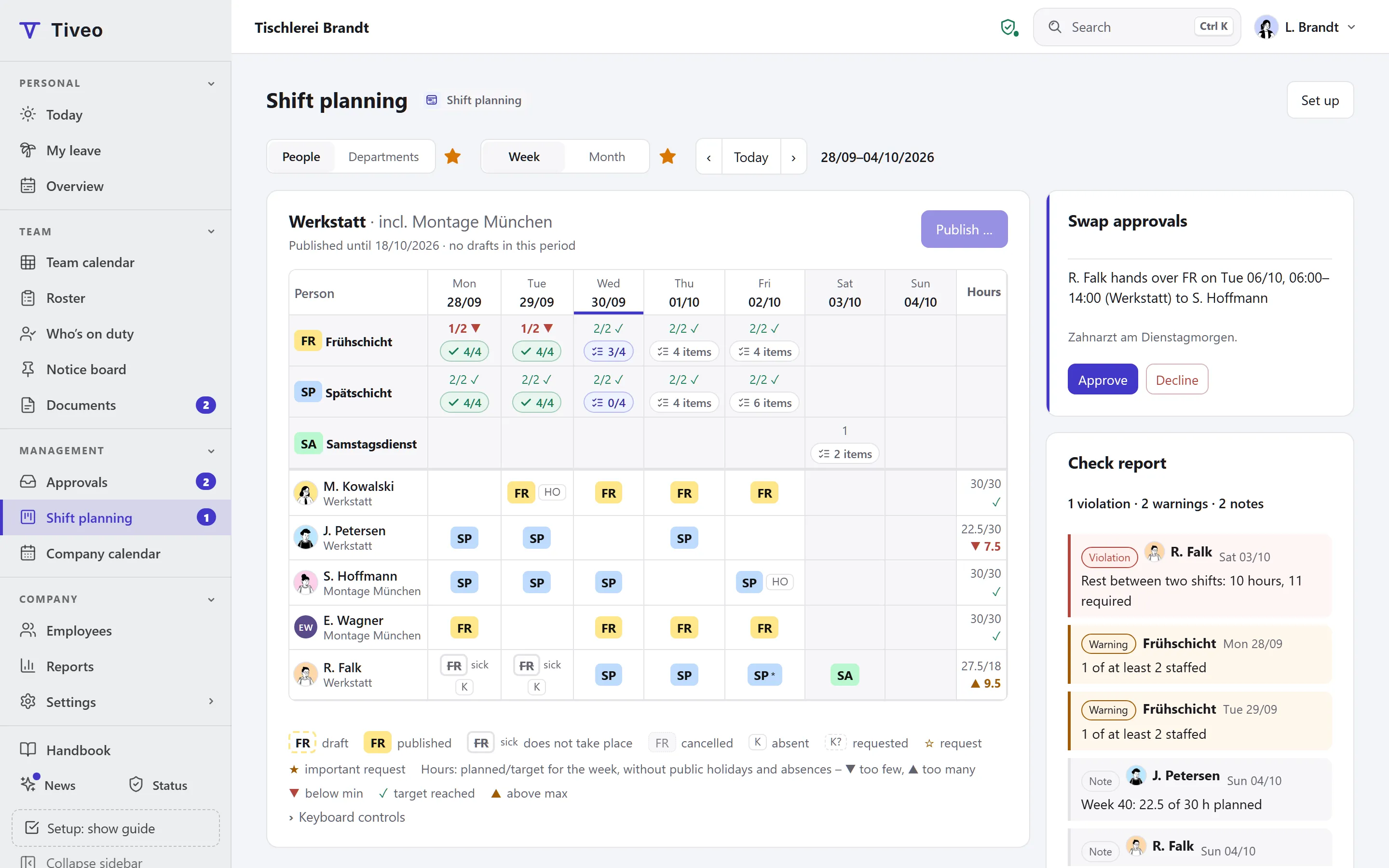
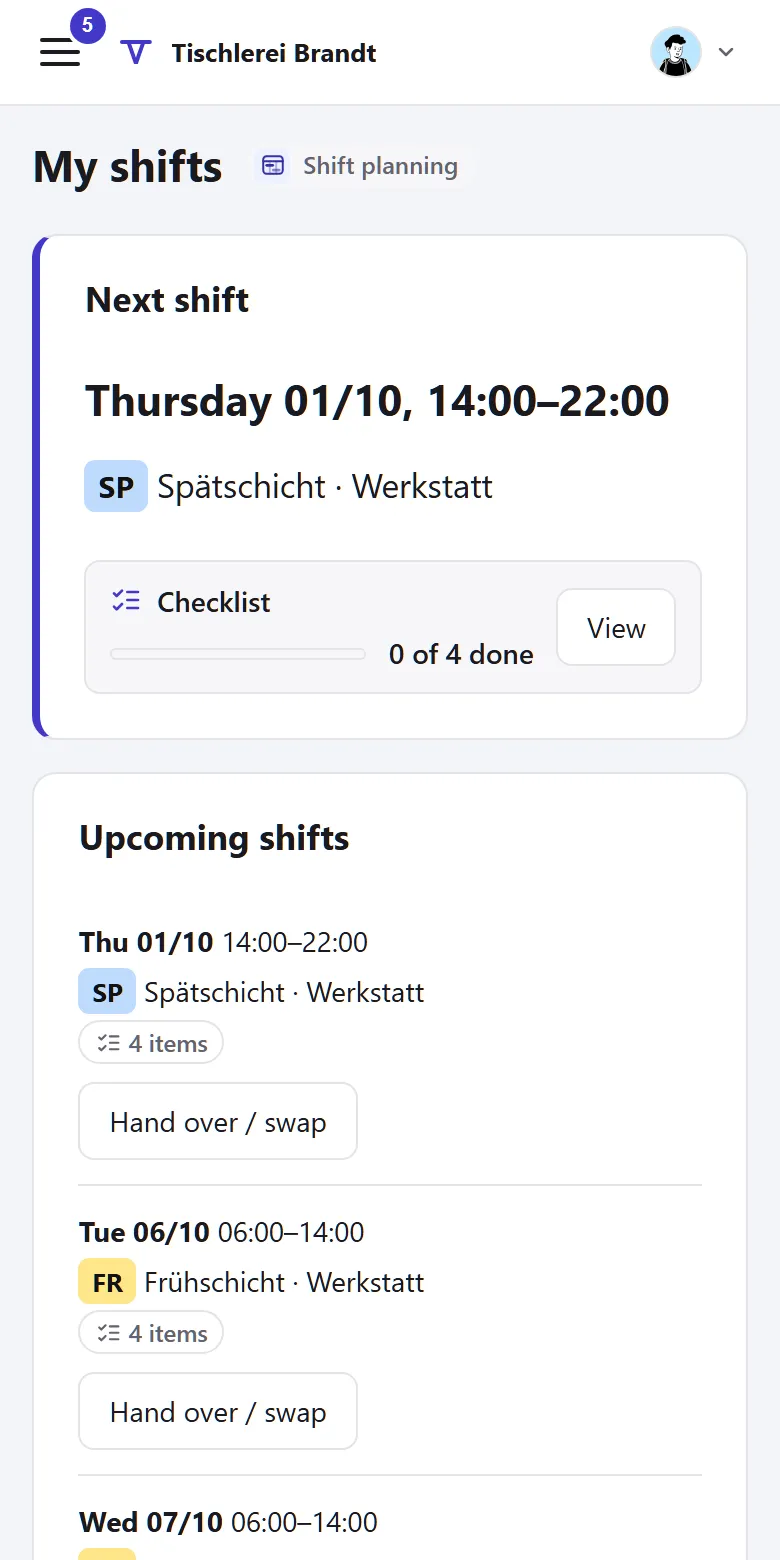
A shop is open six days a week, longer than any full-timer works. In Tiveo an early and a late shift cover the opening hours, and part-timers sign up for free slots themselves. Each leave request shows straight away whether Saturday is still covered.
- Early and late from Monday to Saturday
- Part-timers sign up for free slots
- Leave freezes for stocktaking and Christmas
Recommended planning method
Self-scheduling
Employees sign up for free slots up to the maximum demand; swaps need no approval.
Retail has full-timers, part-timers and casual staff side by side. With self-scheduling, part-timers and casual staff fill the gaps the demand shows, up to the maximum. The branch manager still assigns the core team, since assigning always works.
- Requests off
- Self-scheduling on
- Open shifts on
- Fixed cycle off
- Swaps without approval
The shift model of the template
Two shifts cover twelve and a half hours of opening time. The late shift lasts six and a half hours and therefore has a break, the six-hour early shift does not.
| Shift | Time | Break | Work | Demand (min · target · max) |
|---|---|---|---|---|
| Early shift | 8am–2pm | none | 6 h | Mon–Sat: 2 · 3 · 4 |
| Late shift | 2pm–8:30pm | 30 min | 6 h | Mon–Sat: 2 · 3 · 4 |
Min: below this the shift is understaffed. Target: the goal. Max: the limit up to which employees can sign up themselves.
You’ll find this template in Tiveo under Settings › Shift planning. It first shows what it would create: typical shift types, suggested demand, the building blocks of the planning method and, for a fixed cycle, an example pattern. It only adds what’s missing, and every setting can be changed later.
What applies in this industry
The key rules are Sunday rest, breaks and record-keeping for mini-jobs.
What applies, where it is written and what Tiveo does with it
-
As a rule, employees may not work on Sundays and public holidays. Shopping Sundays are governed by the shop opening laws of the federal states.
In Tiveo: The template covers Monday to Saturday. You assign a shopping Sunday like any other day.
-
After more than six hours of work, a break of at least 30 minutes is required.
In Tiveo: The roster check reports duties whose break is too short.
-
For mini-jobs, the start, end and duration of daily working time must be recorded within seven days after the work and kept for at least two years.
In Tiveo: The late-entry window in Tiveo is seven days by default.
-
The works council has a say in the start and end of daily working time and its distribution over the week, which includes a branch’s roster.
In Tiveo: Nobody but the planners sees drafts. The published roster is binding, and its version is kept on record.
As of 26 September 2026. These sentences summarise the legal position and are not legal advice. Collective agreements and works agreements may provide otherwise.
What you will find in Tiveo
Absences
- Leave with an eye on Saturday staffing
- Leave freezes, for stocktaking for instance
Time recording
- Clock in on the phone or at the terminal in the break room
- Mini-jobs: late entries within seven days, as in § 17 MiLoG
Shift planning
- Early and late with demand per weekday
- Free slots for part-timers and casual staff
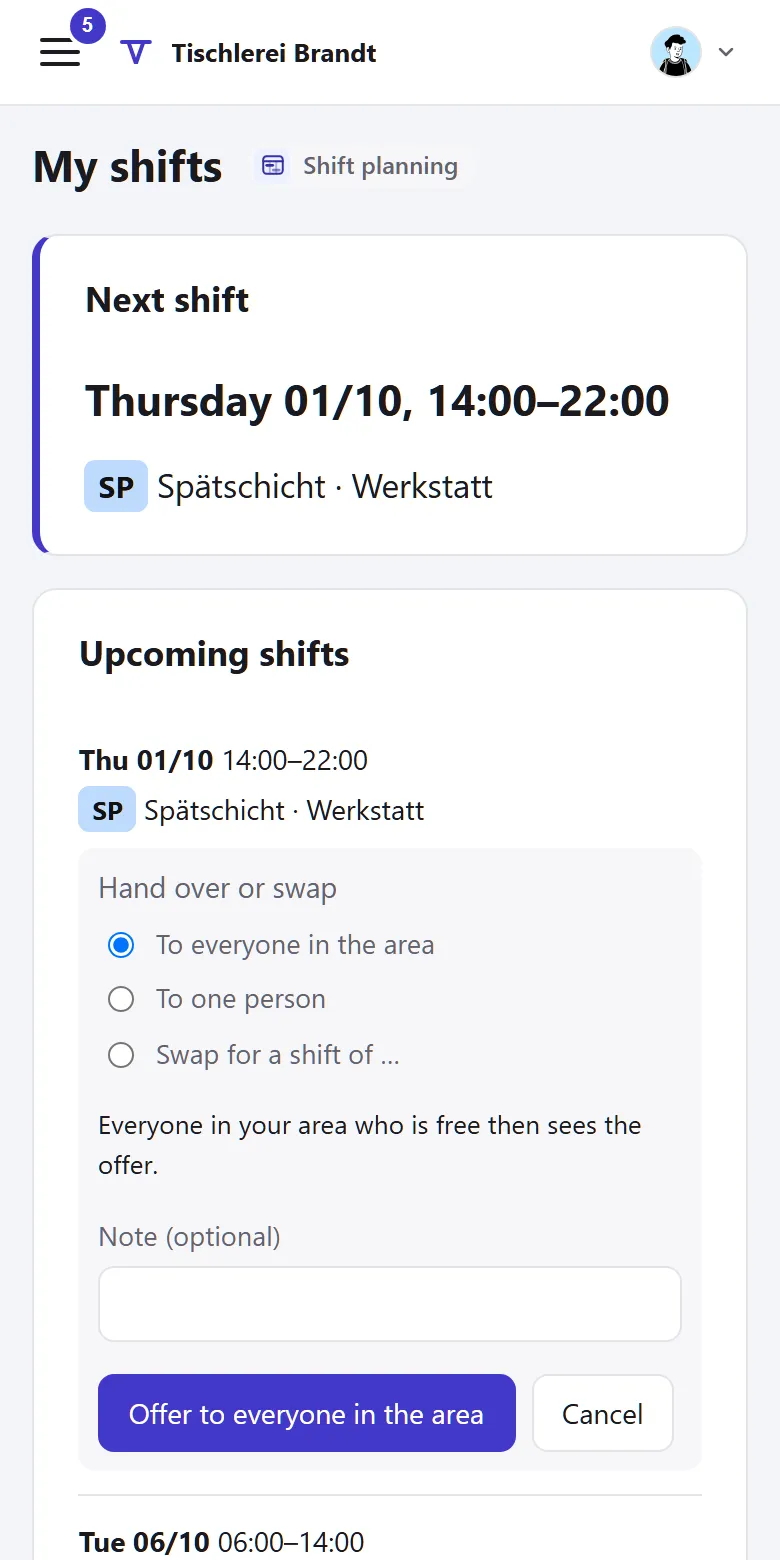
- Swaps without approval, withdraw up to 48 hours before
Qualifications
- Yearly safety briefing, confirmed in the app or on paper
- First aiders with an expiry date: the overview shows what expires soon
Planning needs a big screen
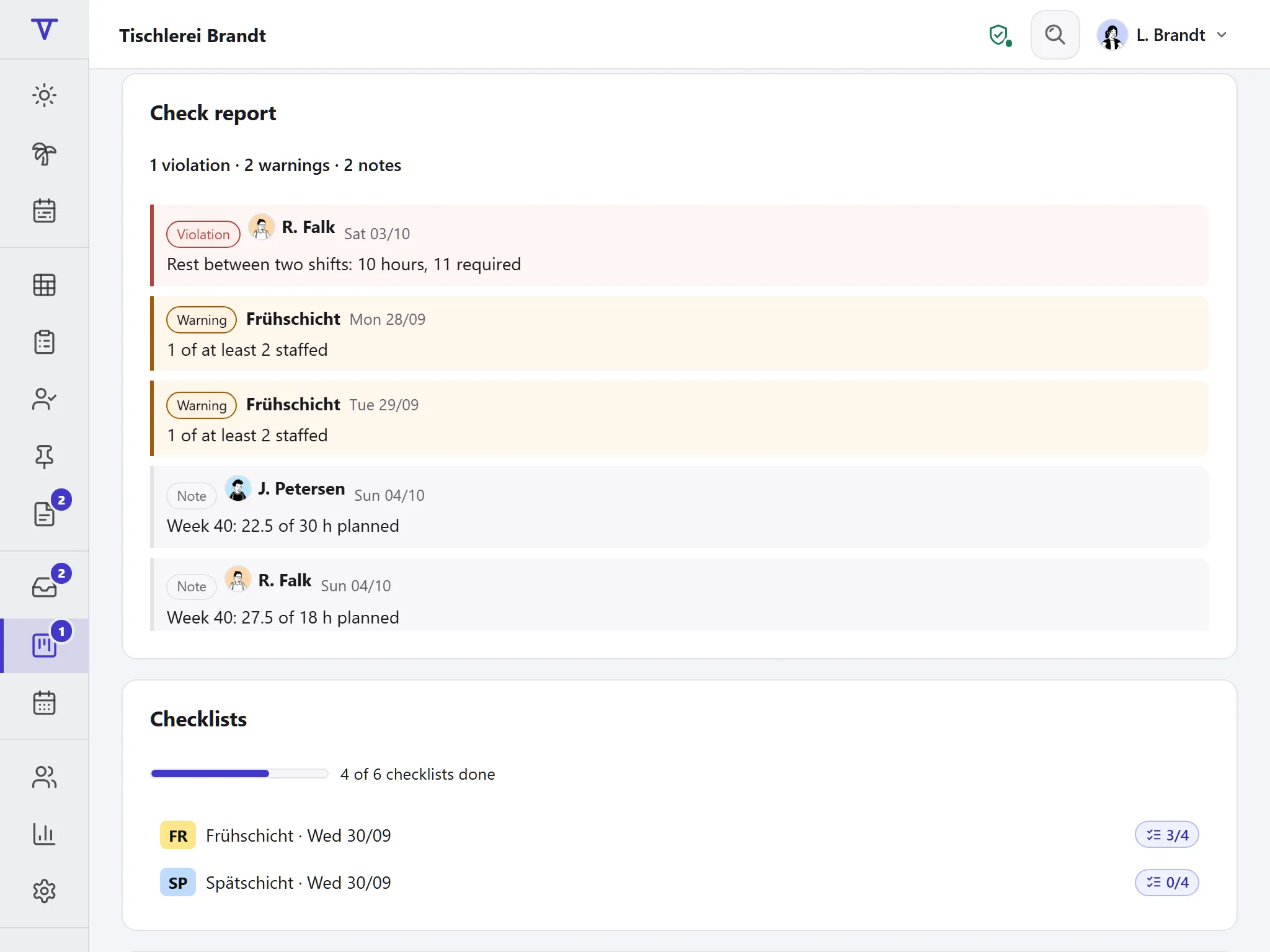
“My shifts”, swaps and open shifts fit on a phone, though.
Can the branch manager still assign the core team?
Yes. Assigning always works, and self-scheduling only adds the free slots.
How do you plan the Christmas season?
With a leave freeze for the weeks before Christmas and higher demand for that period. Changes to demand apply from the day you save them.
Does a part-timer see the whole roster?
They see their own shifts and the free slots they can sign up for. Only planners see drafts.
All modules from Team
Core, absences and shift planning are included in every plan, time recording, qualifications and the vehicle logbook from Team, at no extra cost. What sets the plans apart is in the price table.
| Plan | Free | Team | Business | Company |
|---|---|---|---|---|
| Employees | up to 5 | up to 15 | up to 50 | up to 100 |
| Price per month | €0 | €19 | €59 | €119 |
| All modules | ✓ | ✓ | ✓ |
See the roster
The demo shows a week with early and late shifts and opens without a sign-up. In your own account you choose the “Retail” template.