Industries
Plan the way your industry works
A medical practice plans differently from a care ward, and a kitchen differently from a factory running three shifts. Tiveo has five planning methods for this, all built from the same building blocks. Pick the template for your industry and it sets up shift types, demand and planning method in one go.
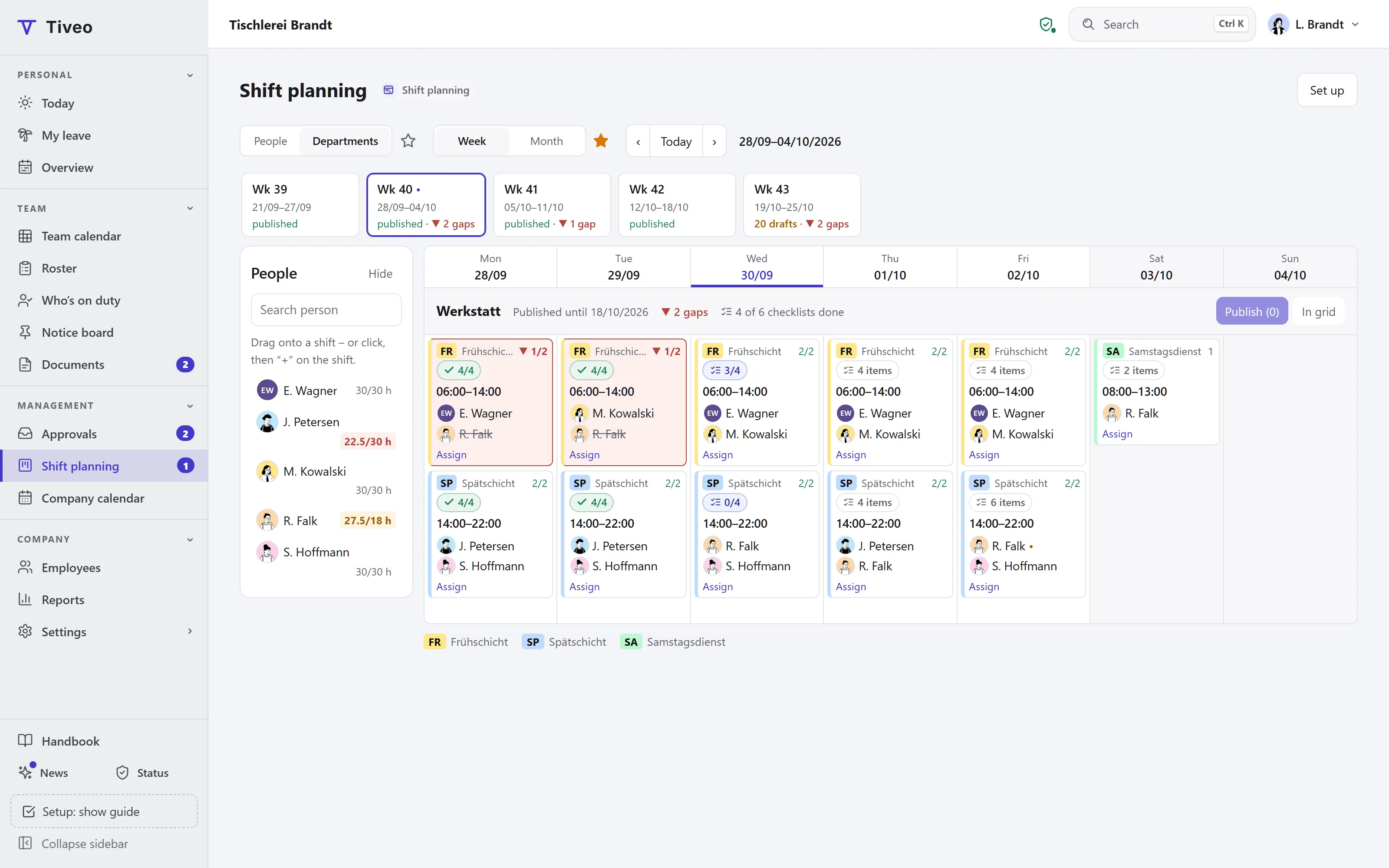
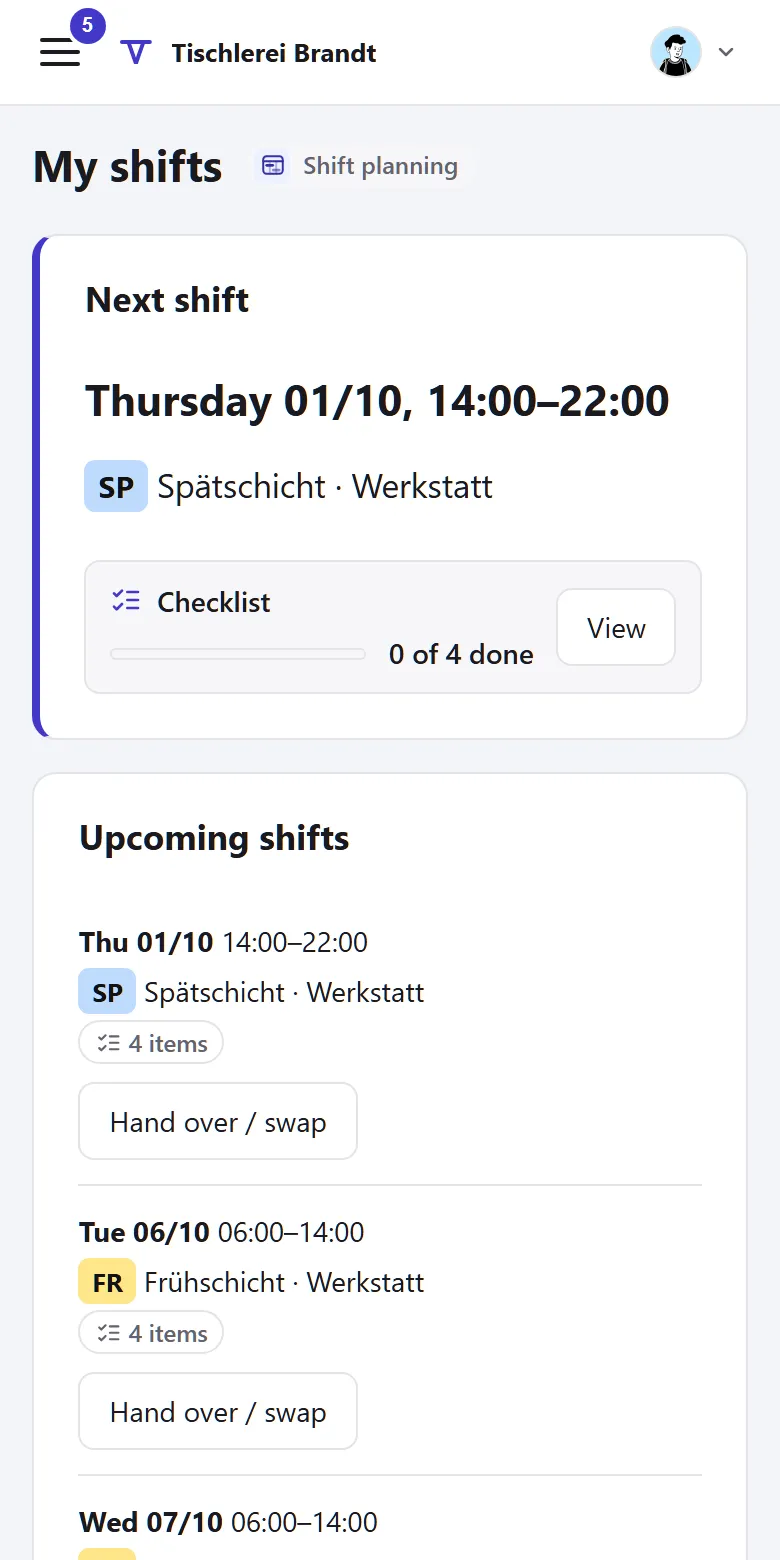
Industries in detail
Care
Early, late and night duties, with requests up to four weeks ahead.
6am–2pm · 1:30pm–9:30pm · 9:45pm–6:15am
Managers planPractices & therapy
Leave with staffing in view, half days and training.
7:30am–1pm · 1pm–6:30pm
Self-schedulingHospitality
Lunch and evening, casual staff sign up themselves.
10:30am–3:30pm · 5pm–11pm
Self-schedulingRetail
Early and late from Monday to Saturday, part-timers fill the gaps.
8am–2pm · 2pm–8:30pm
Fixed rotationProduction
Earlies, lates and nights rotating weekly, set up as a pattern.
6am–2pm · 2pm–10pm · 10pm–6am
Fixed rotationLogistics
Early and late in weekly rotation, Saturdays by demand.
6am–2:30pm · 2:30pm–11pm
Managers planTrades & construction
Clock in on site, hours per job, leave as in construction.
7am–3:30pm
More templates in the app
Office with duty times, Hospital, Temporary and mini-job staff, Ambulance service, Security service, Continuous shifts (around the clock)
Five planning methods from one toolkit
Each planning method is a setting per shift area. Planners can always assign shifts; the planning method switches the other building blocks on.
| Planning method | Requests | Self-scheduling | Open shifts | Fixed cycle | Swaps | Templates |
|---|---|---|---|---|---|---|
| Managers plan Planners assign shifts; gaps go out to everyone in the area as open shifts. | off | off | on | off | with approval |
|
| Request-based plan Employees send requests up to four weeks ahead; planners assign shifts and see them while doing so. | on | off | on | off | with approval |
|
| Self-scheduling Employees sign up for free slots up to the maximum demand; swaps need no approval. | off | on | on | off | without approval |
|
| Fixed rotation Everyone follows a fixed cycle; the pattern produces drafts, planners fill the gaps. | off | off | on | on | with approval |
|
| Rotation and requests A fixed cycle plus requests up to four weeks ahead for the days it does not fit. | on | off | on | on | with approval |
|
More templates in the app
These templates are available under Settings › Shift planning as well, even without a page here.
- Office with duty times Managers plan 7am–3:30pm · 10am–6:30pm
- Hospital Request-based plan 6am–2:30pm · 2pm–10:30pm · 10pm–6:30am
- Temporary and mini-job staff Self-scheduling 8am–12pm · 1pm–5pm
- Ambulance service Fixed rotation 6am–2pm · 2pm–10pm · 10pm–6am
- Security service Fixed rotation 6am–2pm · 2pm–10pm · 10pm–6am
- Continuous shifts (around the clock) Rotation and requests 6am–2pm · 2pm–10pm · 10pm–6am
Common questions
If your question isn’t here, ask the developers directly.
Can I change the template later?
Yes. The template shows what it would create first, only adds what is still missing and sets the building blocks. Every setting can be changed on its own afterwards.
What if my industry is not listed?
Then choose the planning method that fits how you work and create shift types and demand yourself. You don’t need a template for that.
Can two areas plan differently?
Yes. The planning method applies per shift area: the kitchen schedules itself, the service team gets its roster from the manager.
Does Tiveo create the roster automatically?
No, your planners make the roster. While they assign shifts, they see demand, requests, absences and the check report alongside. A fixed rotation produces drafts, which they check and then publish.
See for yourself
In the demo, a joinery runs its workshop in two shifts. Try the grid, demand and check report there without signing up.