Skip to content
DE

Leave planner, time tracking, rosters: Leave, working hours and rosters in one app

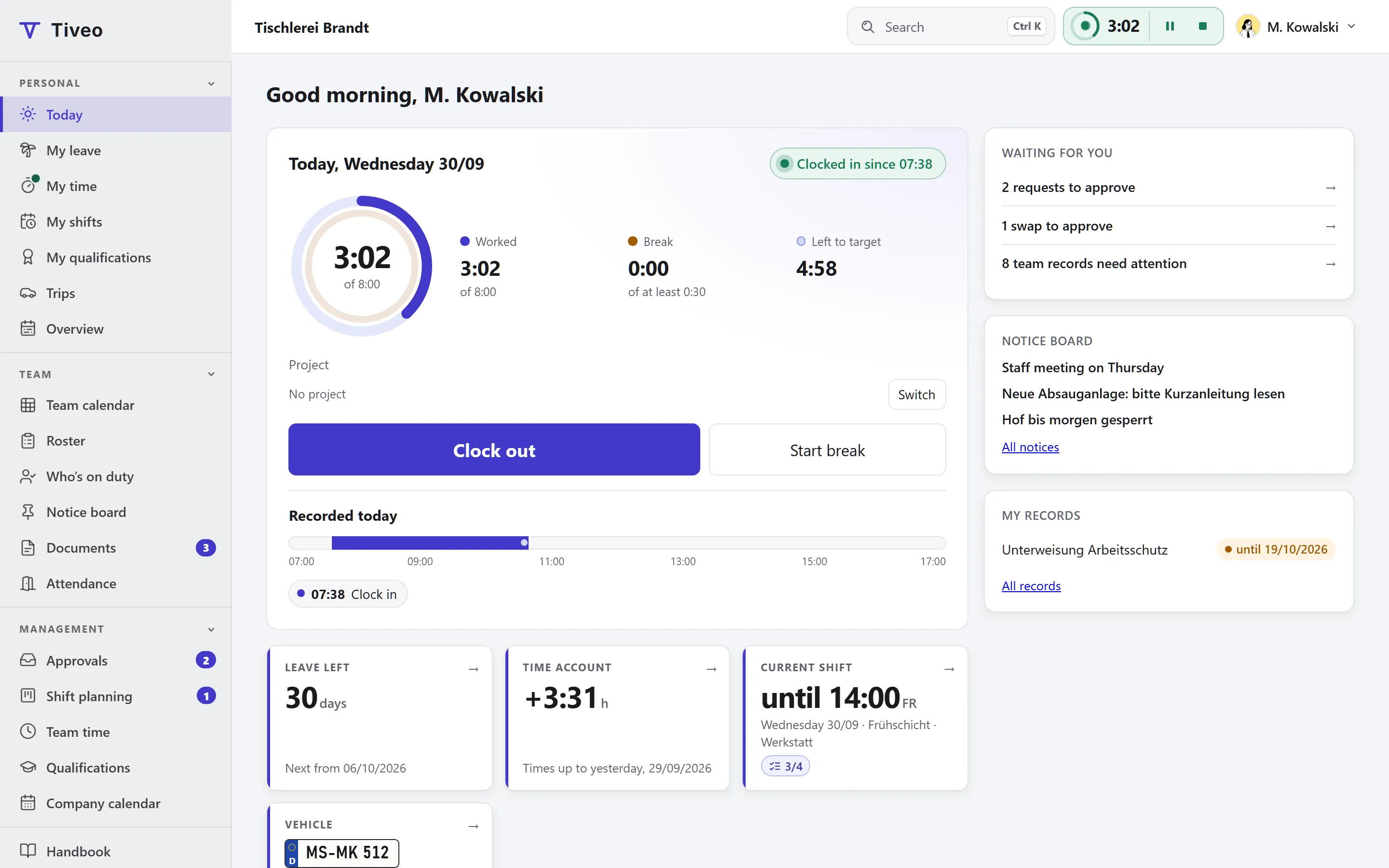
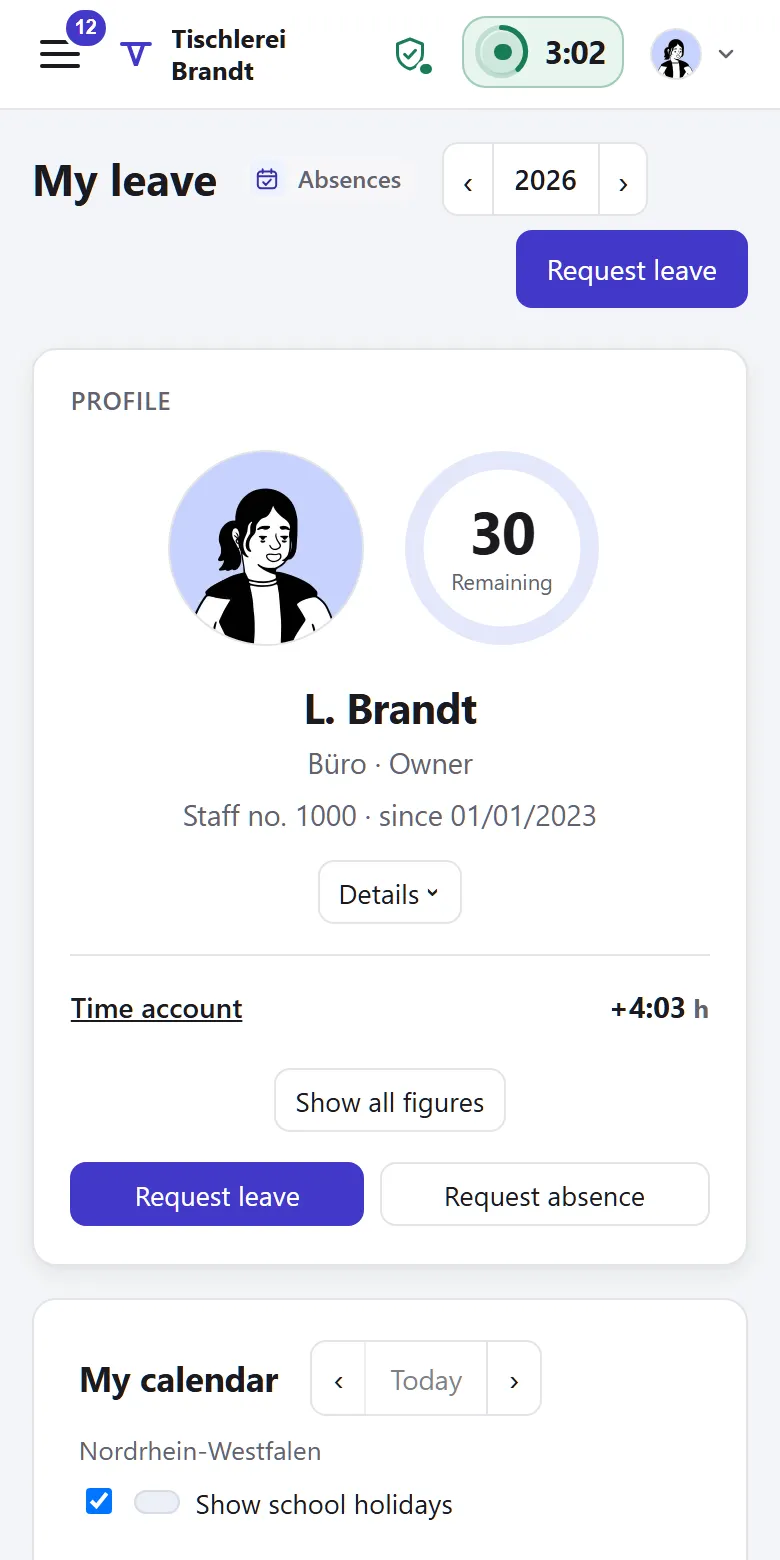
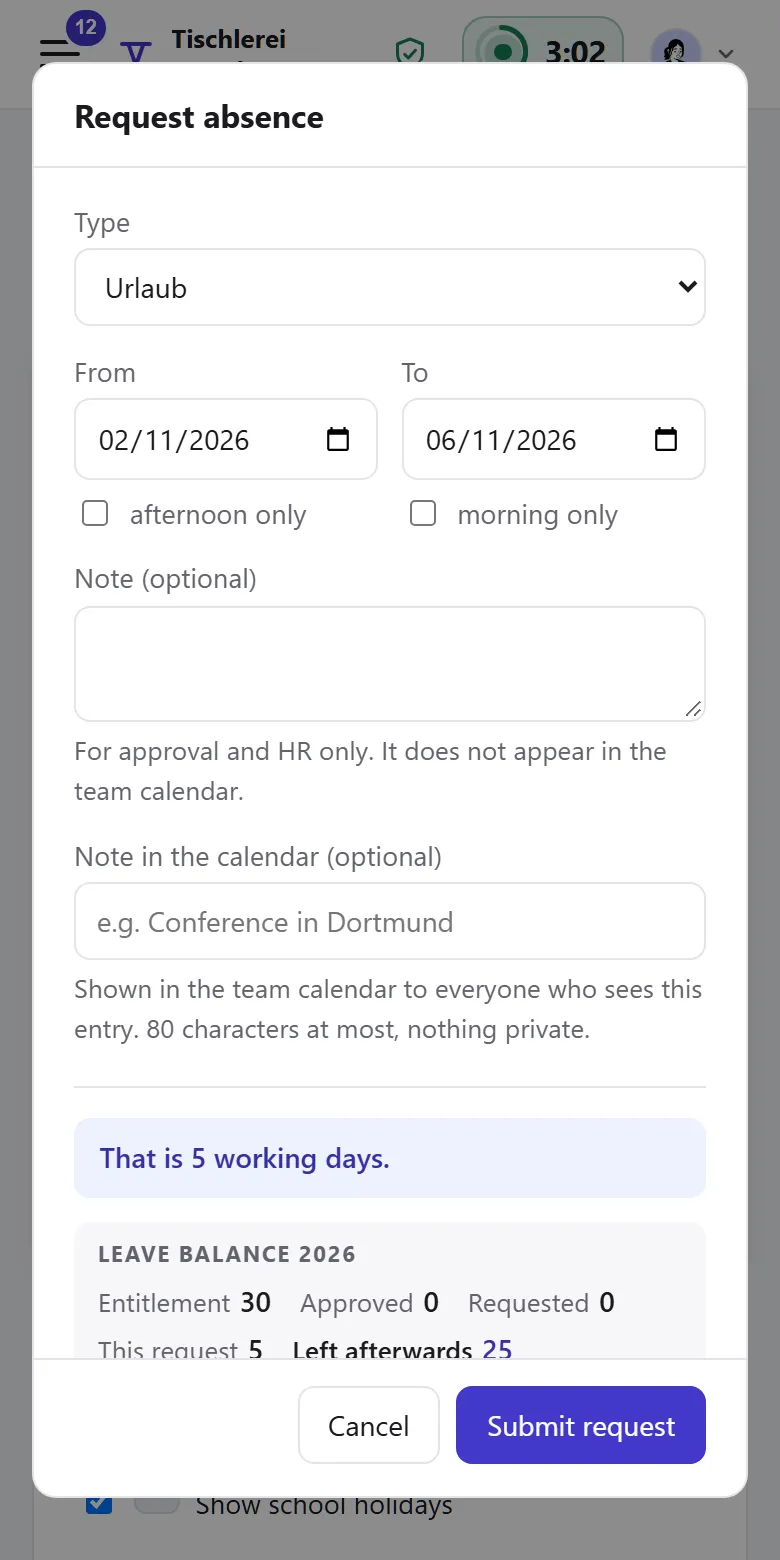
Staff request leave and clock in on their phones, and you just approve. Tiveo works out holidays, part-time and remaining leave.

Free for up to 5 employees, no payment details needed

  • Up to 5 employees free
  • 5 modules all included from Team
  • DE · AT · CH public and school holidays per person
  • Germany database, files and the person you call

How to get started

  1. Create an account

    It’s free and needs no payment details. Sample data is optional.

  2. Add your people

    Type the names, paste a list or upload the Excel leave planner’s workbook. Moving from Excel

  3. Choose rules and modules

    Decide once who approves and which holidays apply.

  4. Invite your team

    By email or join link. Planning works without accounts, too.

For managers and owners

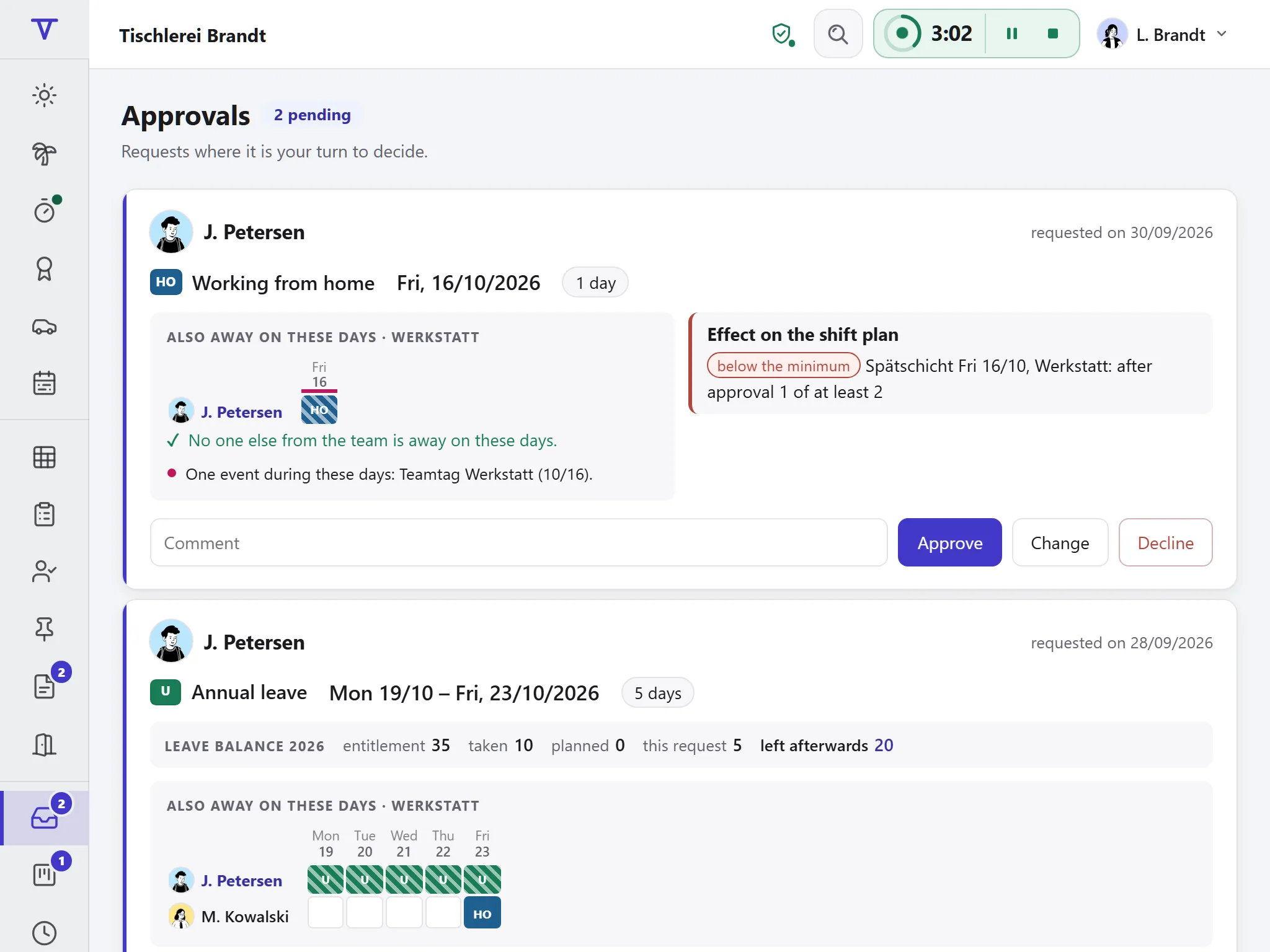
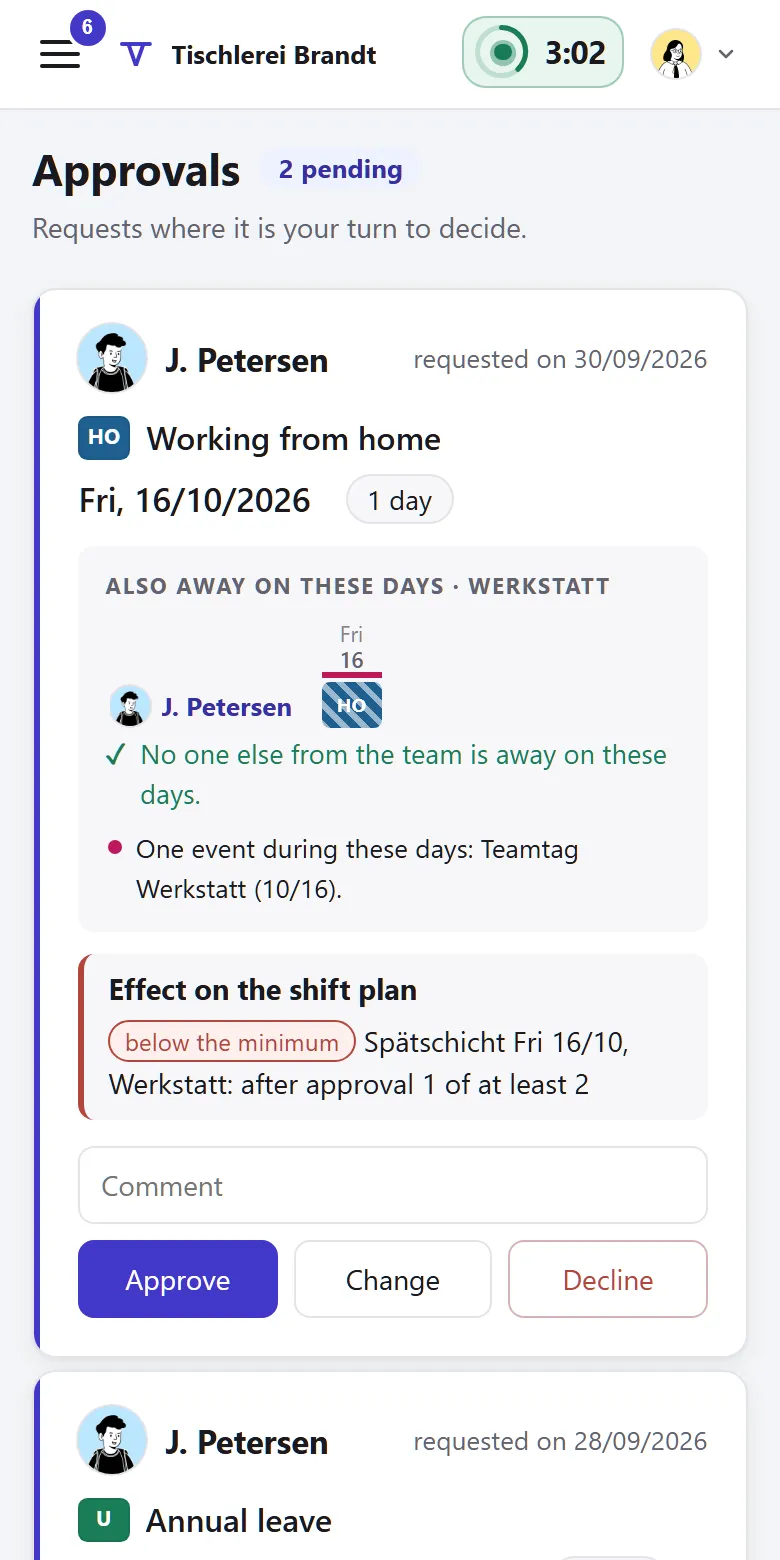
You see the whole team when you approve

Each request shows who else is off at the same time and what that means for the roster. The leave left afterwards is already worked out.

  • Approval paths by your rules, with deputies
  • Remaining leave and hours for each person
  • Decide at the desk, on a tablet or, if enabled, from the email

Notice board and push

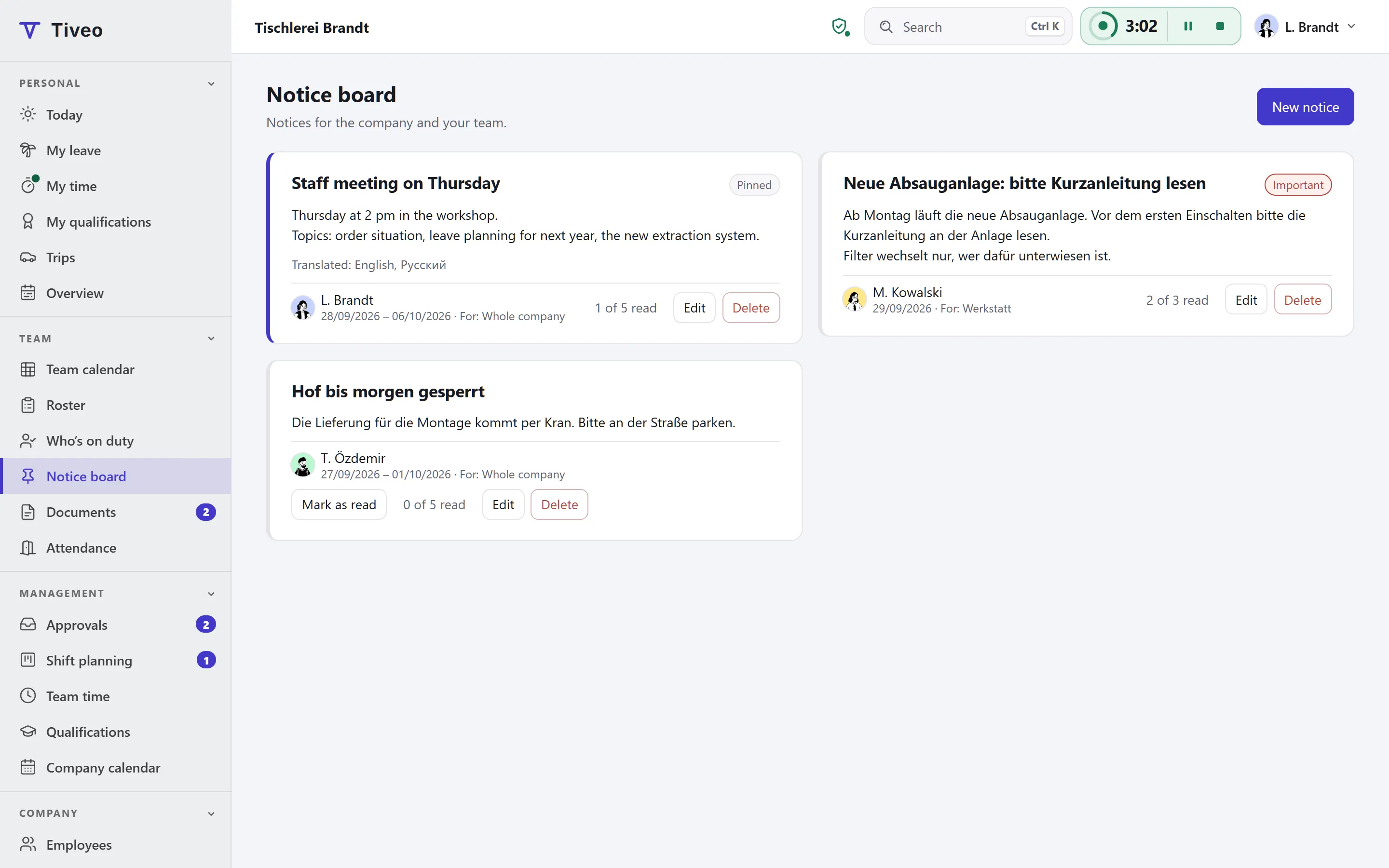
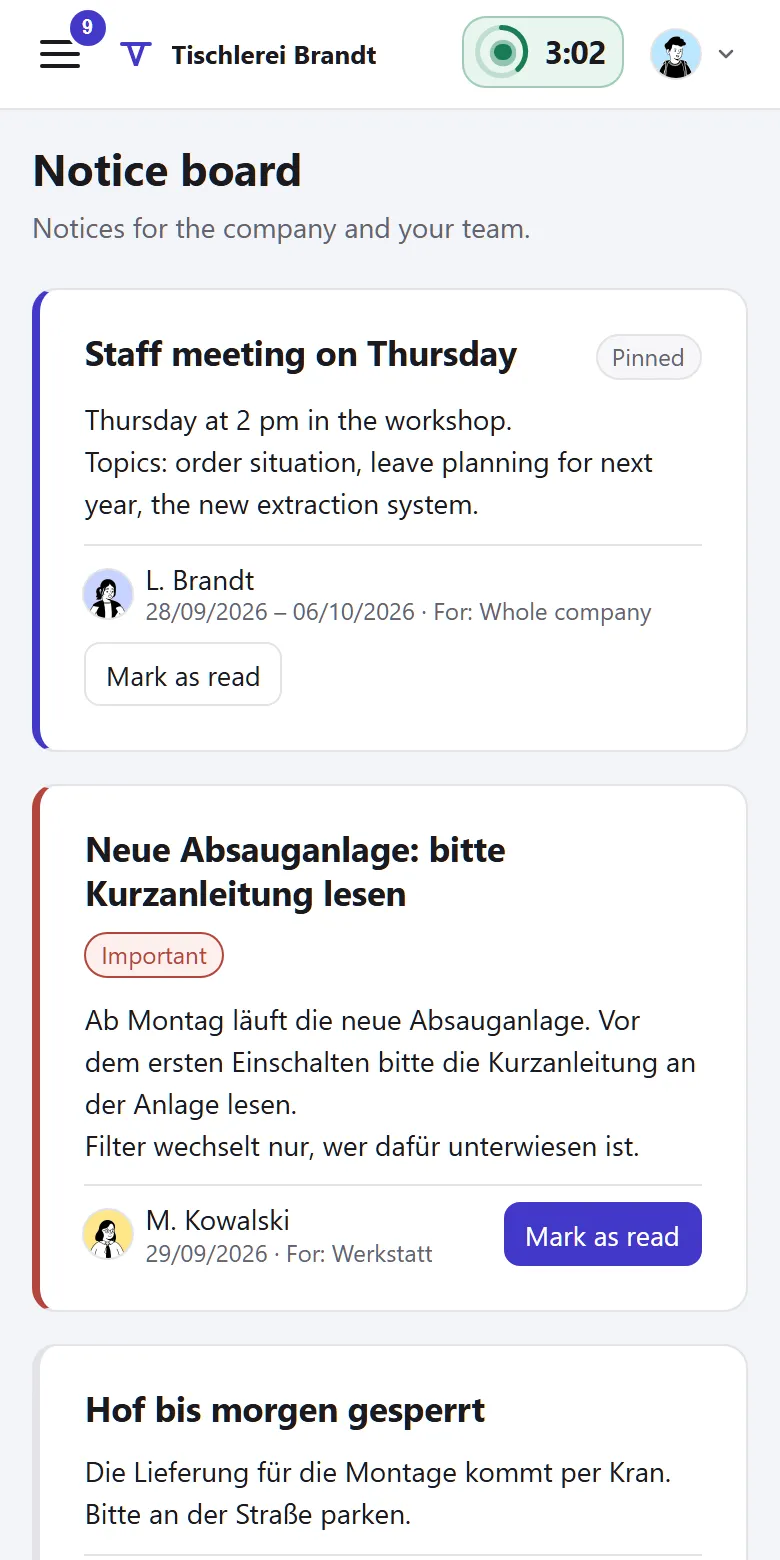
What everyone needs to know goes on the notice board

It replaces the sheet of paper by the gate. Push notifications say what is waiting but leave out names and details.

  • Notices for everyone or single teams, translated, with read receipts if you like
  • Important notices stay on top; “Today” shows what’s new
  • Push per device, for requests, rosters and notices

What the five modules do

Absences are always on. Switch on the other four when you need them.

Absences

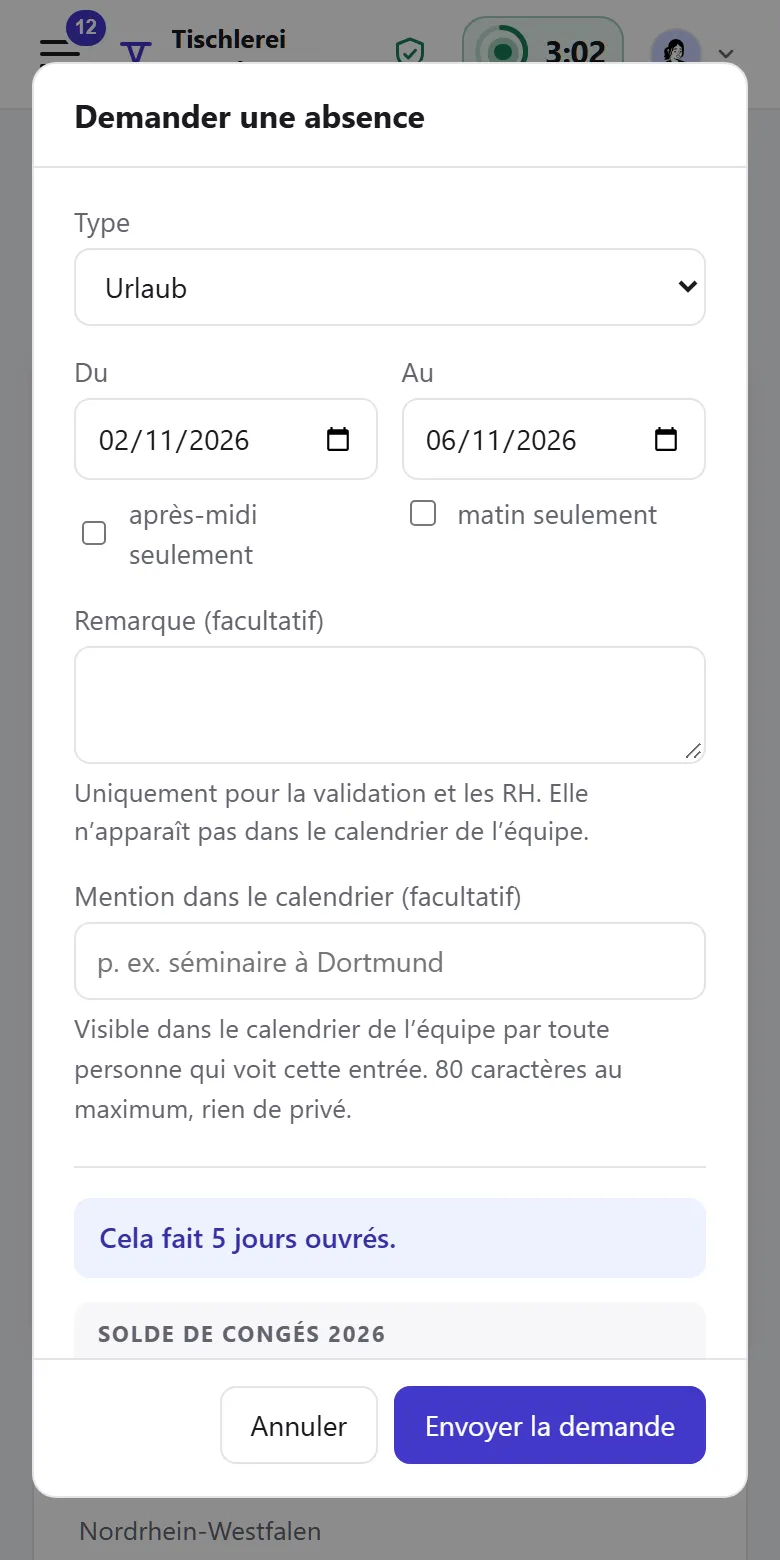
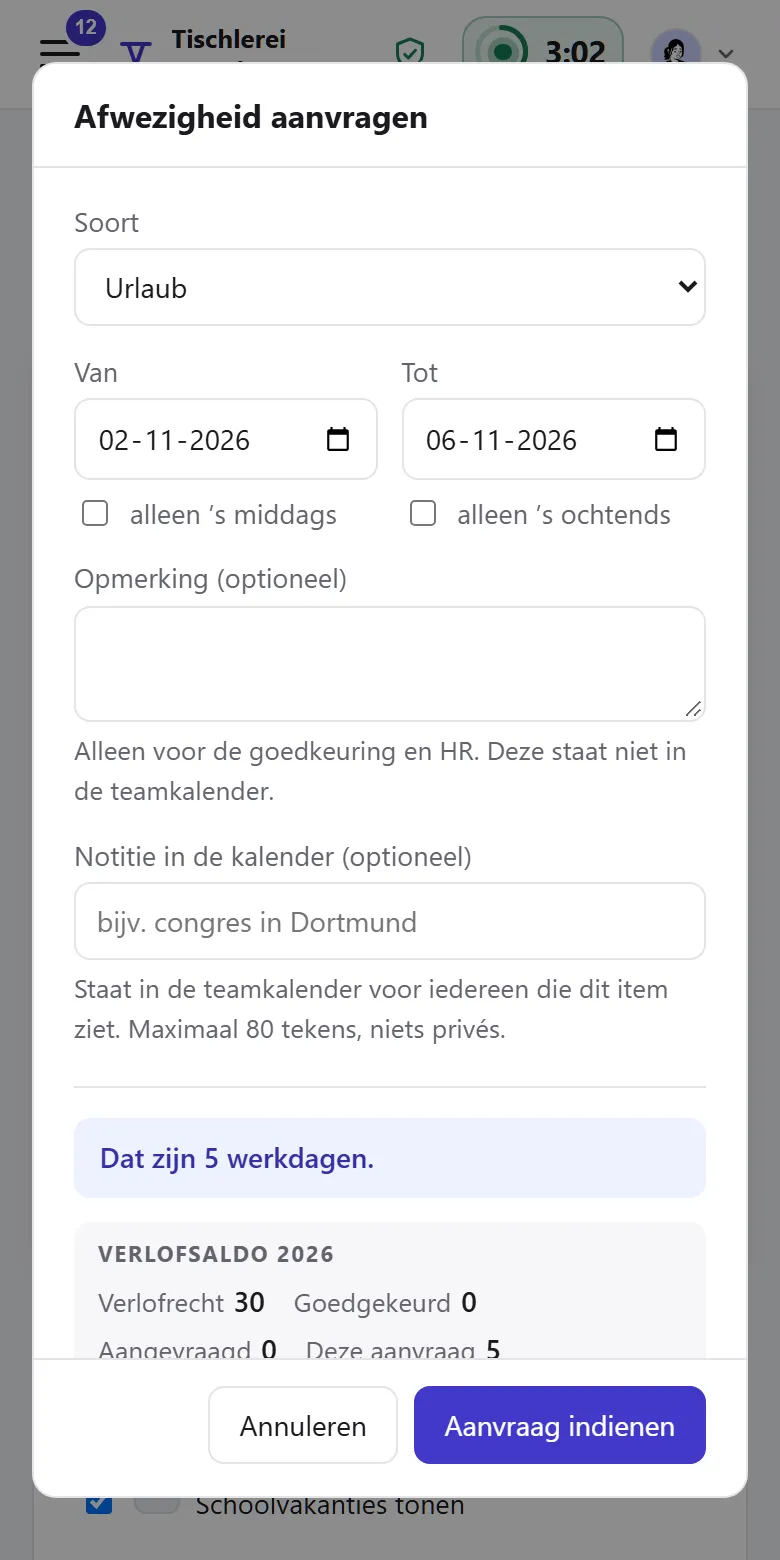
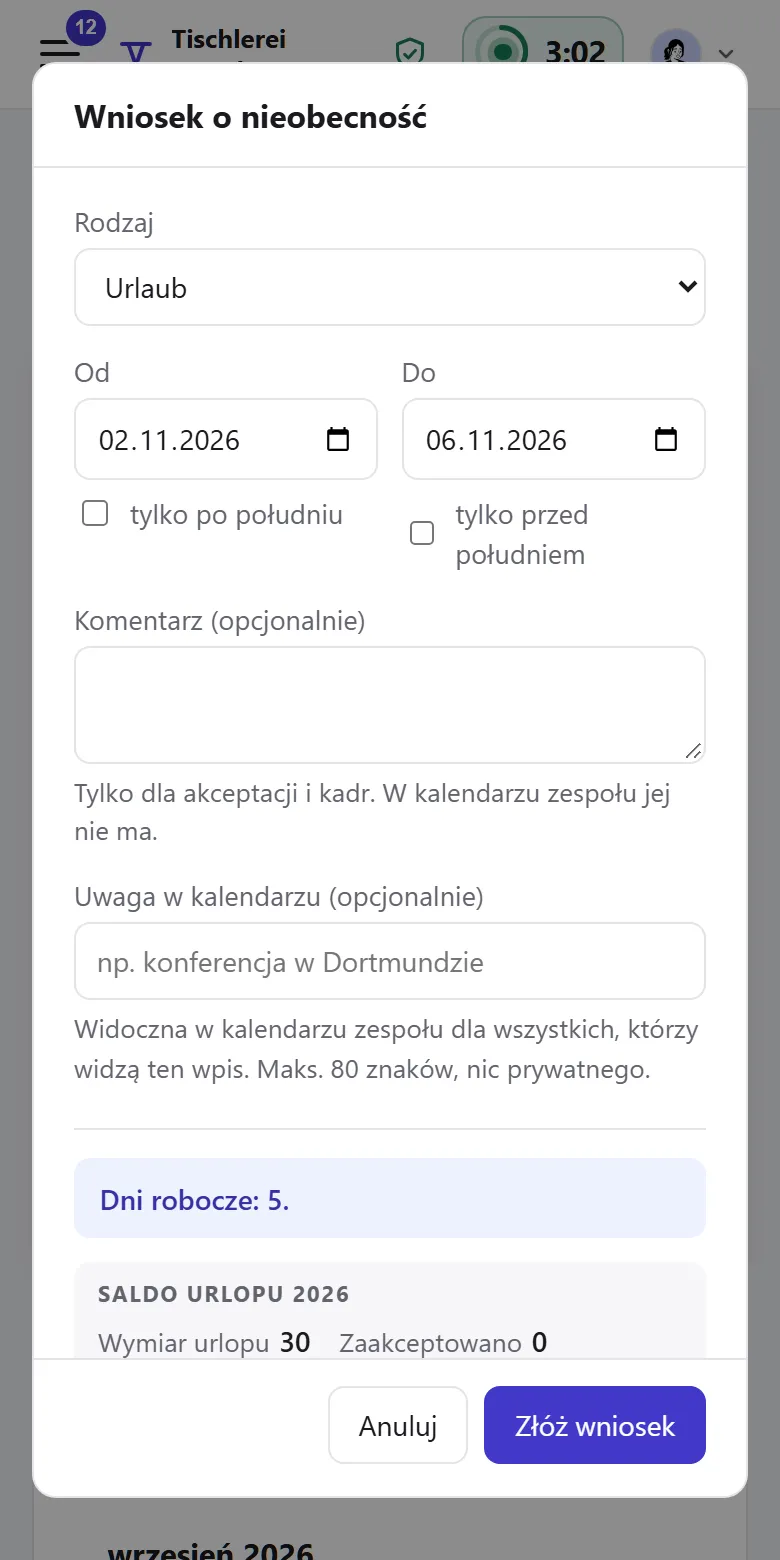
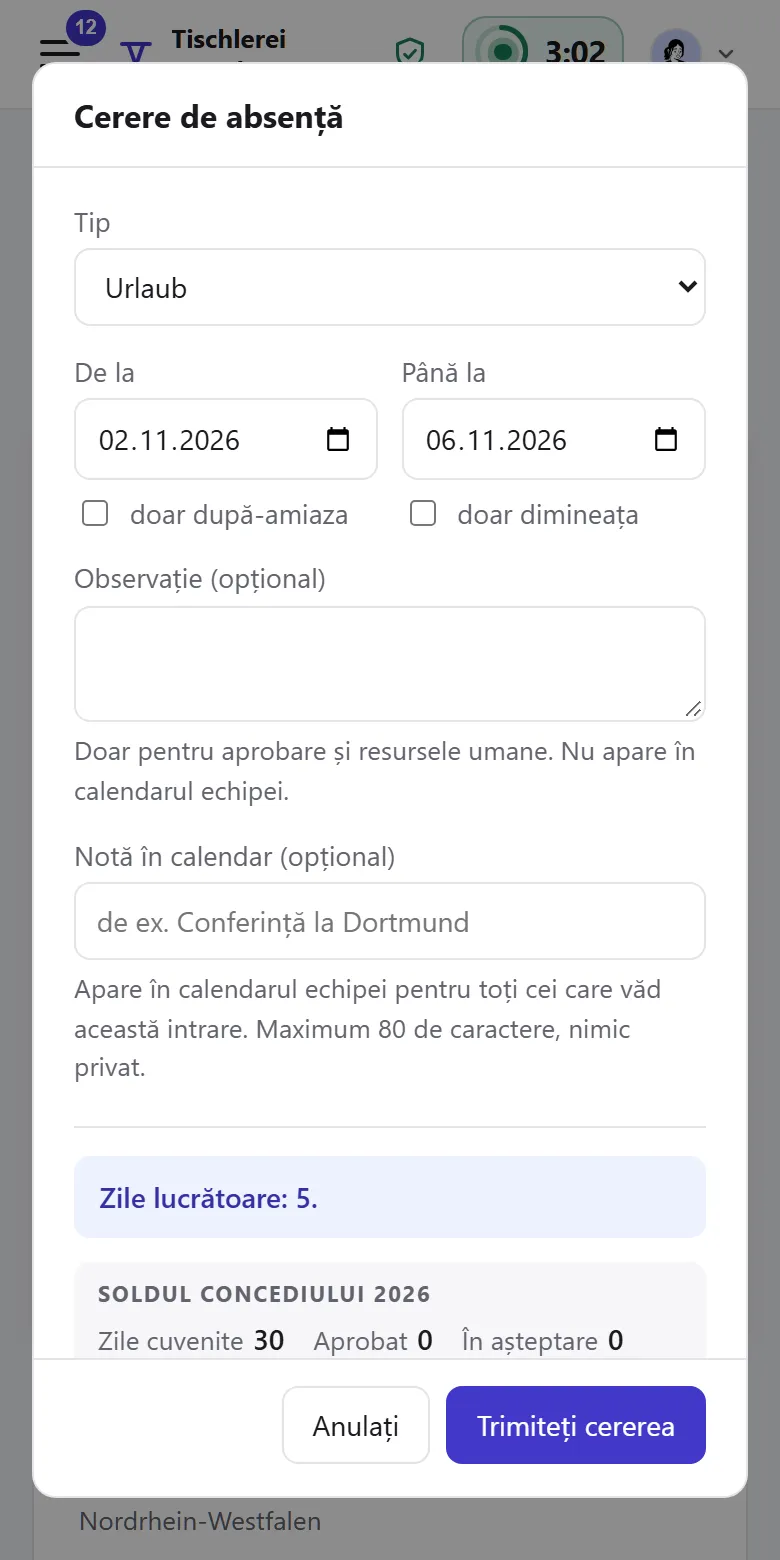
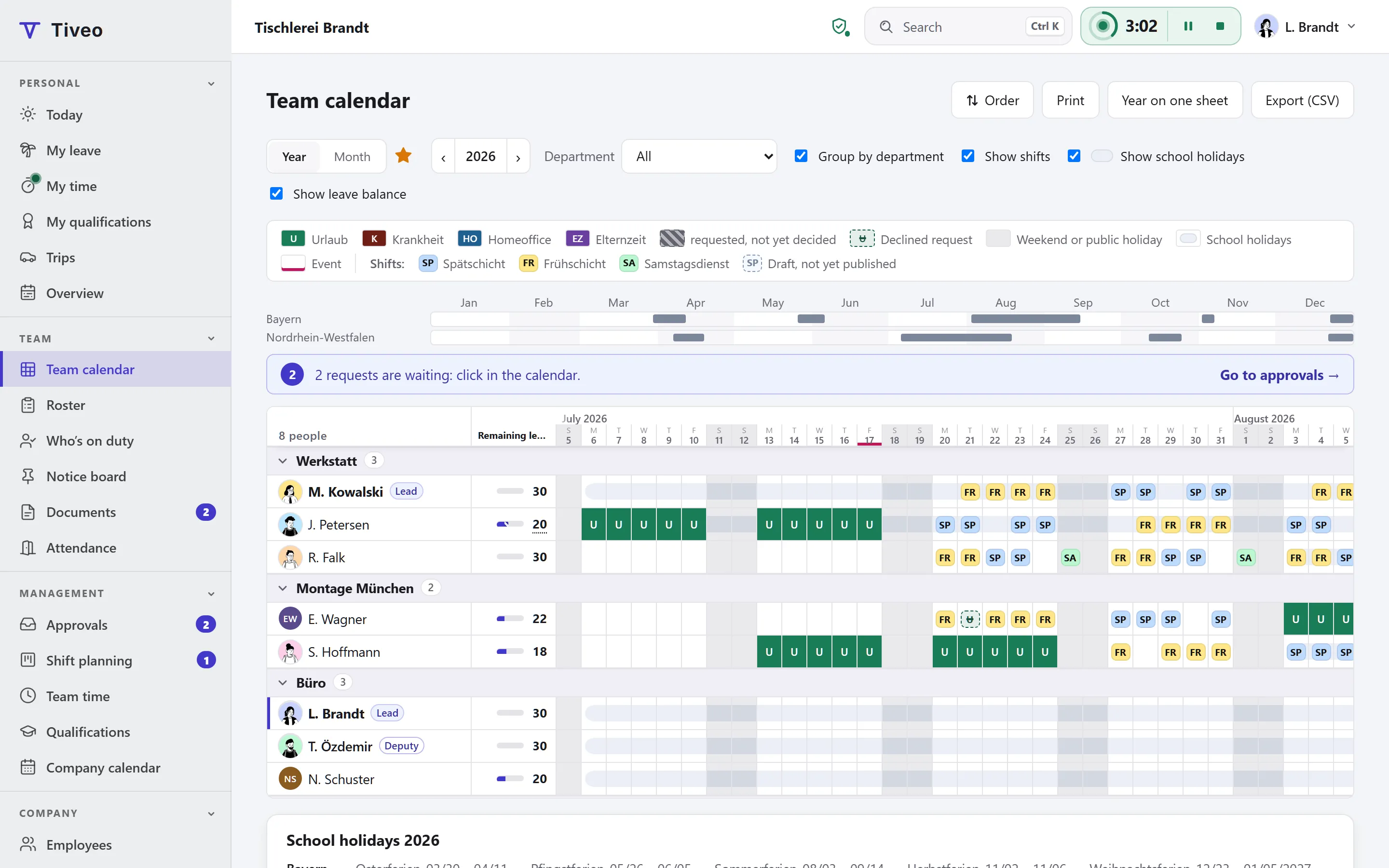
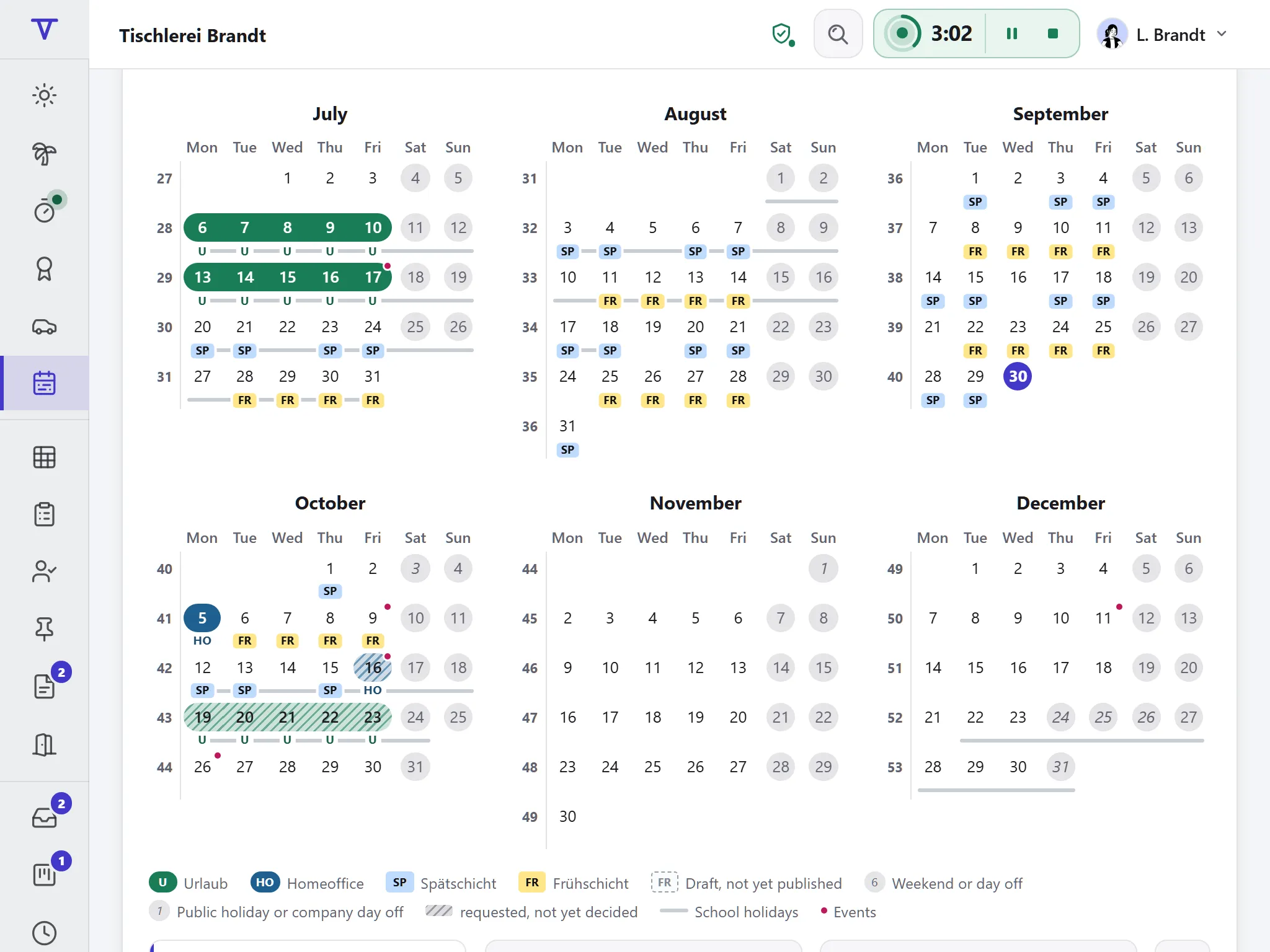
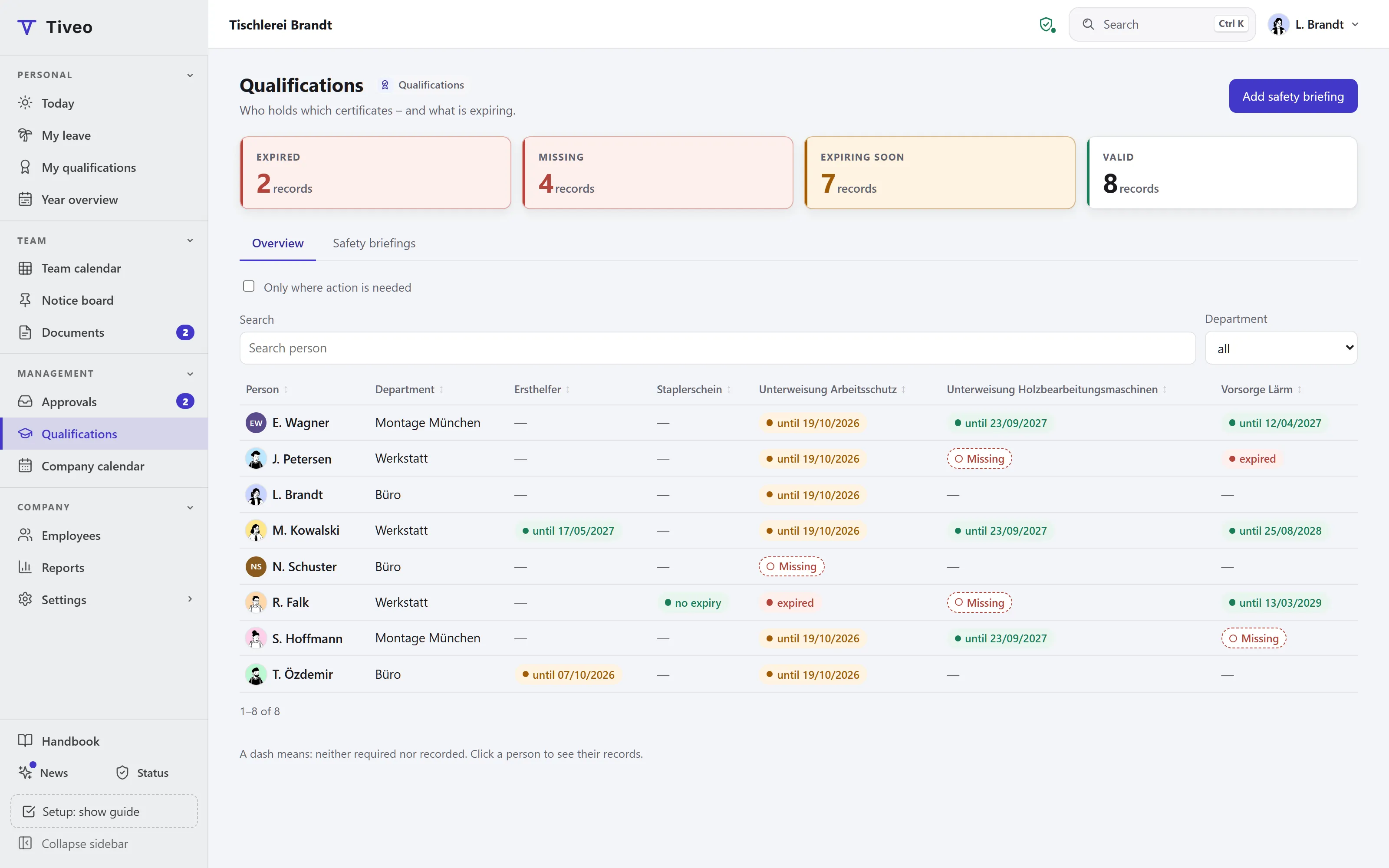
Leave, sick days and other absences share one calendar, and each person’s leave balance stays up to date.

  • Team calendar for the whole year
  • Remaining leave, carry-over and expiry
  • Only those allowed see why someone is off sick

Customers

What businesses say about Tiveo

For years we ran leave, on-call duty and working hours in Excel. Tiveo has done it since October, and our engineers now swap their call-out weeks between themselves. Whenever something was missing, it was usually there a few days later.

Marco Kubanek Managing Director, Kehrein & Kubanek

Translated from German

Kehrein & Kubanek

Kehrein & Kubanek

Refrigeration and air conditioning
North Rhine-Westphalia

staff
30

With Tiveo since September 2026

Modules in use

  • Absences
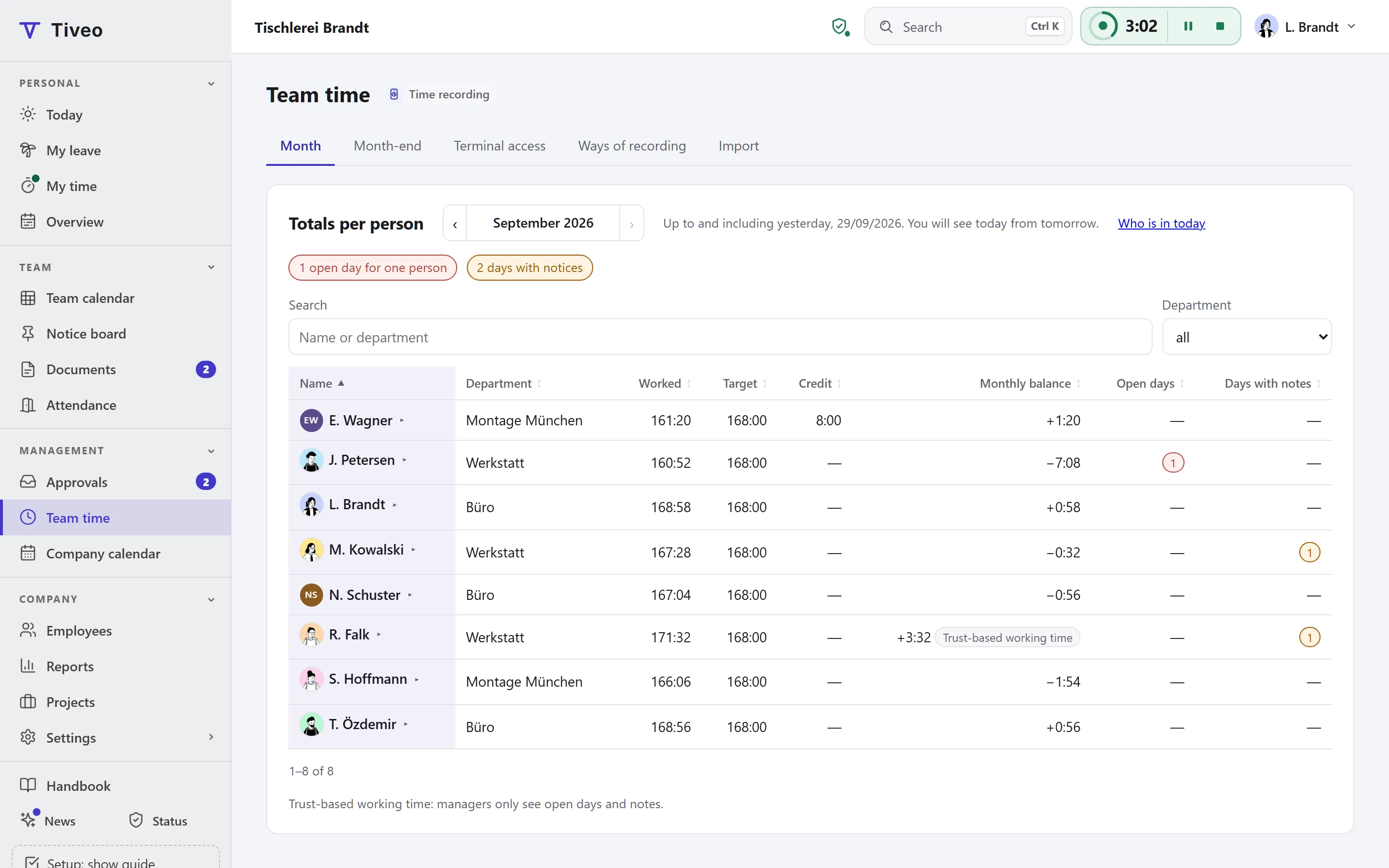
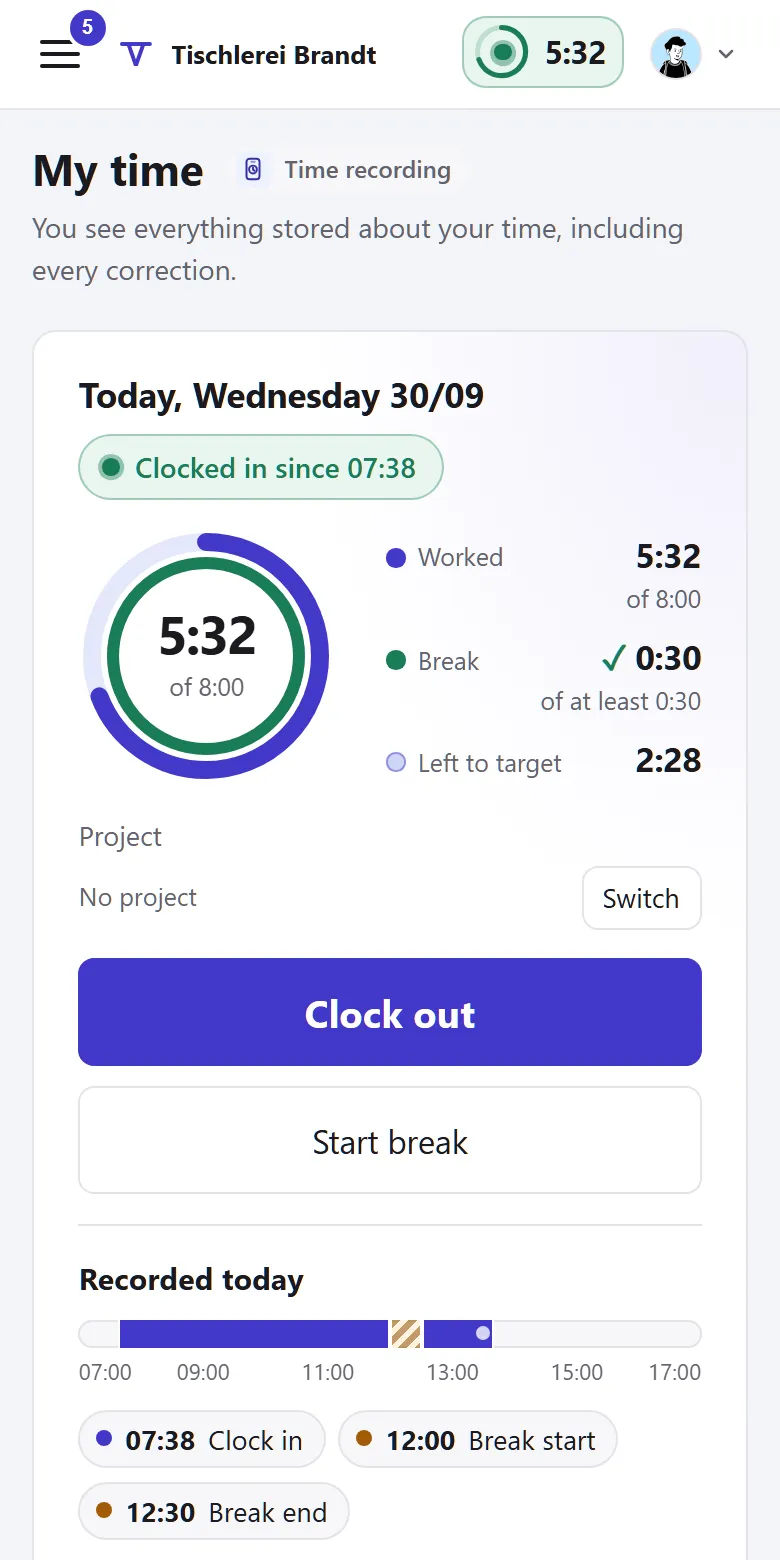
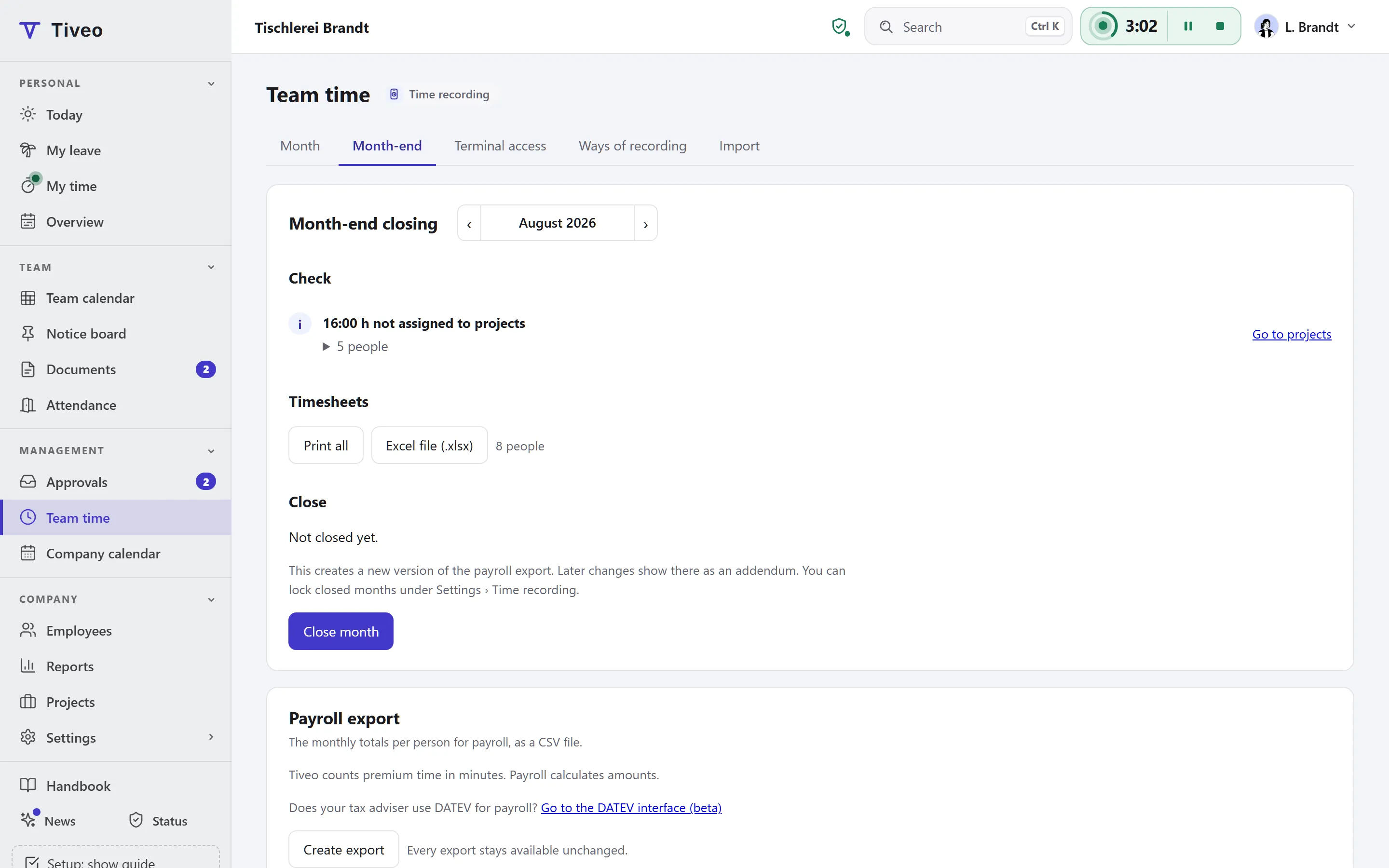
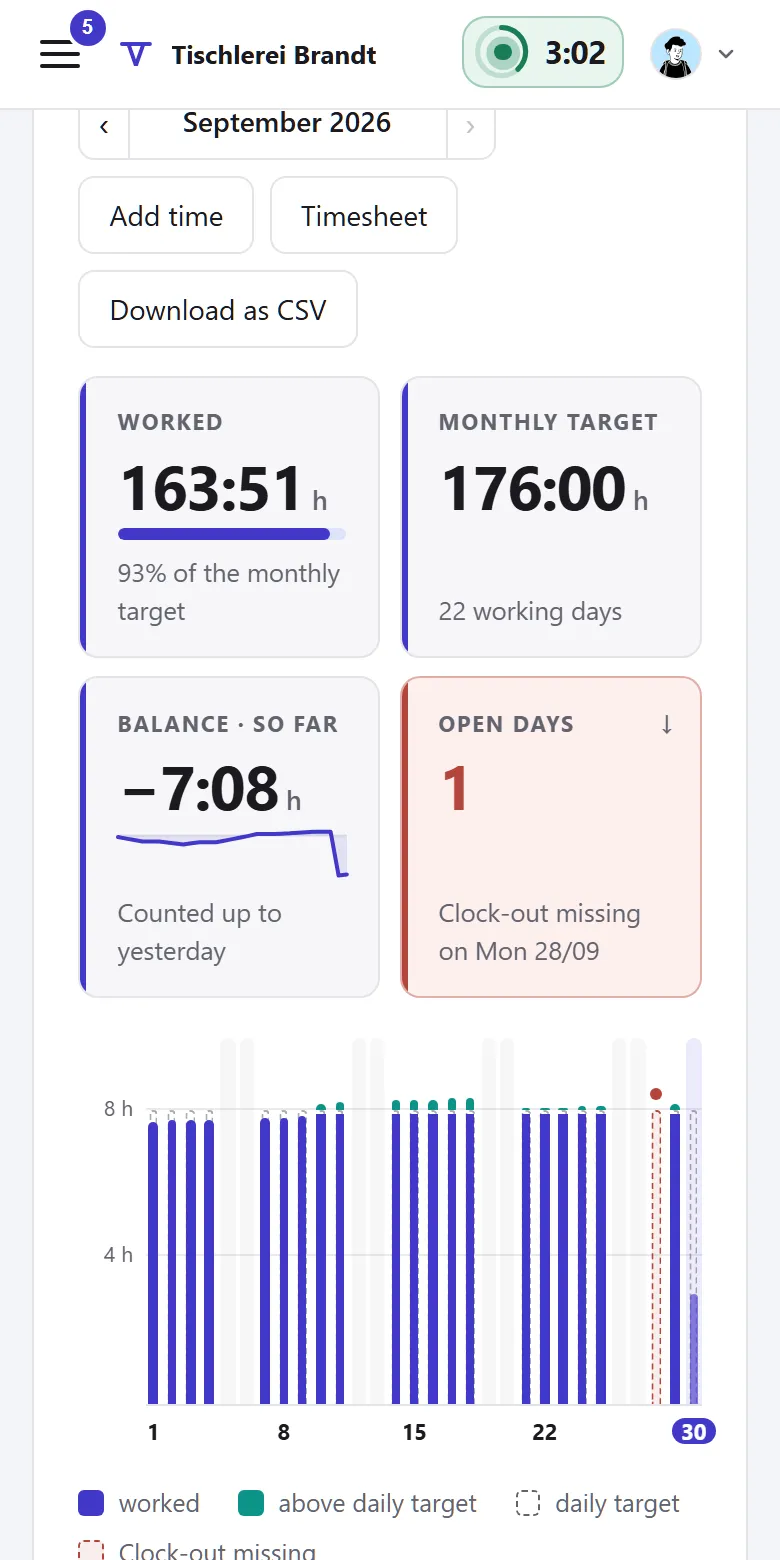
  • Time recording
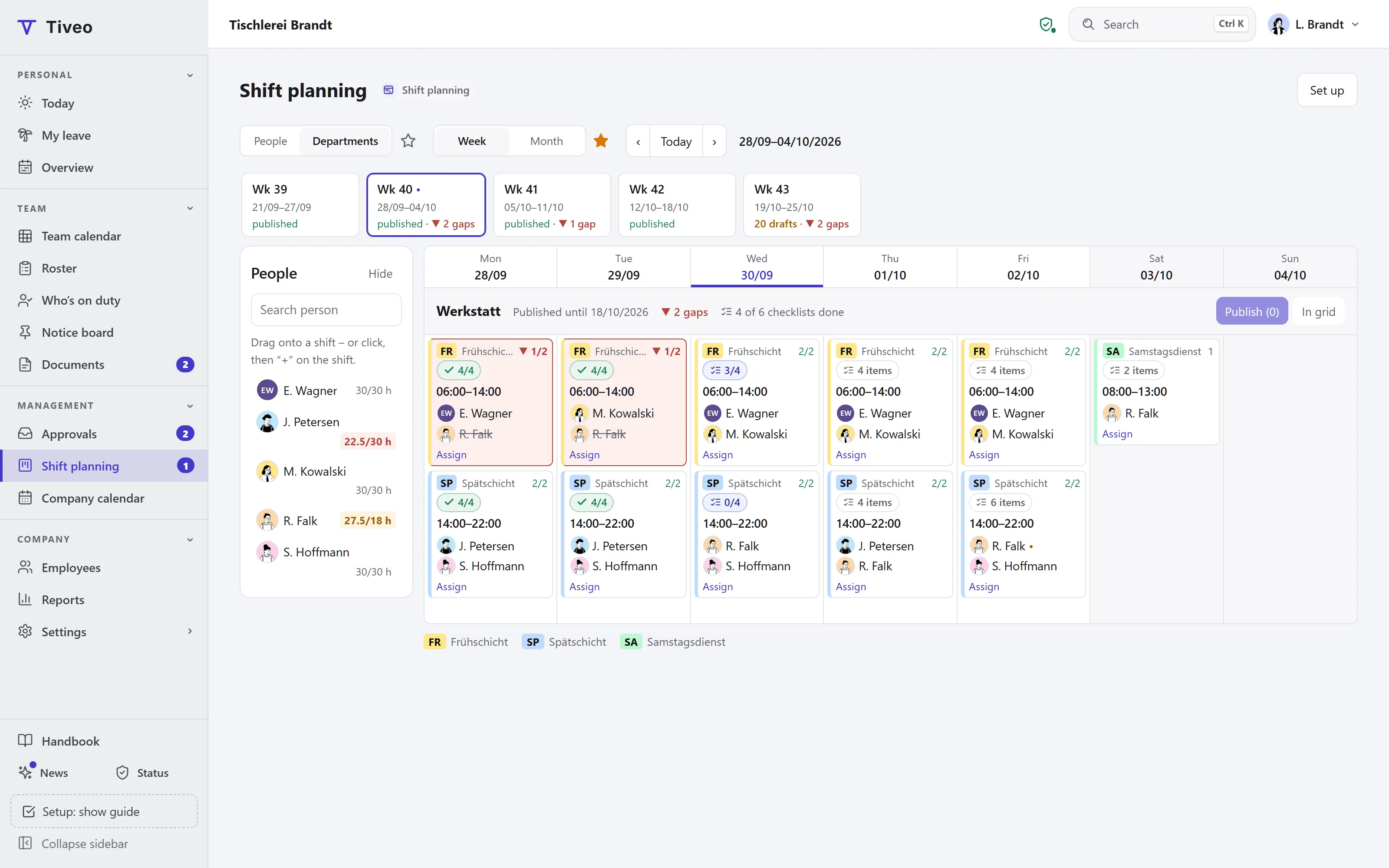
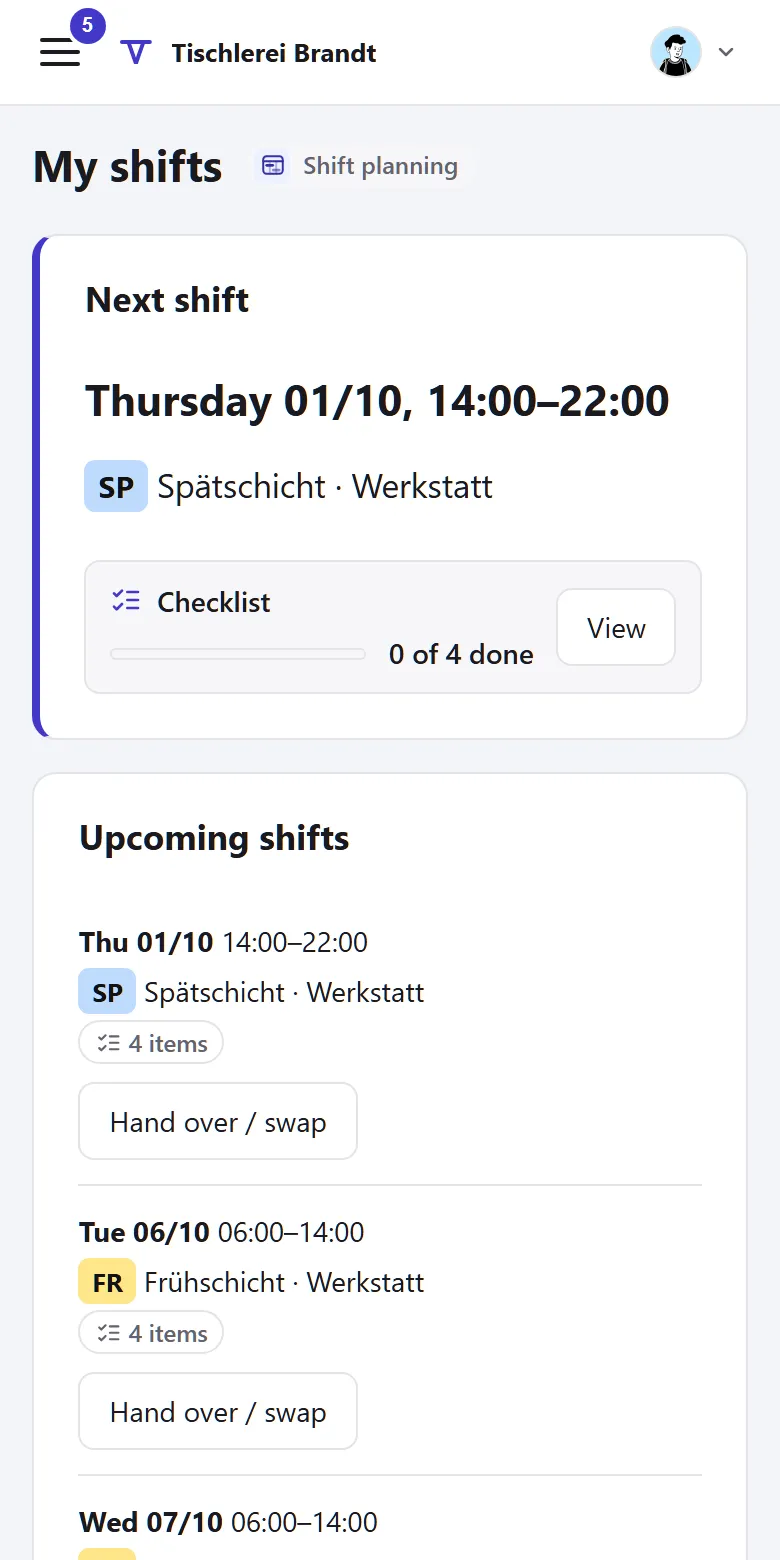
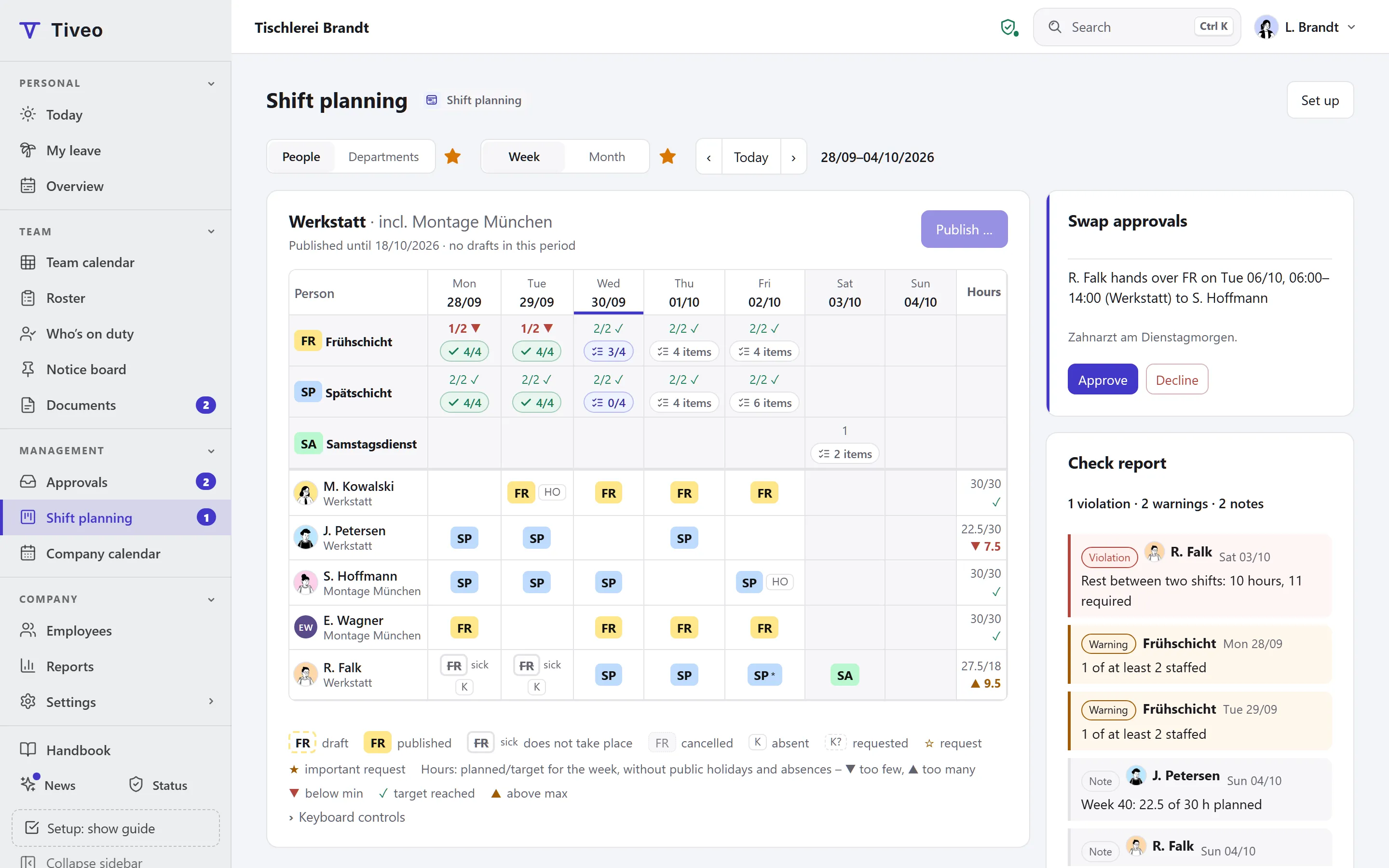
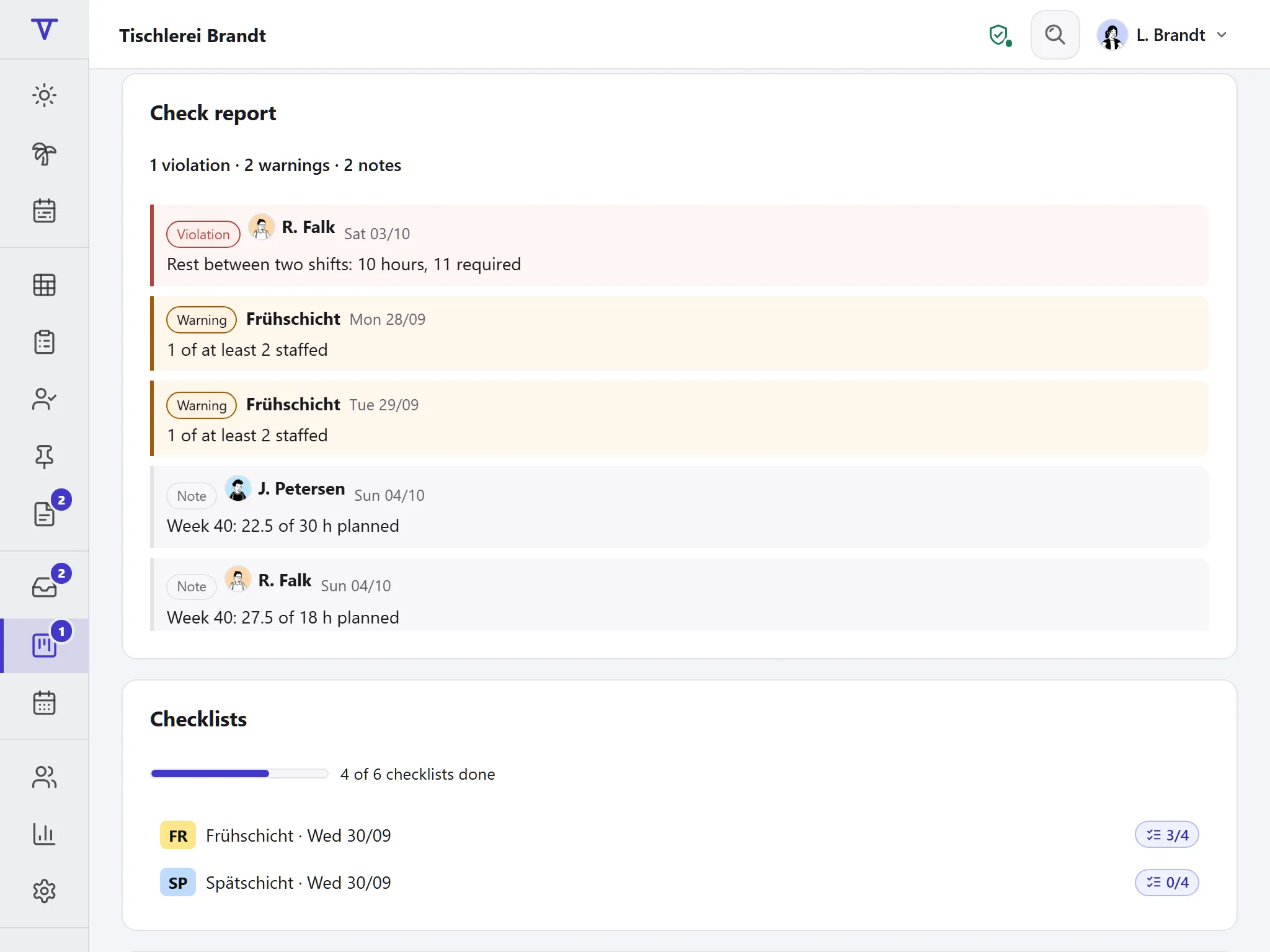
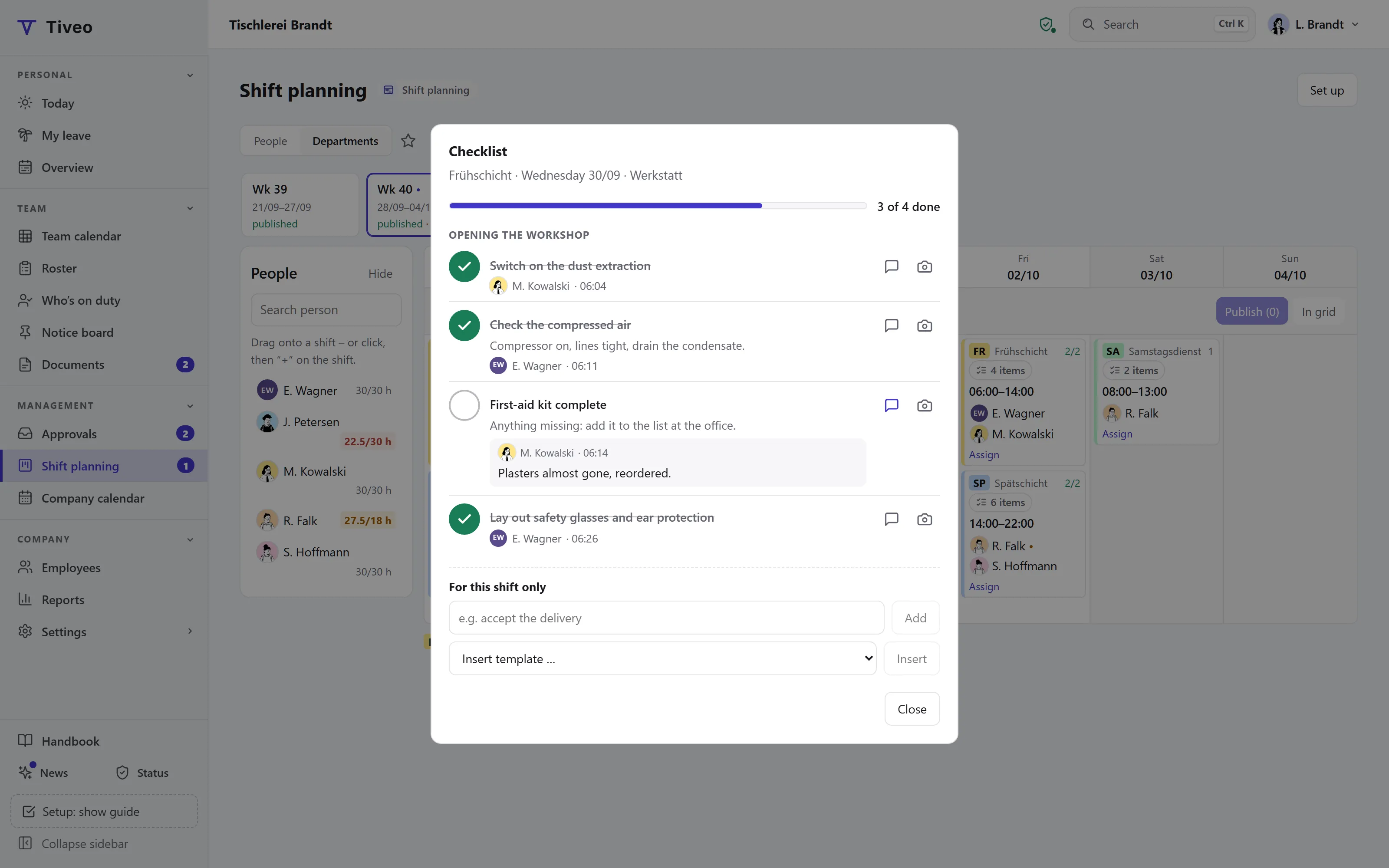
  • Shift planning
  • Qualifications (not in use)
  • Vehicle logbook (not in use)

Templates for your industry

A practice plans differently from a care ward, so each industry template brings its usual shifts and staffing.

What works councils and data protection officers ask

You can download every document before signing up.

  • Servers in Germany

    Database, files and email are with providers based in Germany.

  • Data processing agreement (Art. 28 GDPR)

    Pre-filled and ready to download.

  • Template works agreement

    If you have a works council, adapt the Word file for them.

  • Sickness reasons stay private

    Colleagues see “absent”; only managers and HR see the reason.

The application is new

The leave calculation behind it has been maintained in the leave planner for Excel since 2017, across 67 releases. Who is behind Tiveo 

Every module is included from Team

Free for up to 5 employees with absences and shift planning, then priced by headcount. You can try a paid plan of your choice free for a month.

All plans and features compared →

Plan FreeTeamBusinessCompany
Employees up to 5up to 15up to 50up to 100
Price per month €0€19€59€119
All modules ✓ ✓ ✓

Common questions

If your question isn’t here, ask the developers directly.

Ask a question
Where is our data held?

The database and files are on a server in Germany that we run ourselves; the sign-in protection runs there too. Email and program files are with a hosting provider, also in Germany. The full list is on the “Security” page and in Annex 3 of the data processing agreement.

Can colleagues see why someone is away?

For each type of absence you decide who sees the reason. For sick leave, colleagues only see “absent” by default. The reason is never even sent to their browser.

Does everyone need an account?

No. You can plan for everyone without anyone signing up. Emails, such as the reminder before leave expires, then only reach people with their own access; you tell the others yourself.

Do the modules cost extra?

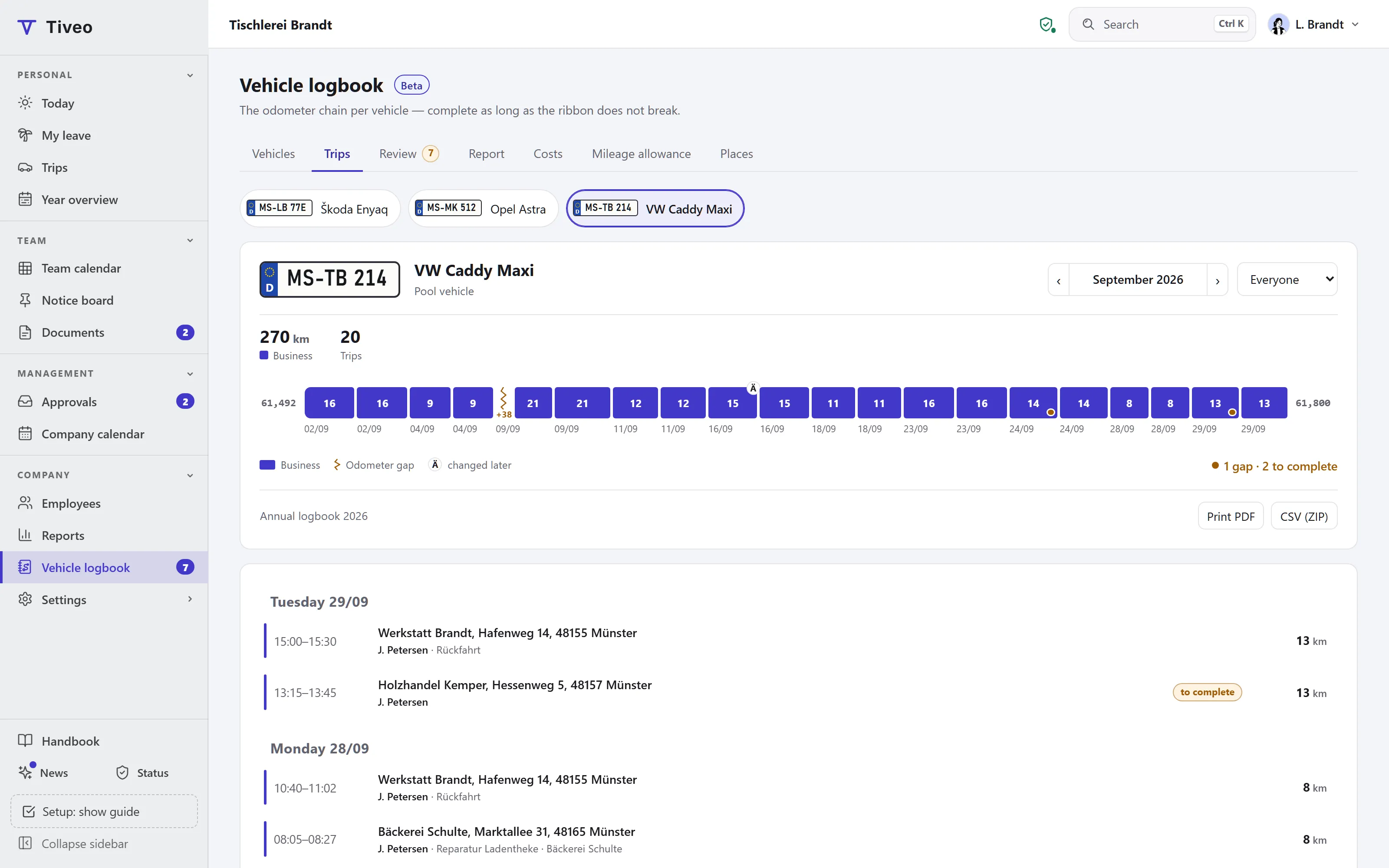
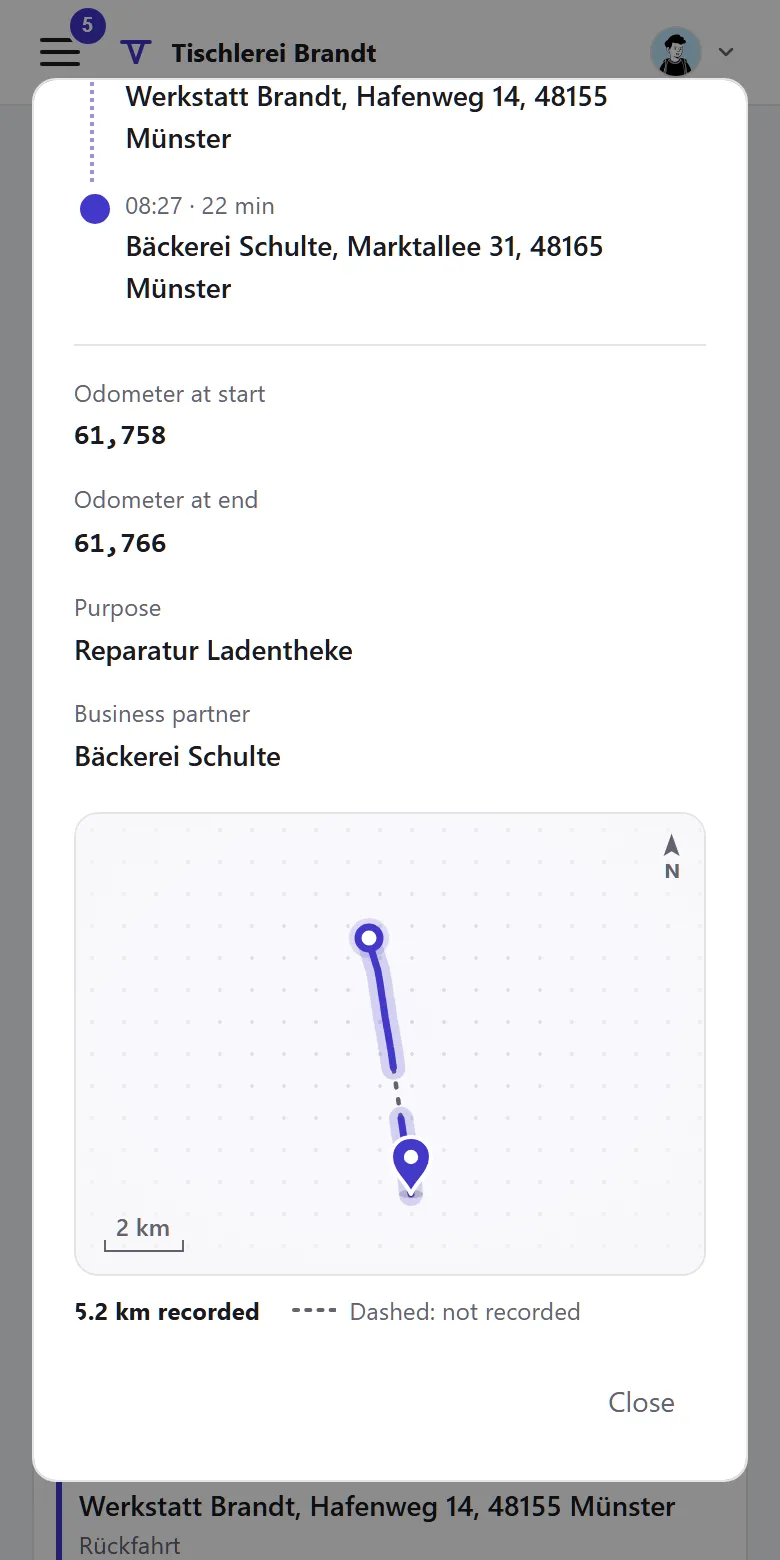
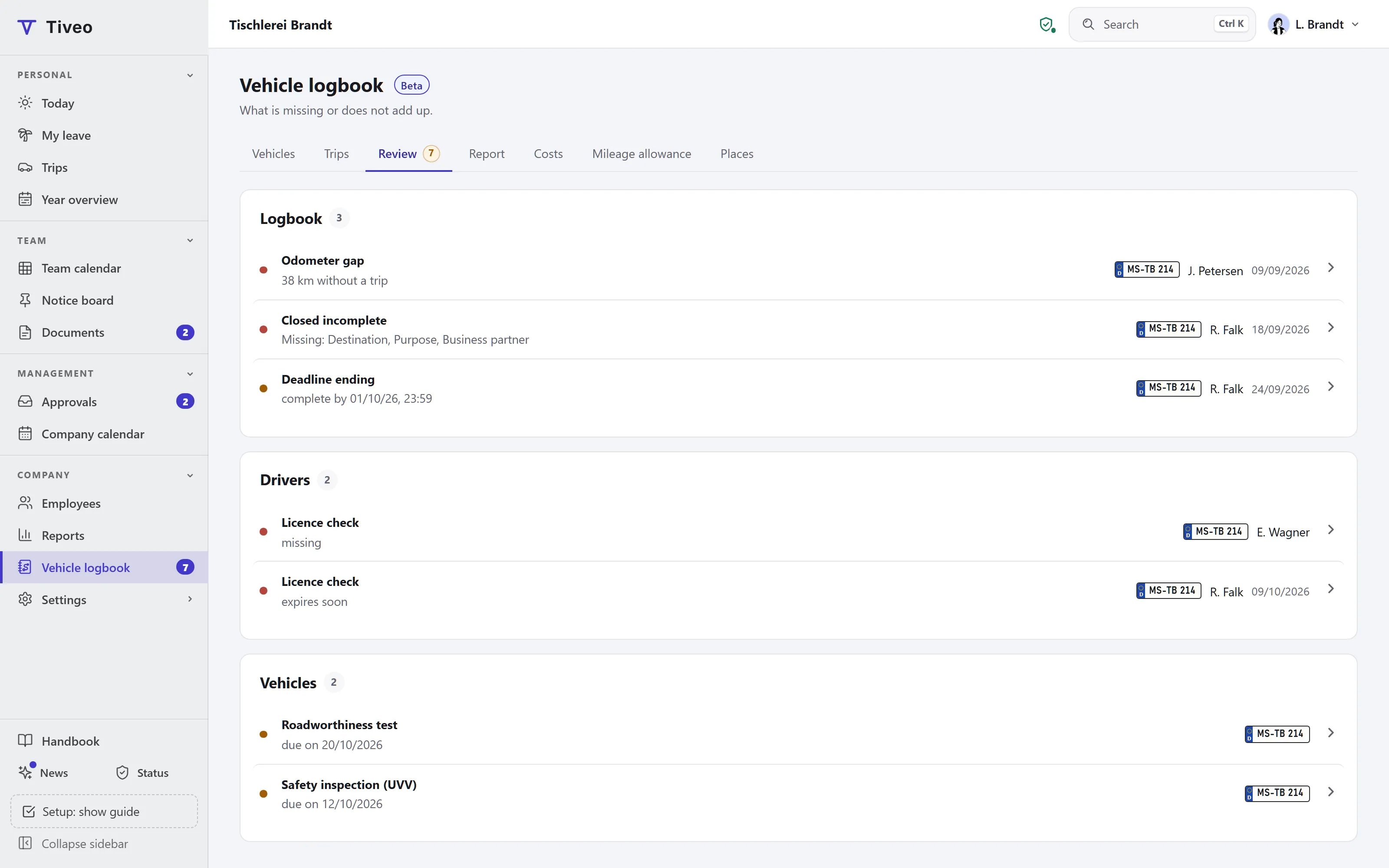
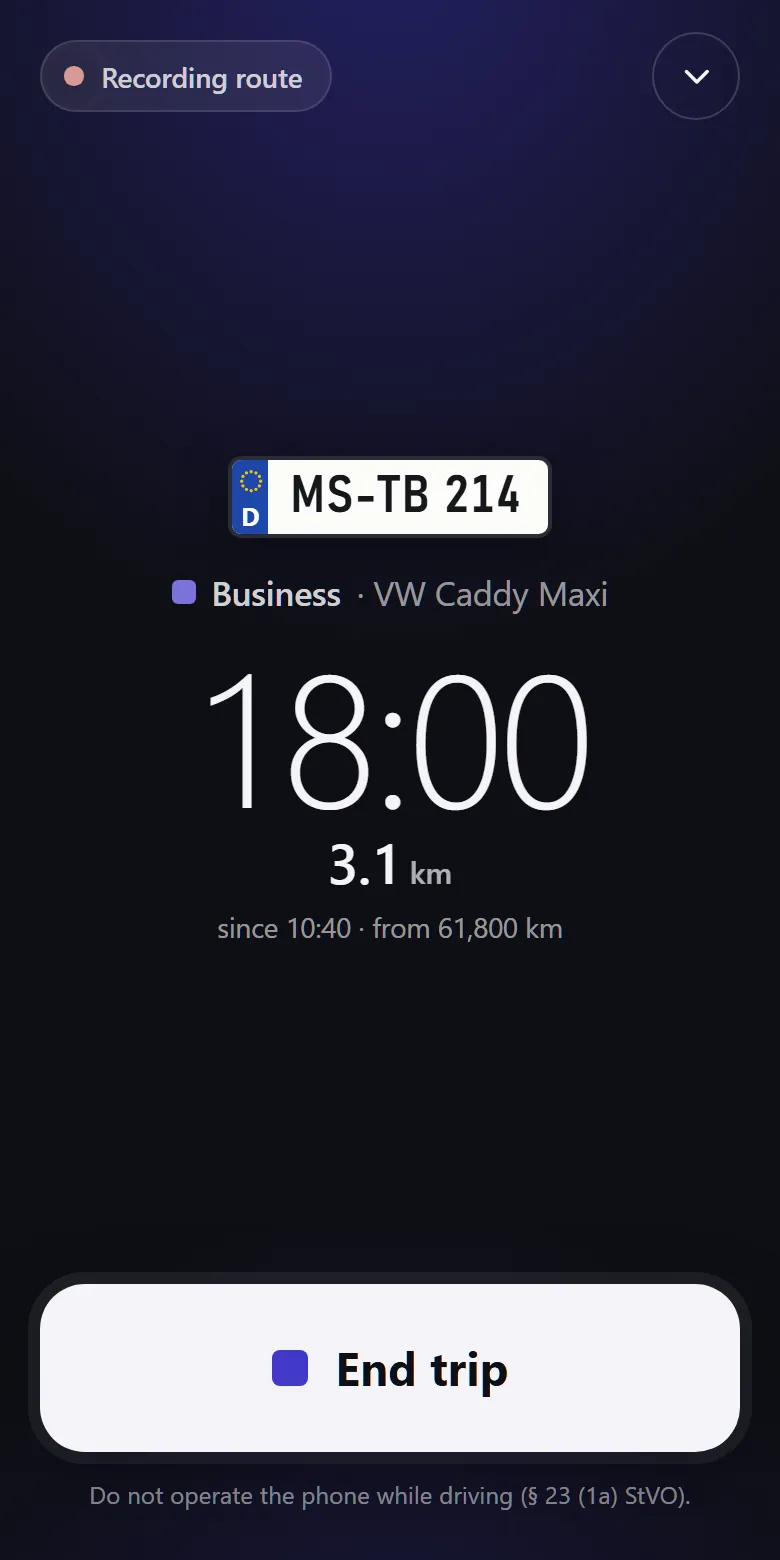
No. The paid plans include every module, the free plan absences and shift planning. Switch time recording, shift planning, qualifications and the vehicle logbook (beta) on when you need them.

Is there an app, and push notifications?

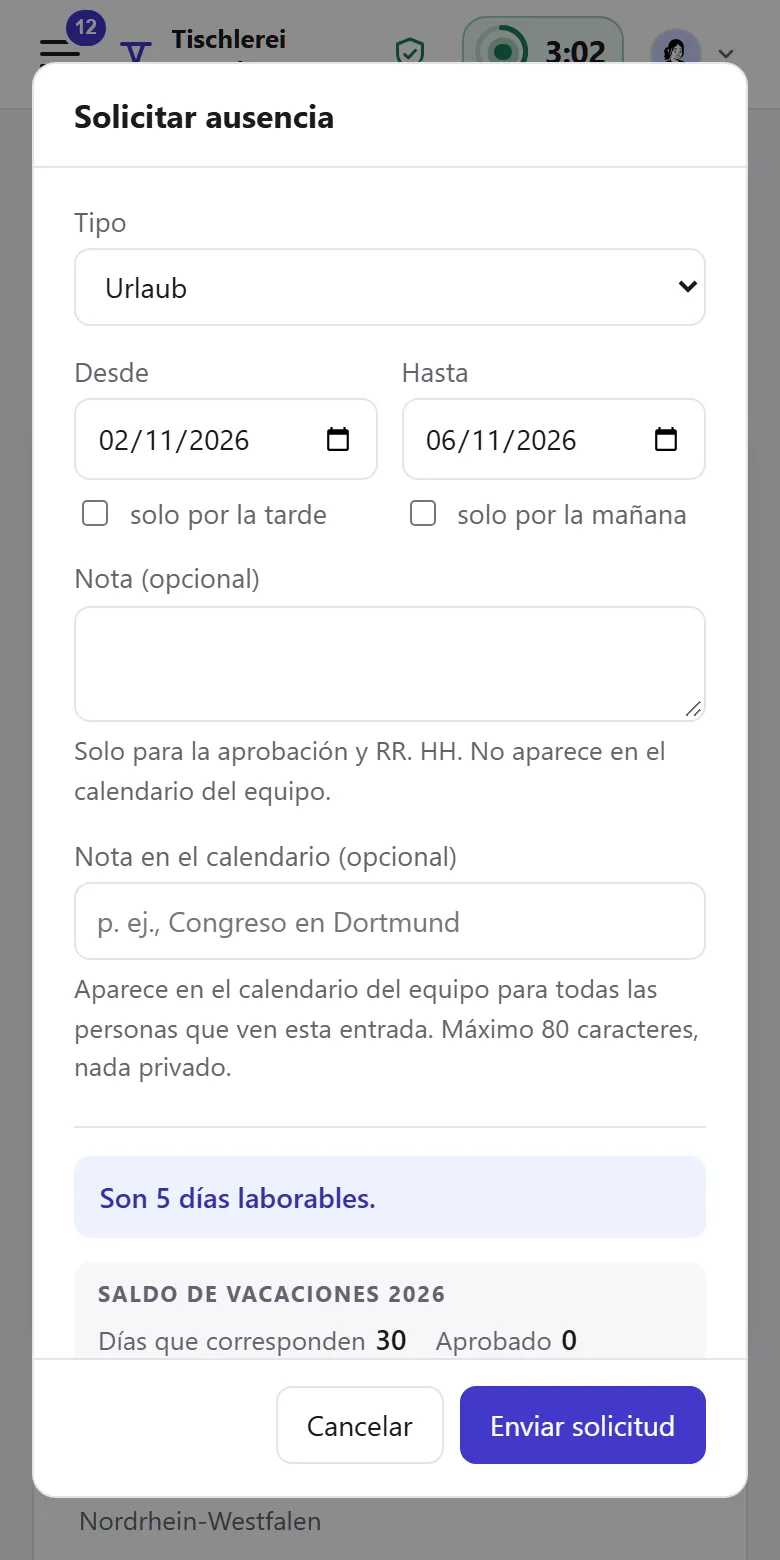
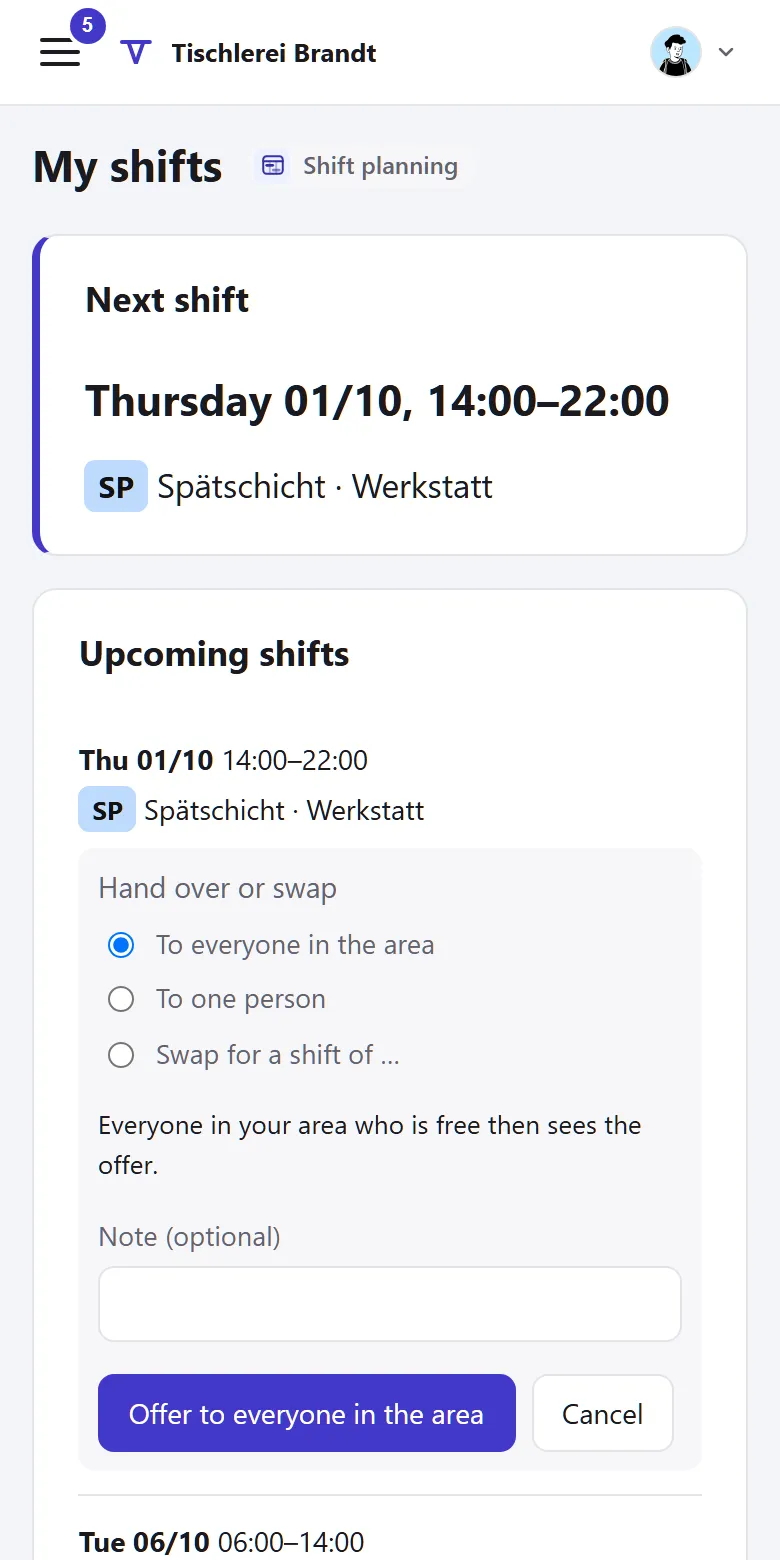
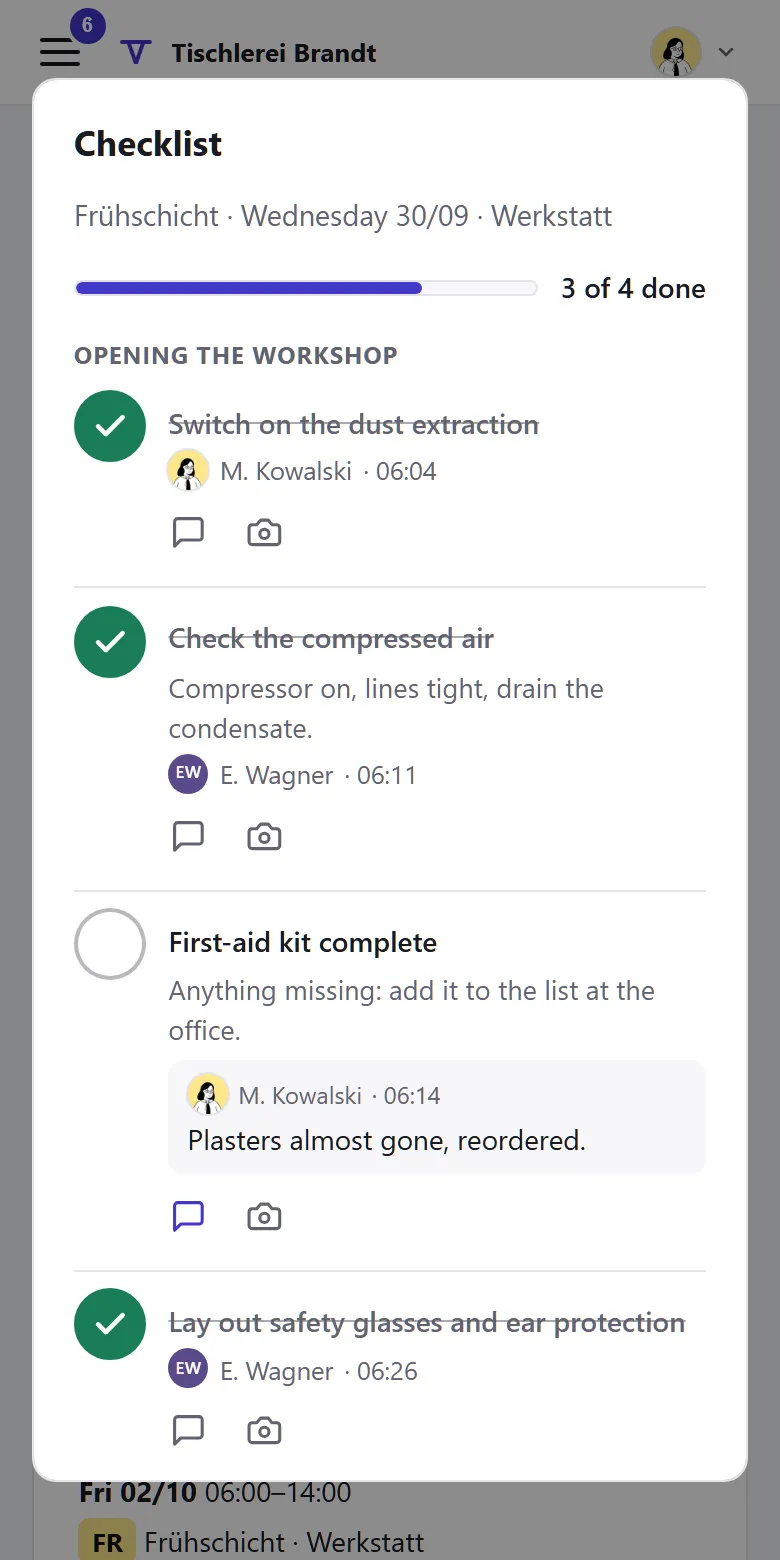
Tiveo runs in the browser and can be installed as an app, no app store needed. Employees read the interface in ten languages; emails and administration stay in German or English. Each person switches push notifications on per device; they name only the occasion, such as “New notice”, never names or dates. On iPhone and iPad this works in the installed app.

Does Tiveo calculate entitlements correctly?

Tiveo calculates by the statutory rules and by your settings, including the cases that are commonly got wrong: pro-rata entitlement under § 5 BUrlG, moving to part-time, expiry only after a timely reminder. Collective agreements are taken into account as far as you set them up; none of this replaces a legal review.

What happens if we cancel?

If you only cancel the paid plan, you carry on in the free plan with all your data. If the contract ends altogether, you have 30 days to export, as CSV files or a full export. After that we delete your data, except what we are required to keep.

Set up your account in ten minutes

Or look round the demo first, with sample data and no sign-up.